
Android
Best Android UI skins you should consider before buying a smartphone – Find out Which smartphone company has best software

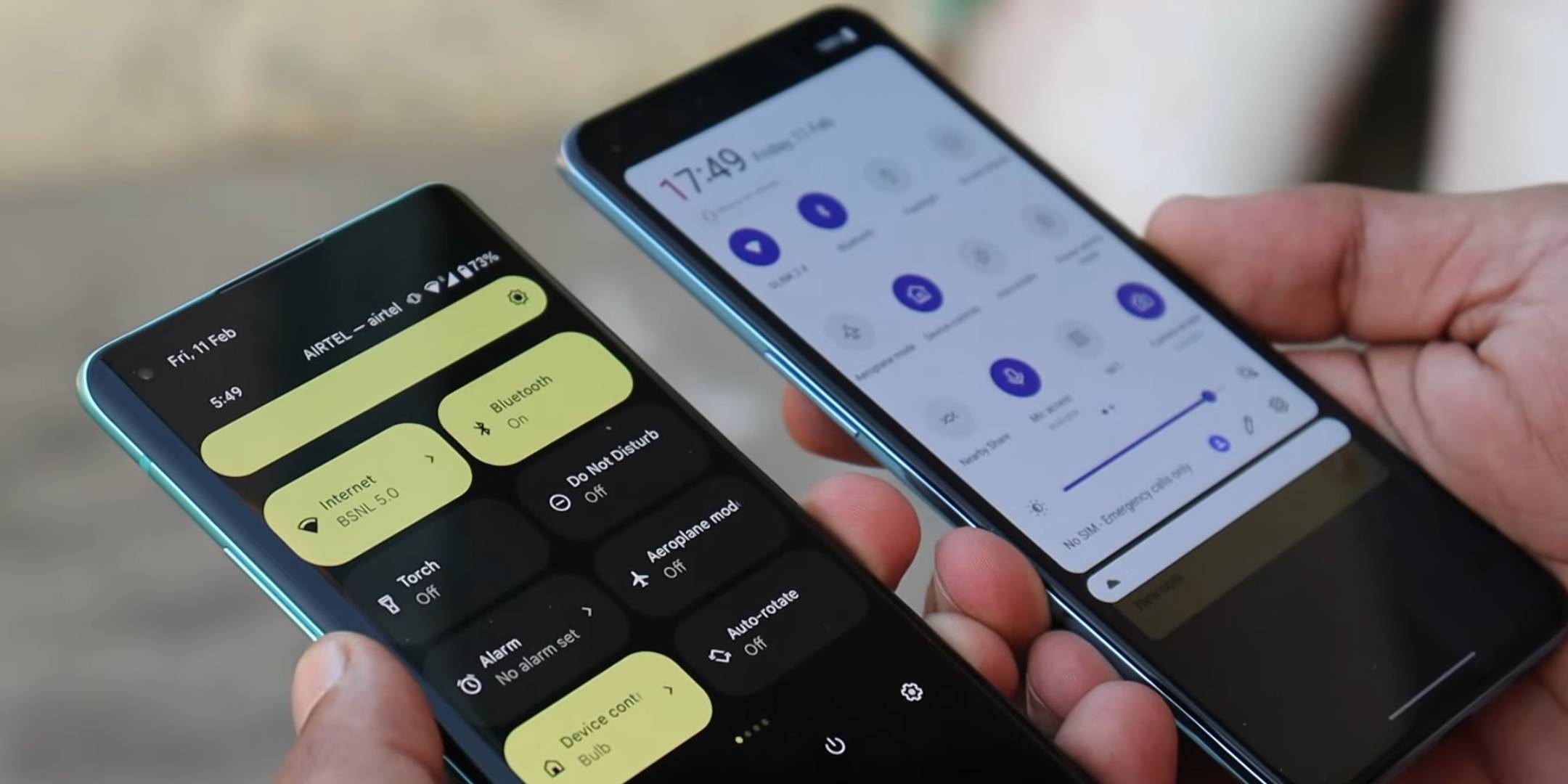
Google releases an open software called ANDROID open source Project (AOSP) and several smartphone companies use this software in their phones. But before using it, they modify the software to change its user interface or add or remove any features/option to what Google has originally provided.
So here are the best ANDROID SKINS in Descending order-
7. FUNTOUCH OS (Vivo & iQOO)
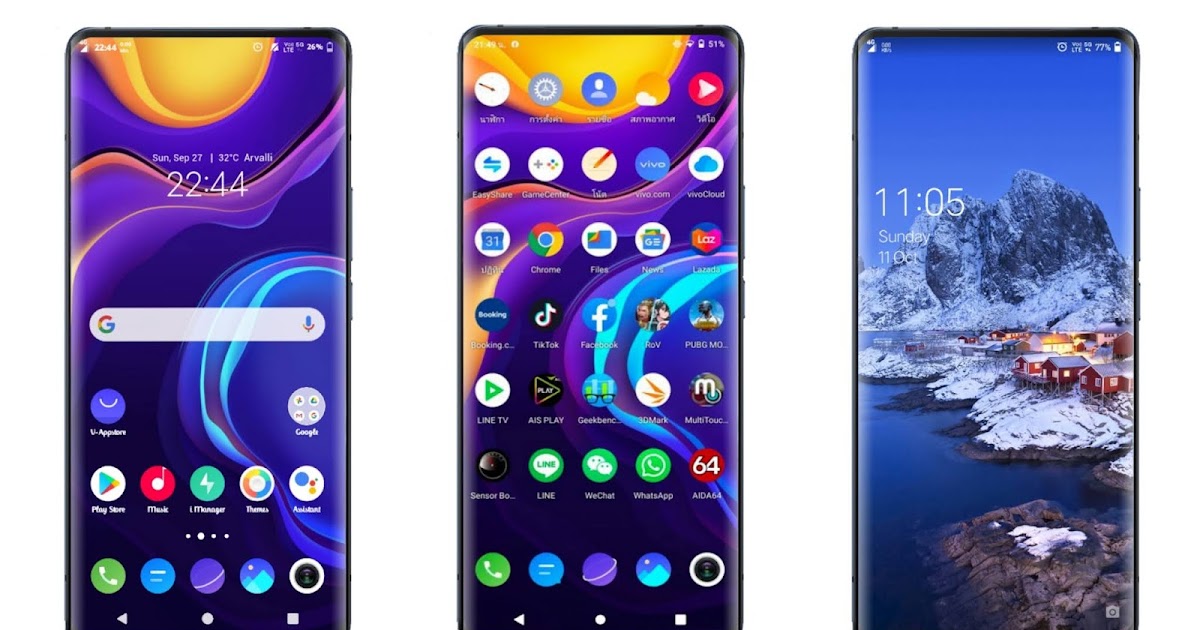
This android skin is used by the likes of vivo and iQOO. They improved a LOT recently, but there is still so much bloatware and updates and bug fixing are mediocre. VIVO AND IQOO provides only 2 OS Updates even for flagship devices.
6. MIUI (Xiaomi & Poco)
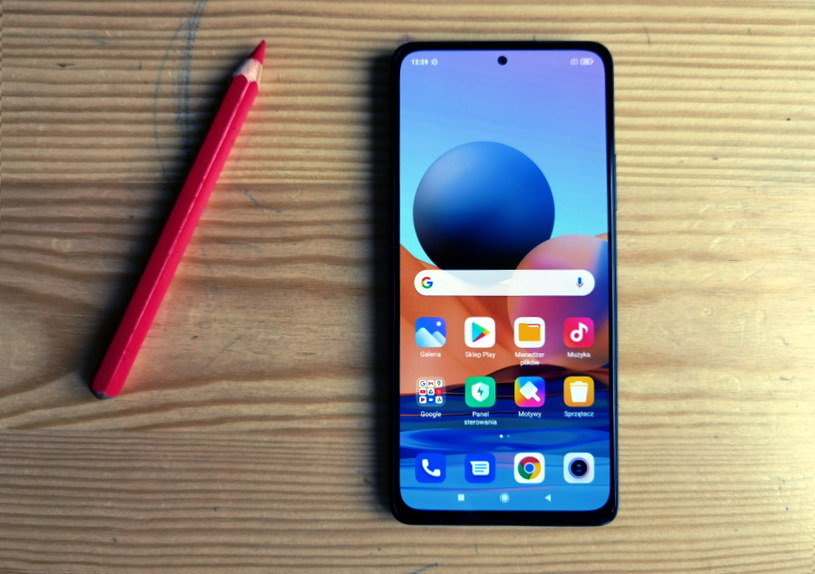
This is a fork of the Android OS. MIUI is a favorite customizable Android skin back in Google Nexus days. After Xiaomi is doing well with their phones recently Miui is lot improved. But still There are ads , Bloatware and bugs in Miui. This is a heavy skin with tons of customizations and themes.
Some fraction of People who bought Xiaomi device, unlock bootloader and flash a less heavy custom Rom instead of using Miui. Miui is used in Xiaomi and poco Devices. The version updates are faster but the Android version updates are slower.
5. MY UX (Motorola)

At one point, Motorola was owned by Google. With that in mind, it’s probably not surprising to learn that Motorola’s Android skin known as My UX is very similar to Google’s own Pixel UI skin. However, Motorola primarily makes budget and mid-range phones, and certainly makes a lot more of them than Google.
- It feels very much like Stock Android with less Bloatware and less heavy.
- But the software updates are late.
- Even for flagship,s Motorola promised only 2year of Major OS updates.
4. COLOR OS 12 (oppo & realme)
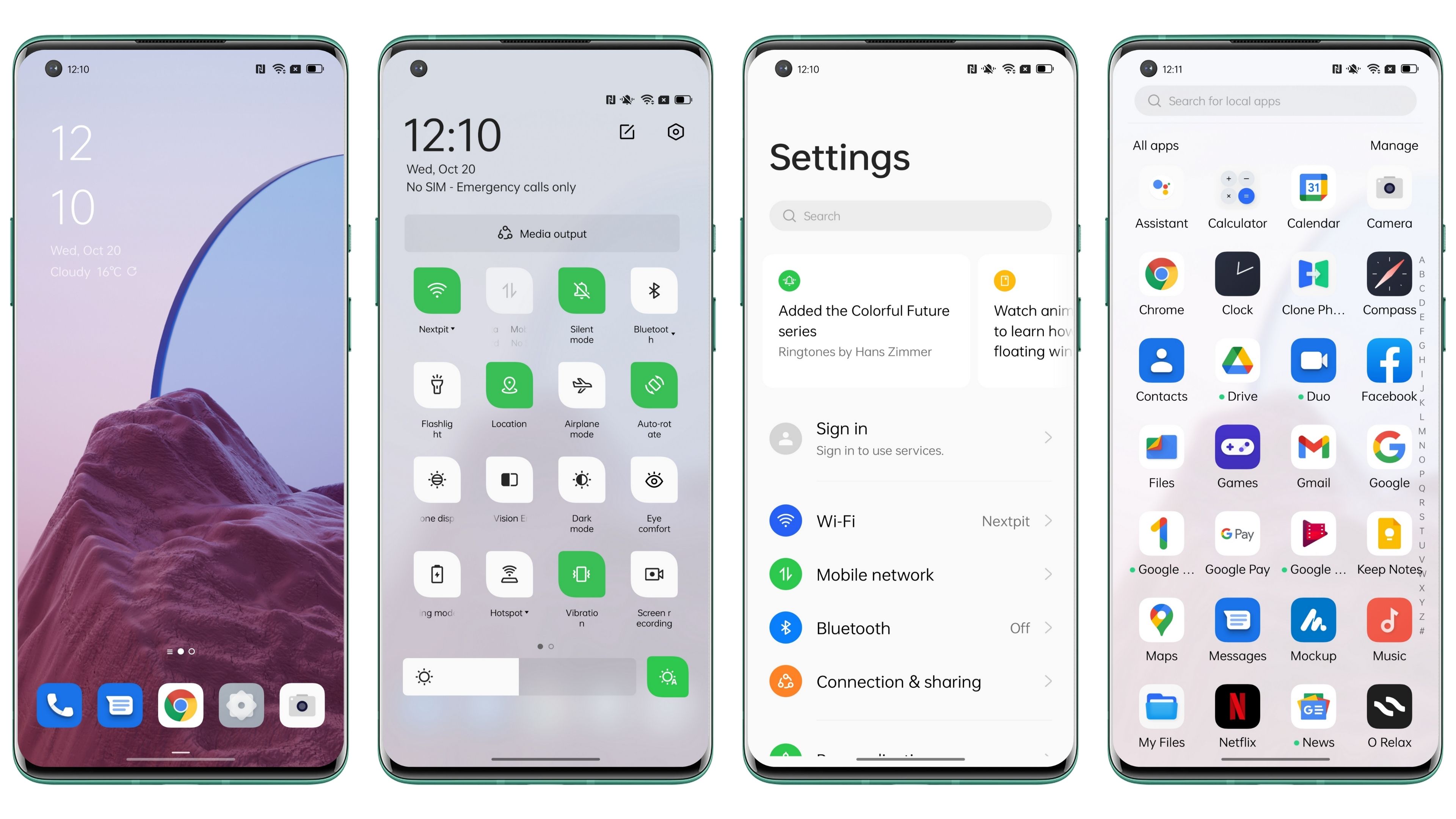
Color OS 12 is available on Oppo and Realme. Even though in Realme it’s called Realme UI, it’s basically pure Color OS. This Skin is so good in customization that the updates are also fast enough. But there is a significant amount of unnecessary Bloatware in Realme and oppo devices. Some u can uninstall and some u can’t. stability is very good in Color OS.
3. OXYGEN OS 12 (Oneplus)
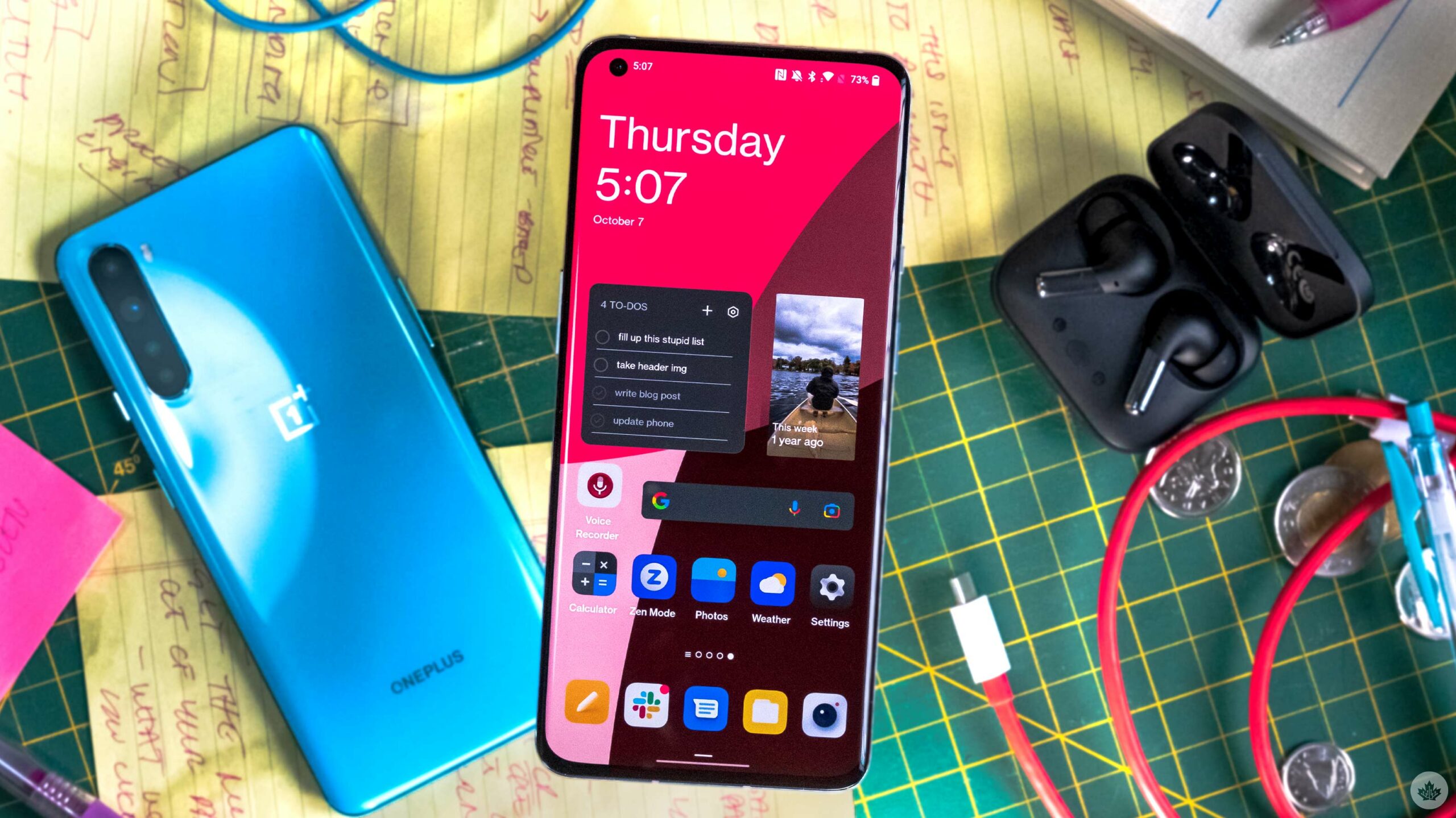
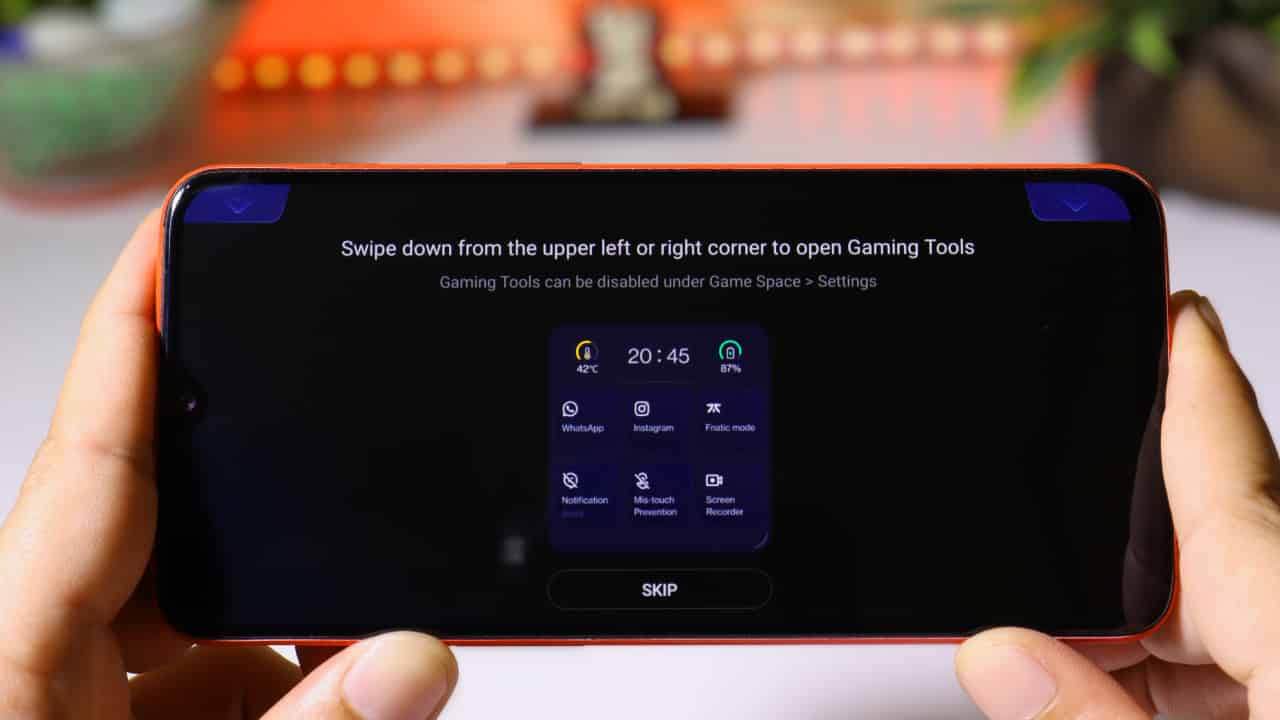
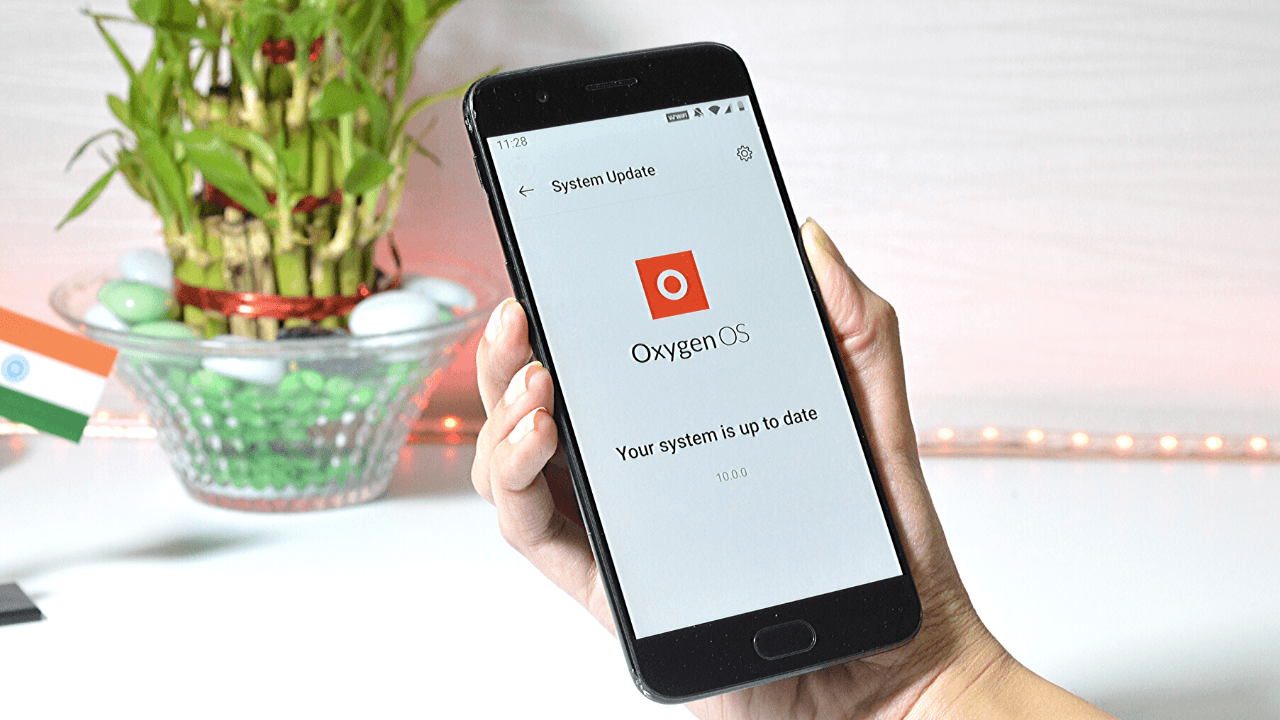
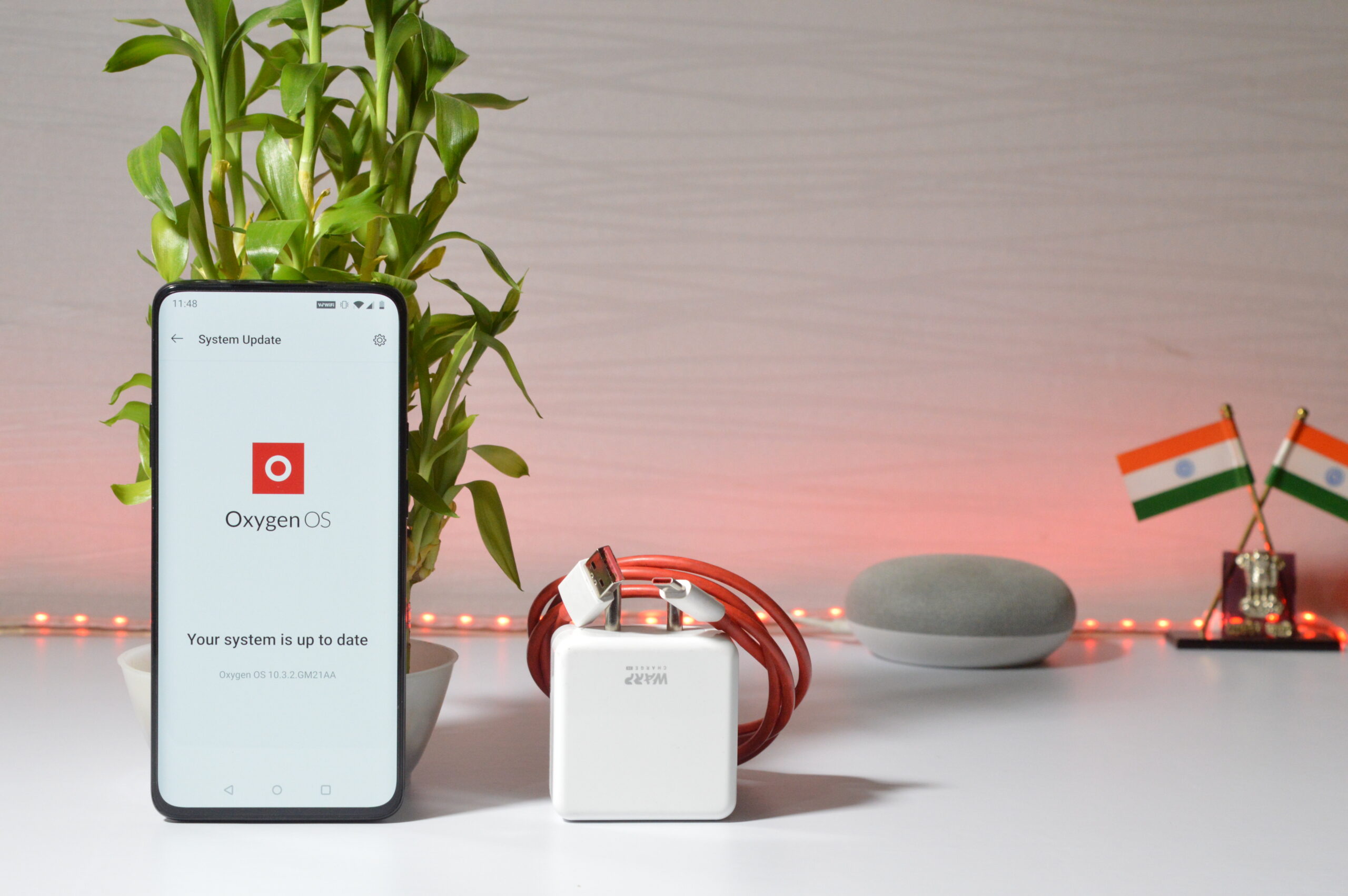
The words we used to hear about Oxygen OS are fast, snappy, and clean. But This is the most controversial move by OnePlus To Fully merge with oppo. So the pure stock feel of oxygen OS in oxygen OS 10 and 11 are replaced by Color os codebase customization with its UI and launcher. It’s still very good in stability and is battery friendly.
OnePlus updates are fast enough but recently they are slightly late and playing catch up. OnePlus provides 3 years of OS updates for Flagships.
2. ONEUI 4 (Samsung)

Samsung has once again outdone itself with the latest release of its Android 12/One UI 4 software update for its flagship wares. We’ve had to put up with sometimes excruciatingly long waiting times in the past, but in 2020 and 2021 Samsung showed that it can develop and push software updates exceptionally quickly, just a month or so after the official release of Android to the AOSP channel. This is the most improved software.
It is slightly heavy skin but features rich and stable. One UI updates are very fast in the android world. samsung recently promised 4 years of android os updates.
1. PIXEL STOCK ANDROID
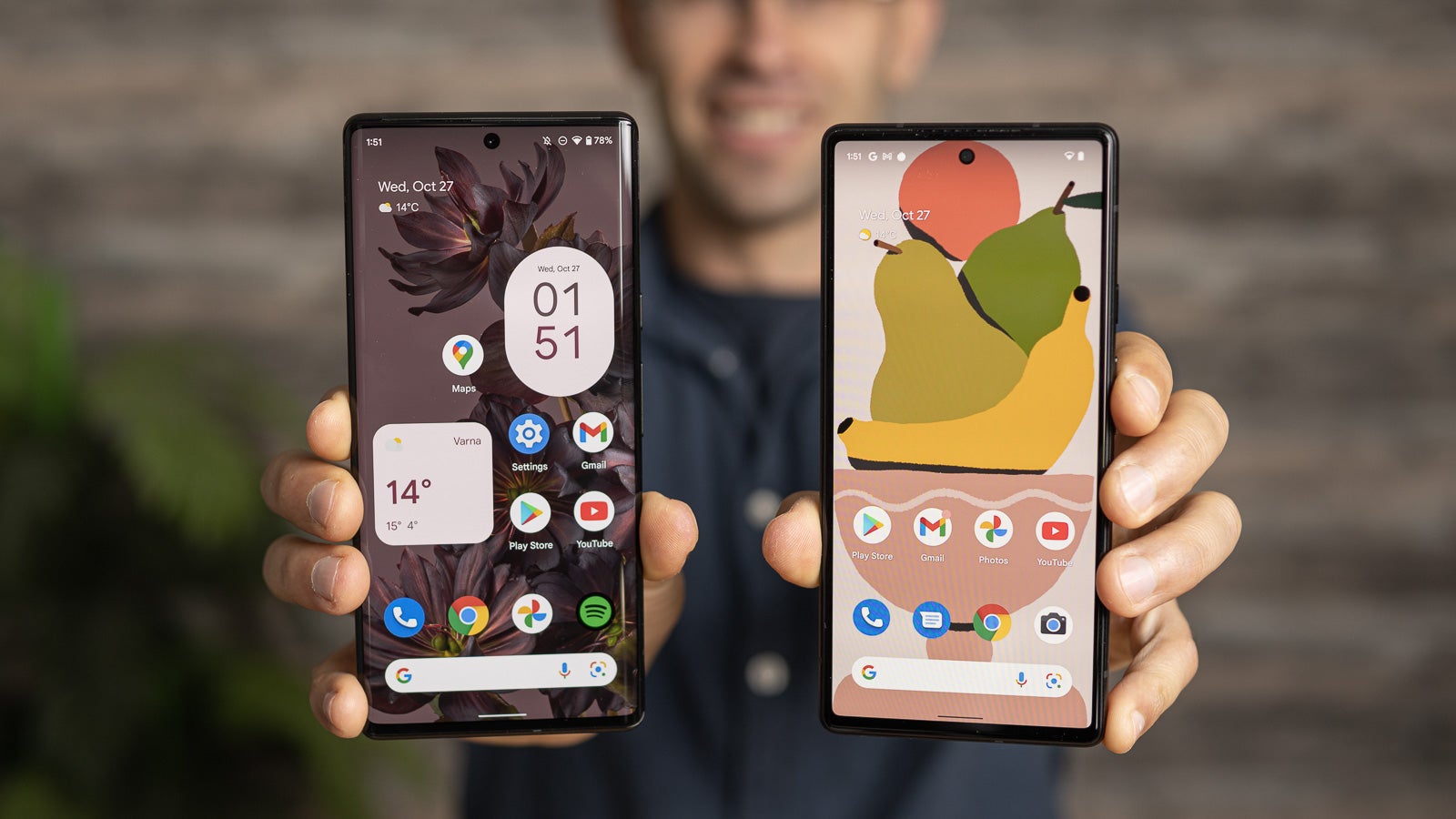
- This is the purest form of Android, What Google purely intended the Android should be. This software is exclusive to Google pixels.
- But recently they are facing backlash for not fixing so many encountered via Android 12 updates in Pixel 6 Pro.
- Nevertheless, this is great Software clean and snappy. No Bloatware nothing. Google also provides 3-year major os updates to its Pixel devices
Also read: Switch from iOS to Android easily with Switch to Android app By Google – Find how to do it
If you like our article then follow us on Google news, and Instagram, or join our Telegram Group. For the latest TechNews and Reviews, follow Techibee on Twitter and Facebook, and subscribe to our Youtube channel.
For More Such Updates Follow Us On – Telegram, Twitter, Google News, WhatsApp and Facebook



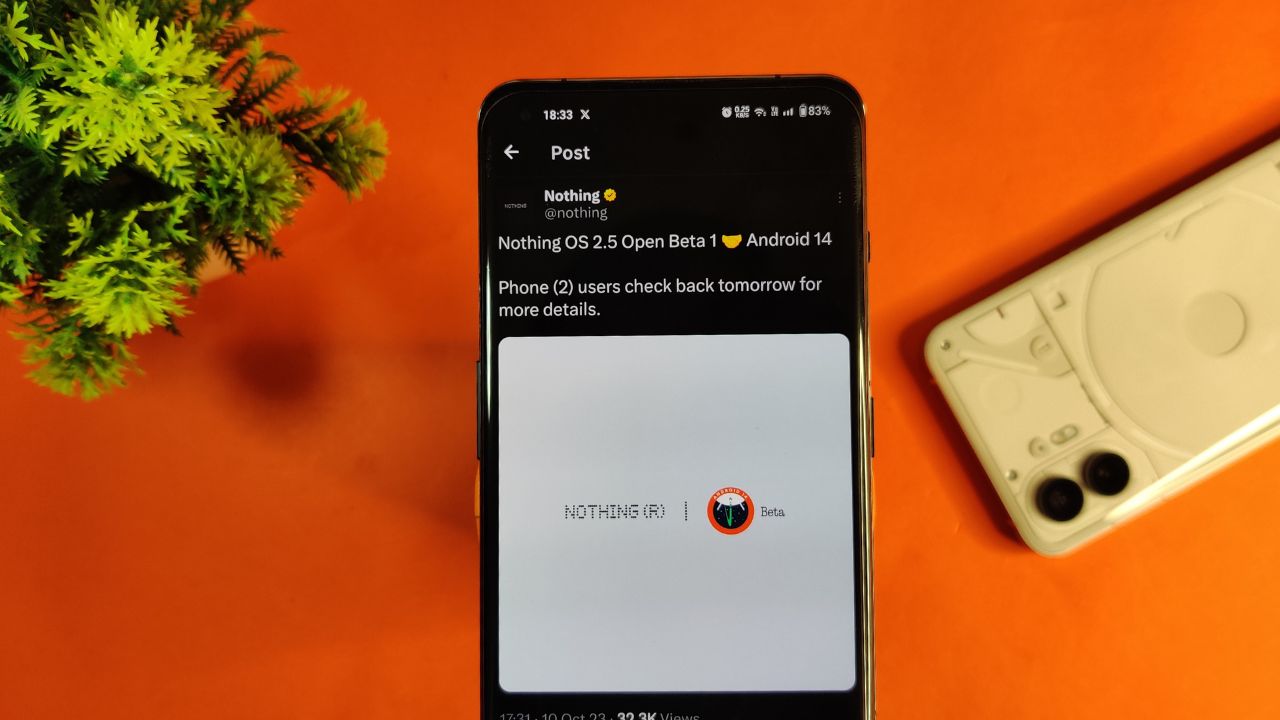
Nothing company has announced its next significant update “Nothing OS 2.5 Open Beta 1” for Nothing Phone (2) users. This new update is based on Android 14. Starting tomorrow, users of the Phone (2) can expect this update on their devices. If there are any special steps needed to install it, the company promises to provide guidance.
The announcement about Nothing OS 2.5 Open Beta 1 came via the company’s official X handle, which used to be known as Twitter. According to their post, more details about this update will be shared on October 11.
However, there’s a bit of a wait on the specifics. Nothing hasn’t yet confirmed the exact time the update will be released. So for now Phone (2) users have to wait for a little while until the next announcement from the company.
For More Such Updates Follow Us On – Telegram, Twitter, Google News, WhatsApp and Facebook
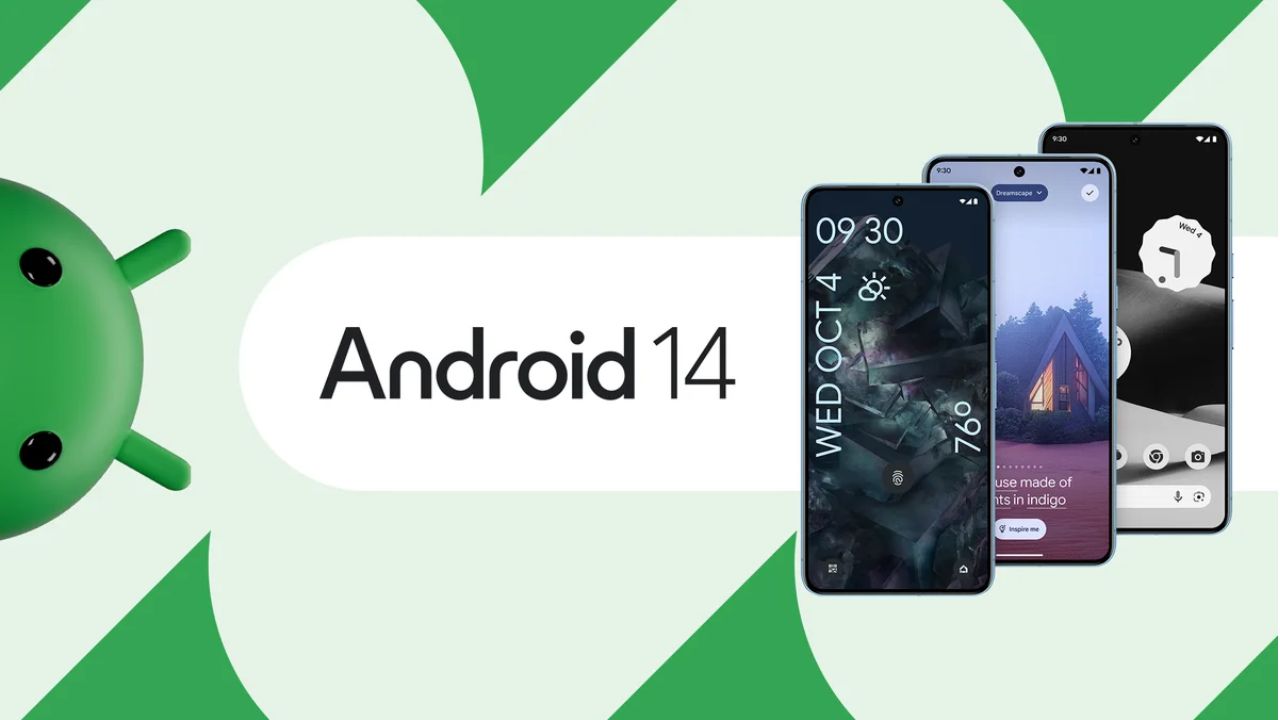
Google’s Pixel devices are now receiving the much-awaited Android 14 update. This follows a preview program that began in February, where several previews and betas were issued. If you own a Pixel 4a 5G or a later model, you can download this latest Android version.
It’s not just Pixel users who can look forward to this update. Companies like Samsung, iQOO, Nothing, OnePlus, Oppo, Realme, Sharp, Sony, Tecno, vivo, and Xiaomi plan to release Android 14 updates for their devices soon.
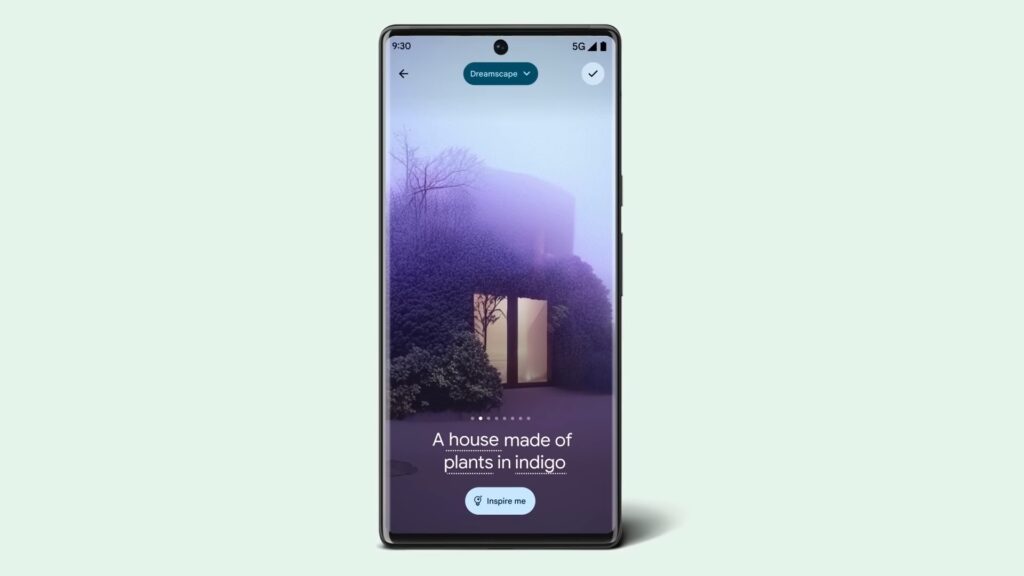
A highlight of Android 14 is its customization features. Google had hinted at these earlier, and now they are a reality. Generative AI wallpapers are making their debut on Pixel 8 and Pixel 8 Pro, backed by advanced text-to-image diffusion models.
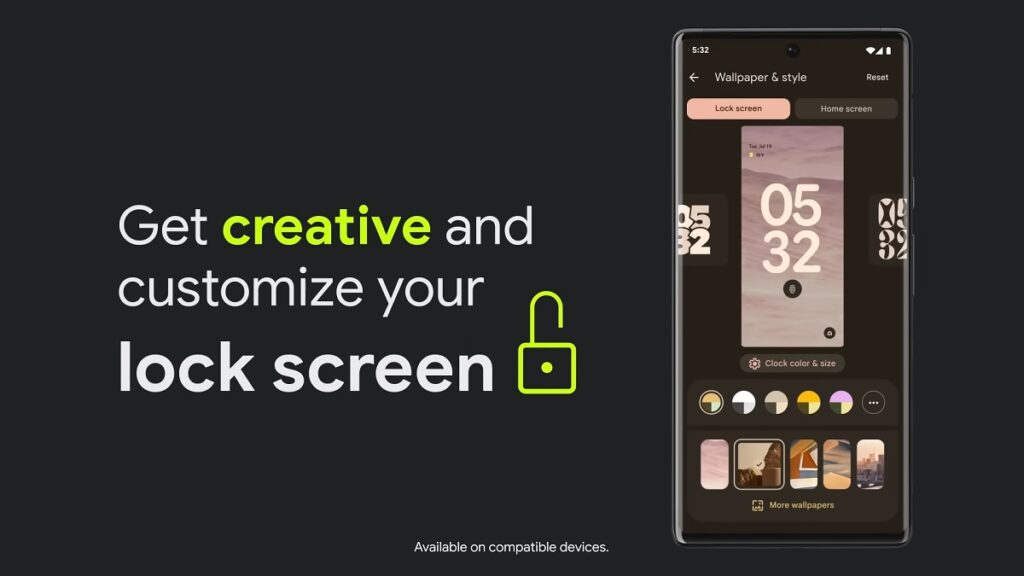
Lock screen personalization has also leveled up. Users can change font styles, choose from different color palettes, and add custom widget shortcuts. This makes it quick and easy to access tools like the QR reader or the Google Home app. There’s even a new feature where the home screen templates adjust dynamically. For instance, if there’s a storm approaching, the weather app widget becomes more noticeable.
Photography enthusiasts will appreciate Android 14’s support for HDR images. The Ultra HDR feature enhances photo quality, making pictures look more vibrant. Audio enhancements are also part of the package, with the inclusion of native spatial audio support, a new media player, and a cross-device copy/paste function.
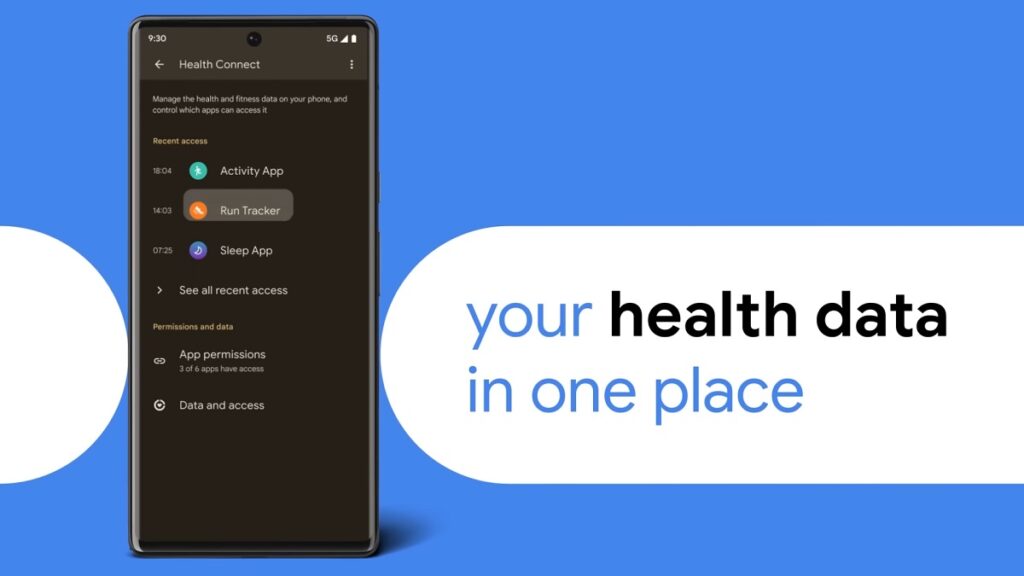
Prioritizing user privacy and security, Android 14 introduces Health Connect. This feature securely stores and encrypts personal health data directly on the device. Users will now also receive alerts if apps want to share location data with third parties, and they have the option to decline such requests.
Improvements extend to passkey features. Android 14 offers enhanced support for fingerprint authentication in external apps. Additionally, there’s a revamped 6-digit PIN lockscreen option.
Accessibility has also been a focus for this update. Users can now magnify content more effectively using the pinch-to-zoom feature and select from various magnification sizes. The quick settings menu offers faster font size adjustments using nonlinear scaling, which makes text easier to read. Hearing aid users will find the dedicated setup in the Accessibility settings beneficial, along with expanded options to direct audio to different outputs.
For More Such Updates Follow Us On – Telegram, Twitter, Google News, WhatsApp and Facebook
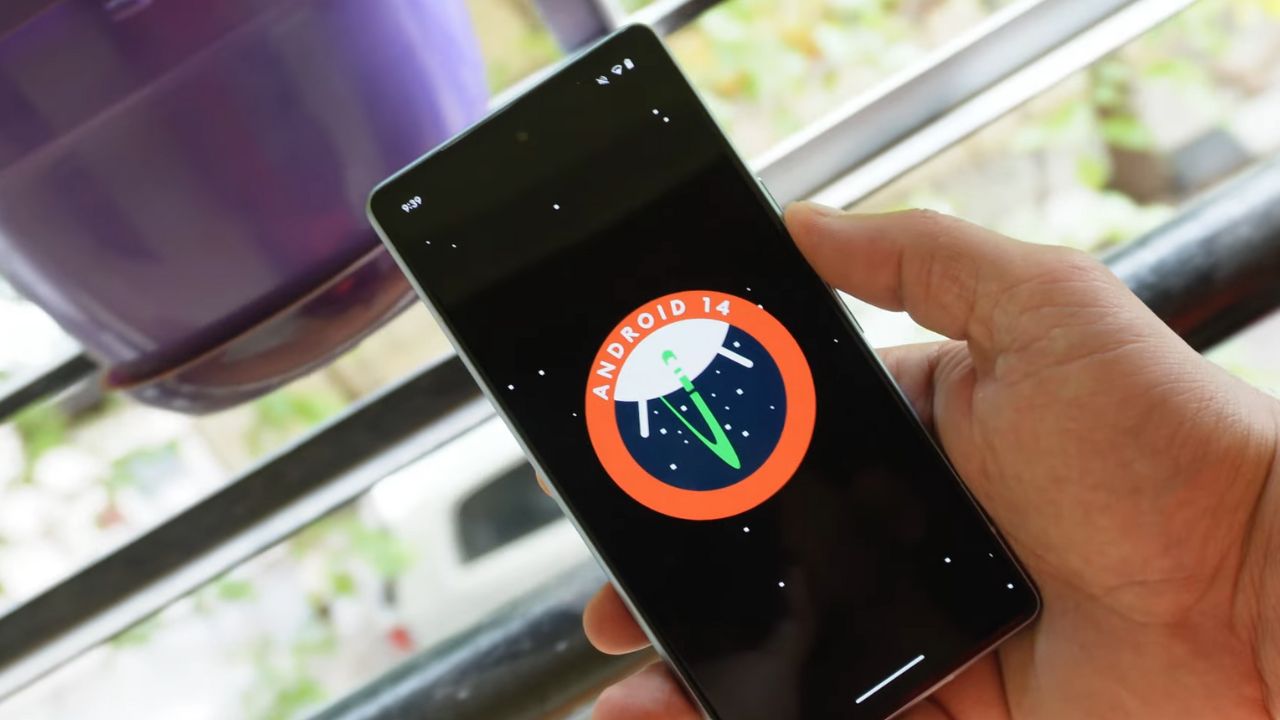
The release of Google’s Android 14 has been much awaited. The latest buzz suggested that it would be unveiled on the same day as the Pixel 8 and Pixel 8 Pro announcement on October 4. While this was initially just a rumor the latest information seems to add some weight to it.
Canadian carrier Telus has provided a clue. They listed software update start dates for the devices they sell. For all Pixel devices beginning with the Pixel 4a the name “Android U” was set for an October 4 rollout.
The term Android U stands for Android Upside Down Cake. This is the inside name for Android 14. Interestingly this detail on Telus’s list was later removed. This change might be because Google noticed the details circulating online and asked Telus to take the information down. This is just a guess. It’s not clear what really happened. There’s a small chance that the initial information was not correct.
But there’s not much waiting left. In less than one day everything will be clear. If Android 14 is set to release on October 4 it is likely that Google will announce it at its big event. So everyone should watch out for that. We will keep you updated on any new developments.
Update: Droid-life.com has updated their article, saying that the information has been removed from the Telus listing as of now.
For More Such Updates Follow Us On – Telegram, Twitter, Google News, WhatsApp and Facebook