
Android
Color OS 12.1 Closed Beta 5 Released For Oneplus 7, 7 pro, 7T, 7T Pro – Download The Full Zip Here

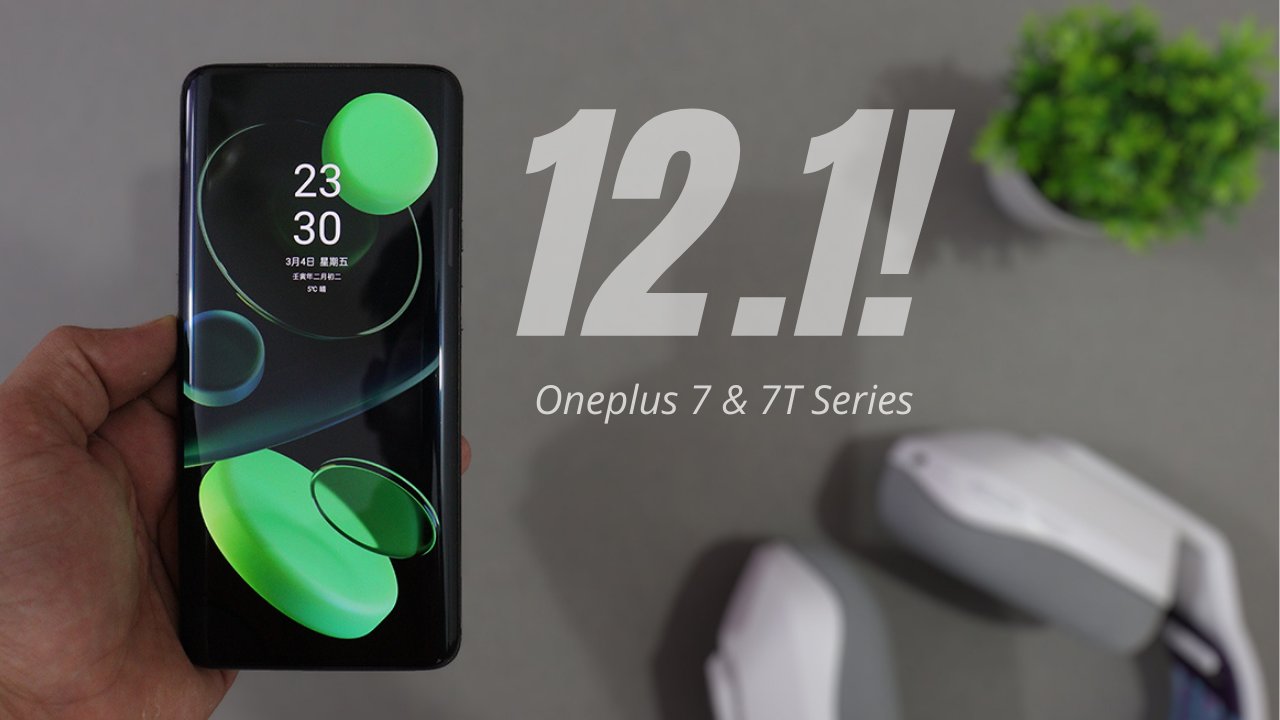
OnePlus is turning its focus to its mid-range portfolio after upgrading the OnePlus 9 and OnePlus 8 series to Android 12. For the OnePlus Nord and Nord 2 also Oneplus as released OxygenOS 12 Stable Builds .
Recently Oneplus Started Recruitment of OxygenOS 12 & ColorOS 12 for Oneplus 7, 7 PRO, 7T & 7T Pro. Oneplus already released 4 ColorOS 12.1 Close beta updates, we already have files on the Internet of Close beta 4 based on ColorOS 12.1. Now we have ColorOS 12.1 closed beta 5 Files.
Caution: Installing is not recommended for people who use their devices as daily drivers. Because it’s only meant for testing purposes.
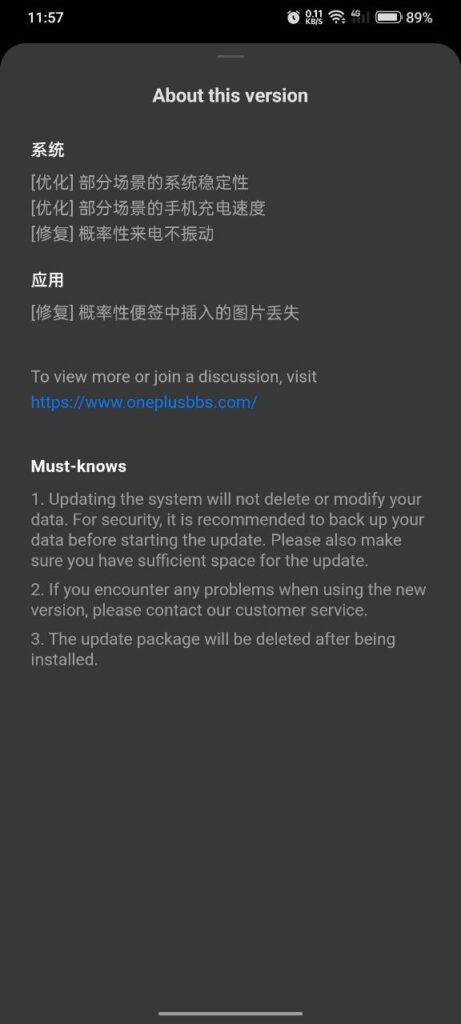
ColorOS 12.1 CBT 5 Changelog
system
- [Optimization] System stability in some scenarios
- [Optimization] Mobile phone charging speed in some scenarios
- [Fix] Probabilistic incoming calls do not vibrate
application
- [Fix] Pictures inserted in probabilistic notes are lost
This upgrade will not delete or change your data, but it is still recommended that you Make a data backup before updating, and reserve enough storage space at the same time.
Installation Guide of ColorOS 12.1 on Oneplus 7 & 7T Series: Step by Step Guide
Download ColorOS 12.1 Closed Beta 5 for Oneplus 7 & 7T Series
- Oneplus 7 ColorOS 12.1 Full Zip: Download
- Oneplus 7 pro ColorOS 12.1 Full Zip: Download
- Oneplus 7T ColorOS 12.1 Full Zip: Download
- Oneplus 7T pro ColorOS 12.1 Full Zip: Download
Note: Official Servers are Slow, It’s recommended to use 1DM on your device for better downloading Speed. Download 1DM app
If you like our article then follow us on Google news, and Instagram or join our Telegram Group. For the latest TechNews and Reviews, follow Techibee on Twitter and Facebook, and subscribe to our Youtube channel.
For More Such Updates Follow Us On – Telegram, Twitter, Google News, WhatsApp and Facebook


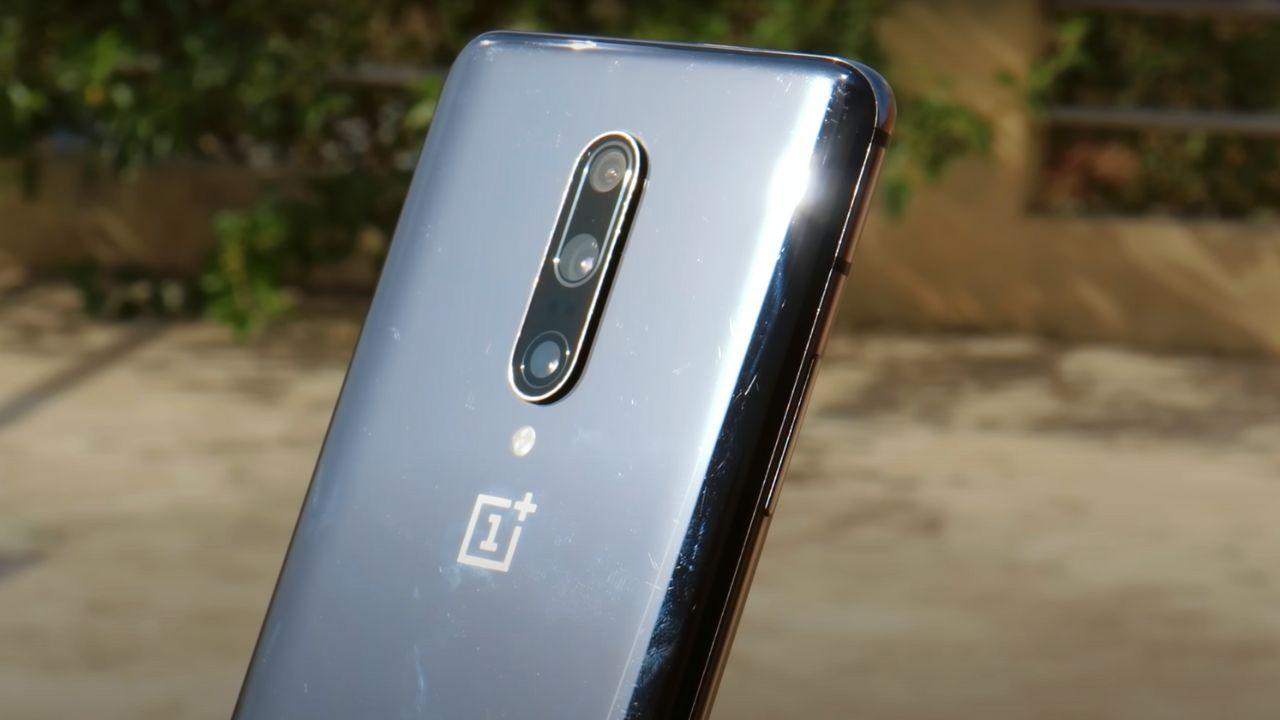
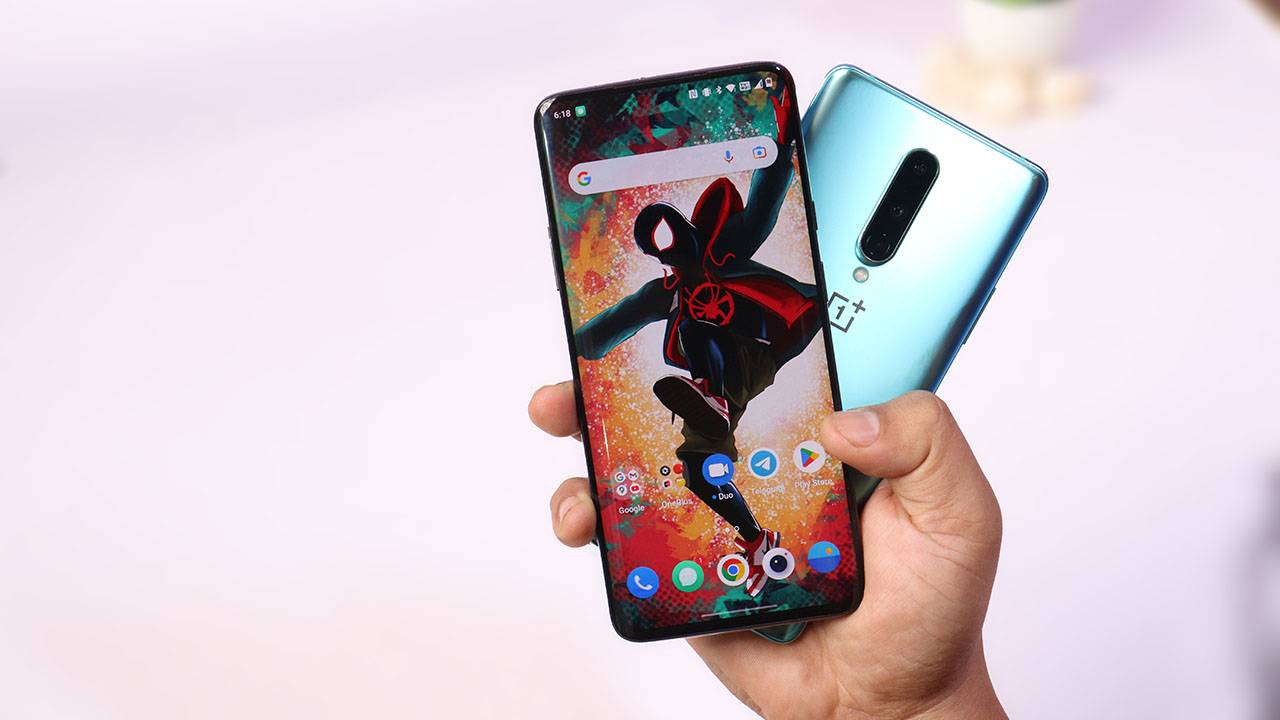
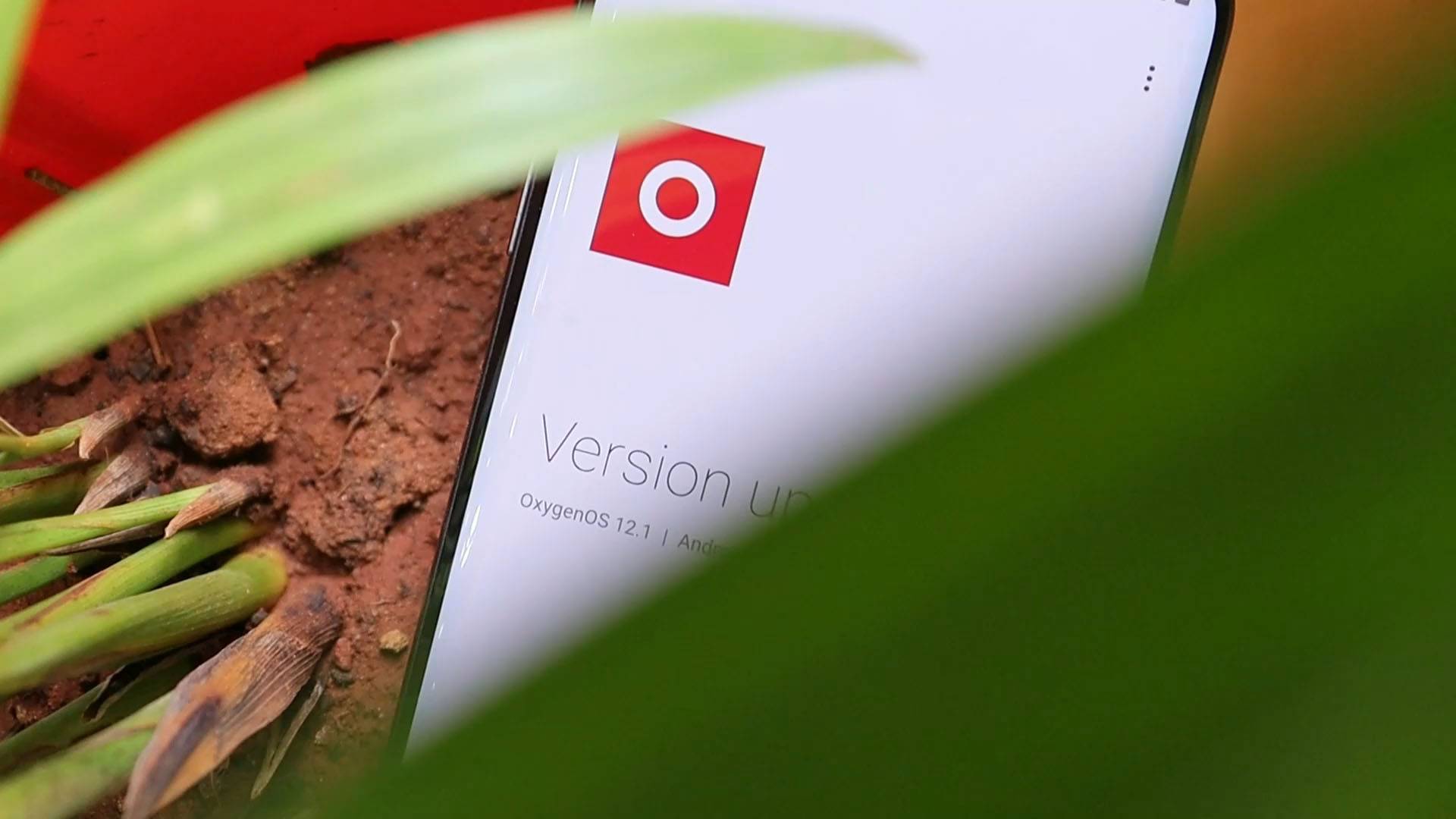

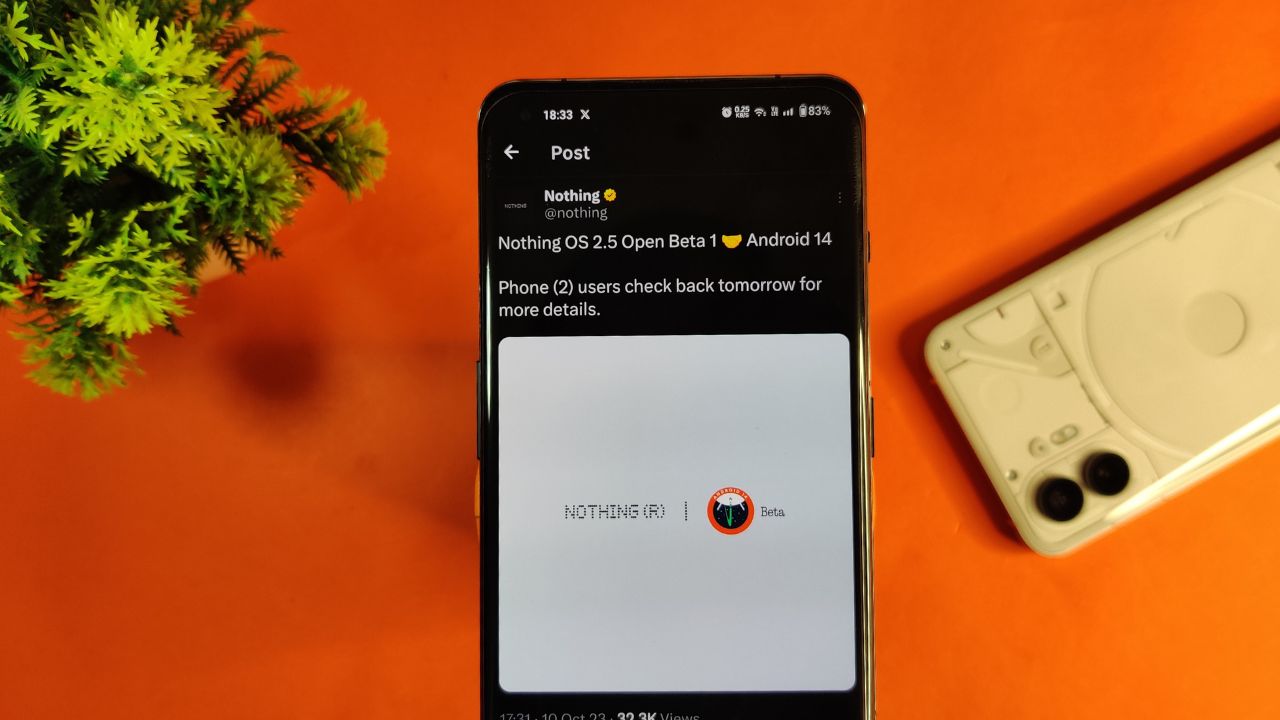
Nothing company has announced its next significant update “Nothing OS 2.5 Open Beta 1” for Nothing Phone (2) users. This new update is based on Android 14. Starting tomorrow, users of the Phone (2) can expect this update on their devices. If there are any special steps needed to install it, the company promises to provide guidance.
The announcement about Nothing OS 2.5 Open Beta 1 came via the company’s official X handle, which used to be known as Twitter. According to their post, more details about this update will be shared on October 11.
However, there’s a bit of a wait on the specifics. Nothing hasn’t yet confirmed the exact time the update will be released. So for now Phone (2) users have to wait for a little while until the next announcement from the company.
For More Such Updates Follow Us On – Telegram, Twitter, Google News, WhatsApp and Facebook
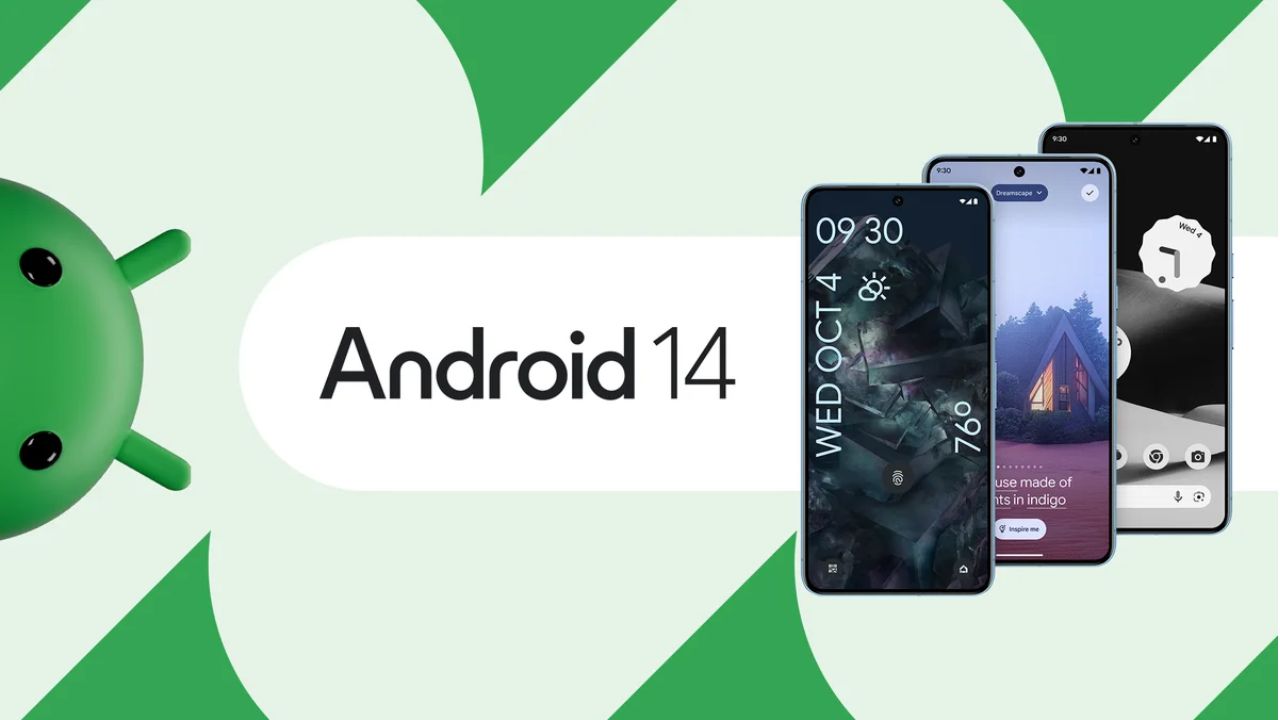
Google’s Pixel devices are now receiving the much-awaited Android 14 update. This follows a preview program that began in February, where several previews and betas were issued. If you own a Pixel 4a 5G or a later model, you can download this latest Android version.
It’s not just Pixel users who can look forward to this update. Companies like Samsung, iQOO, Nothing, OnePlus, Oppo, Realme, Sharp, Sony, Tecno, vivo, and Xiaomi plan to release Android 14 updates for their devices soon.
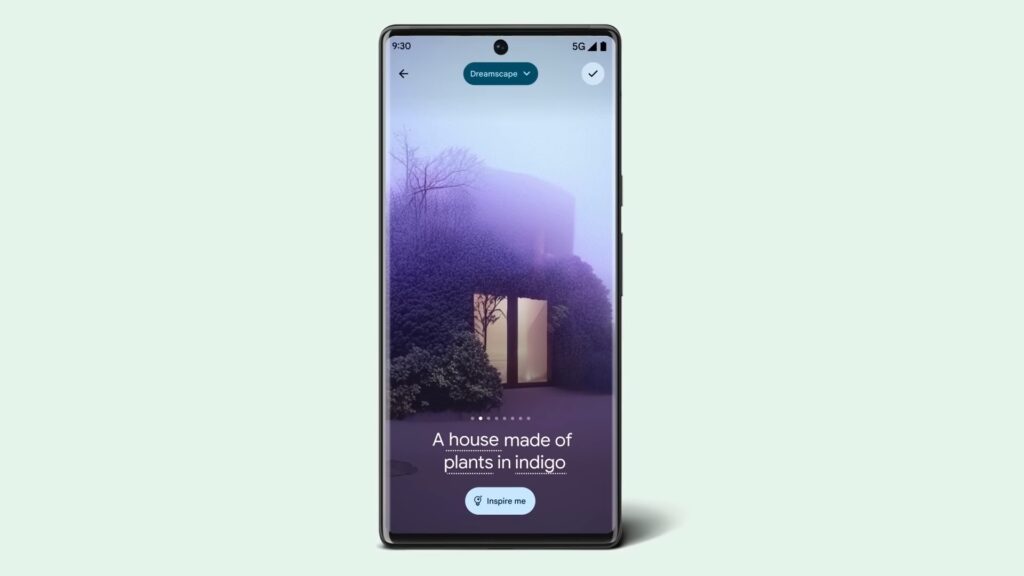
A highlight of Android 14 is its customization features. Google had hinted at these earlier, and now they are a reality. Generative AI wallpapers are making their debut on Pixel 8 and Pixel 8 Pro, backed by advanced text-to-image diffusion models.
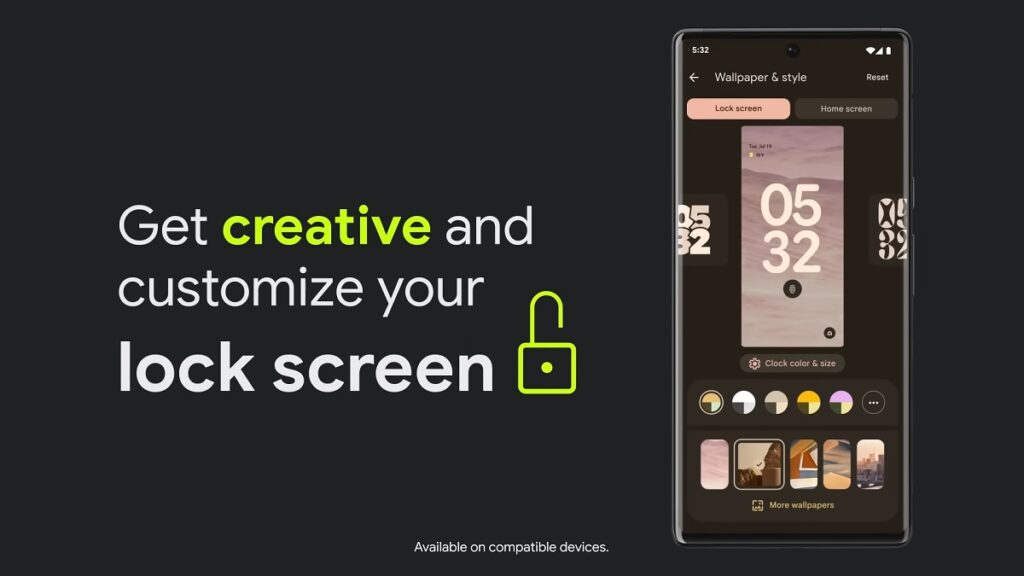
Lock screen personalization has also leveled up. Users can change font styles, choose from different color palettes, and add custom widget shortcuts. This makes it quick and easy to access tools like the QR reader or the Google Home app. There’s even a new feature where the home screen templates adjust dynamically. For instance, if there’s a storm approaching, the weather app widget becomes more noticeable.
Photography enthusiasts will appreciate Android 14’s support for HDR images. The Ultra HDR feature enhances photo quality, making pictures look more vibrant. Audio enhancements are also part of the package, with the inclusion of native spatial audio support, a new media player, and a cross-device copy/paste function.
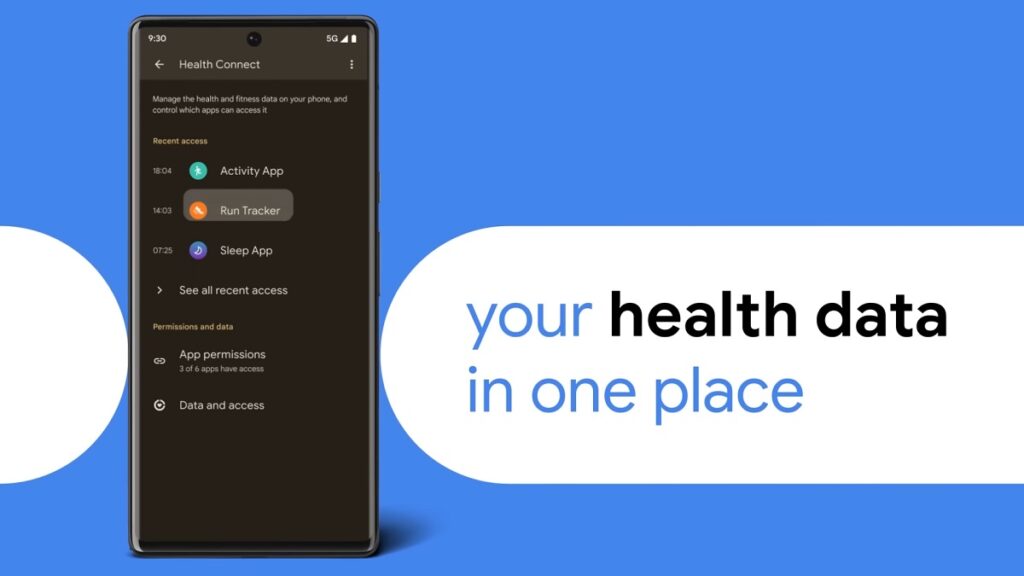
Prioritizing user privacy and security, Android 14 introduces Health Connect. This feature securely stores and encrypts personal health data directly on the device. Users will now also receive alerts if apps want to share location data with third parties, and they have the option to decline such requests.
Improvements extend to passkey features. Android 14 offers enhanced support for fingerprint authentication in external apps. Additionally, there’s a revamped 6-digit PIN lockscreen option.
Accessibility has also been a focus for this update. Users can now magnify content more effectively using the pinch-to-zoom feature and select from various magnification sizes. The quick settings menu offers faster font size adjustments using nonlinear scaling, which makes text easier to read. Hearing aid users will find the dedicated setup in the Accessibility settings beneficial, along with expanded options to direct audio to different outputs.
For More Such Updates Follow Us On – Telegram, Twitter, Google News, WhatsApp and Facebook
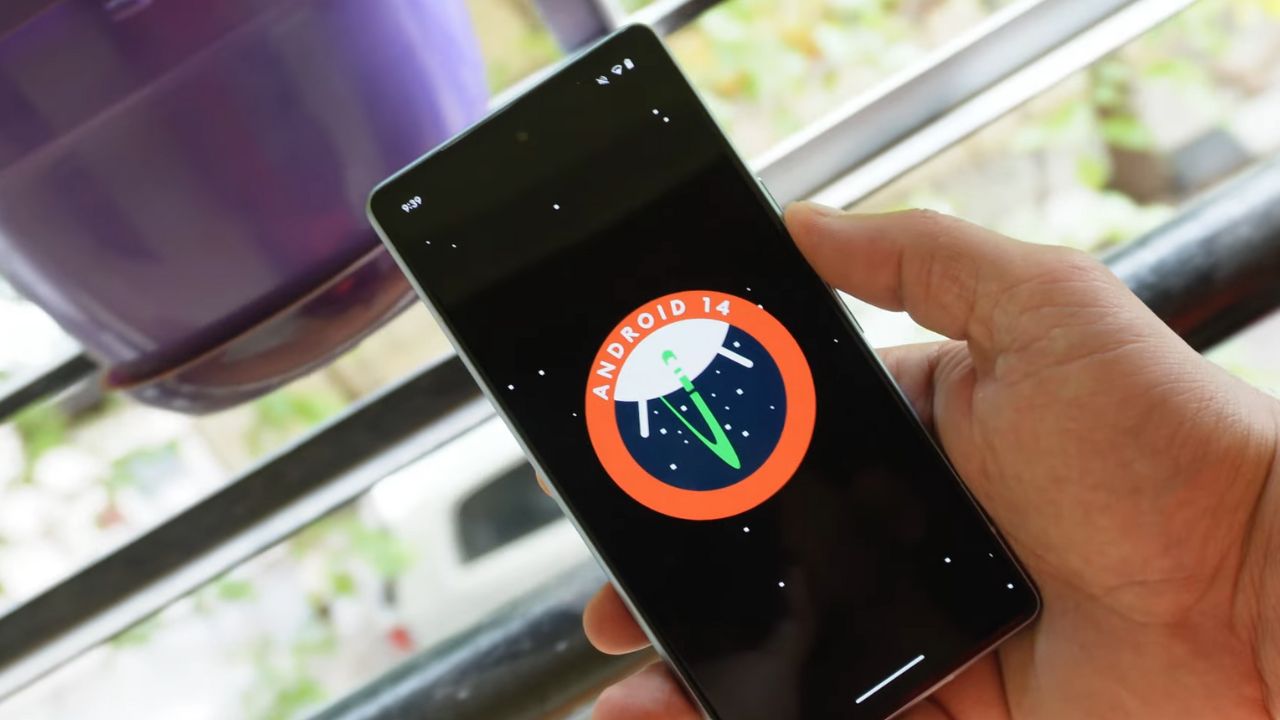
The release of Google’s Android 14 has been much awaited. The latest buzz suggested that it would be unveiled on the same day as the Pixel 8 and Pixel 8 Pro announcement on October 4. While this was initially just a rumor the latest information seems to add some weight to it.
Canadian carrier Telus has provided a clue. They listed software update start dates for the devices they sell. For all Pixel devices beginning with the Pixel 4a the name “Android U” was set for an October 4 rollout.
The term Android U stands for Android Upside Down Cake. This is the inside name for Android 14. Interestingly this detail on Telus’s list was later removed. This change might be because Google noticed the details circulating online and asked Telus to take the information down. This is just a guess. It’s not clear what really happened. There’s a small chance that the initial information was not correct.
But there’s not much waiting left. In less than one day everything will be clear. If Android 14 is set to release on October 4 it is likely that Google will announce it at its big event. So everyone should watch out for that. We will keep you updated on any new developments.
Update: Droid-life.com has updated their article, saying that the information has been removed from the Telus listing as of now.
For More Such Updates Follow Us On – Telegram, Twitter, Google News, WhatsApp and Facebook