
Apps
Google Camera 8.3 for Non Pixel smartphones – Download Now

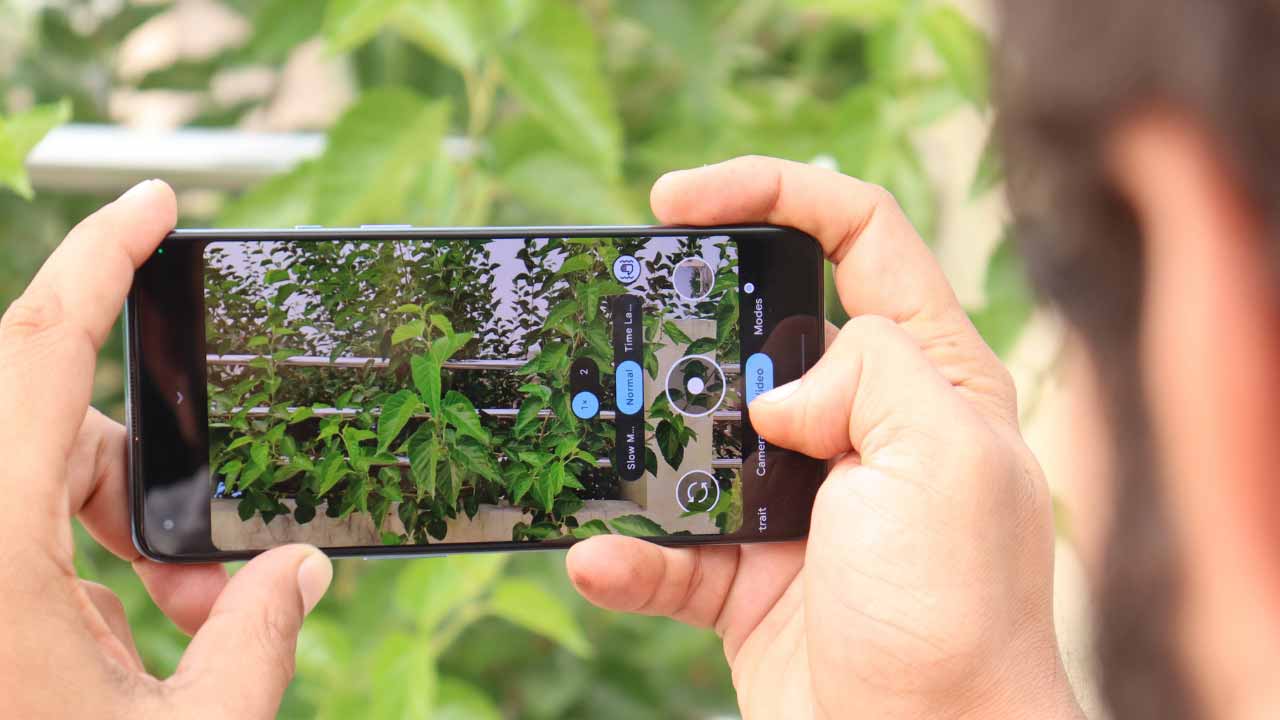
This week, Google unveiled the Pixel 6 and Pixel 6 Pro. These are some of the most intriguing gadgets on the market, but the camera is the most intriguing. Because of their increased photographic skills and, of course, the software, shooting should be decent. Third-party developers immediately began working on porting Google Camera for Pixel 6 to other devices.
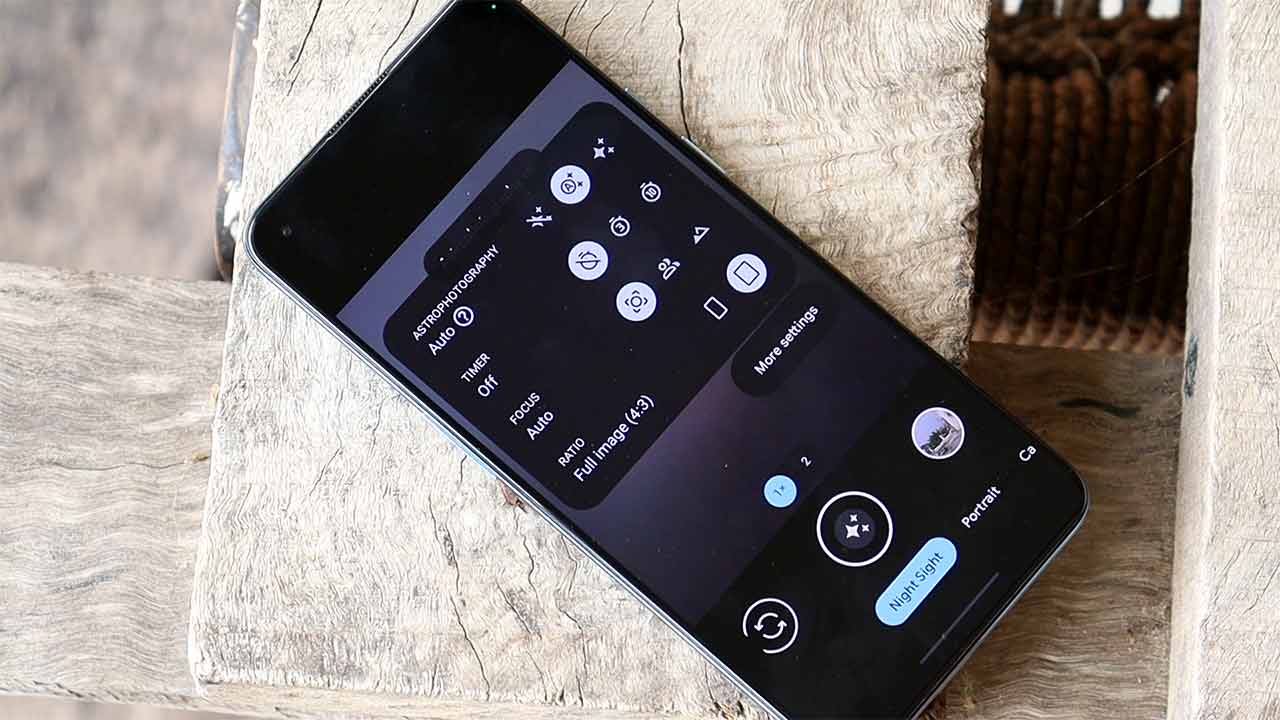
Those that were successful in this endeavor produced the GCam 8.3 mod as a result of their efforts. It can be loaded on a variety of handsets with Camera2 API compatibility that run Android 9 and newer versions of the green robot.
Aside from the new appearance, GCam version 8.3 includes a number of enhancements and features that should be compatible with the majority of devices on the market. GCAM 8.3 may be able to support more cameras due to the underlying code. Although most of the application’s functions operate in the modified version, some of them may not work correctly on specific smartphones. The installation of GCam version 8.3 is straightforward.
How to Install :
- make sure that the smartphone has Android 9 or higher, and there is also support for the Camera2 API
- install Gapps (Google Apps and its services) if they are not already installed
- allow installation from unknown sources
- Download the compatible package
- Install the APK file.
Google Camera 8.3 apk : Download Direct link
Other Google Camera ports: Download
Source : Gizchina
For More Such Updates Follow Us On – Telegram, Twitter, Google News, WhatsApp and Facebook





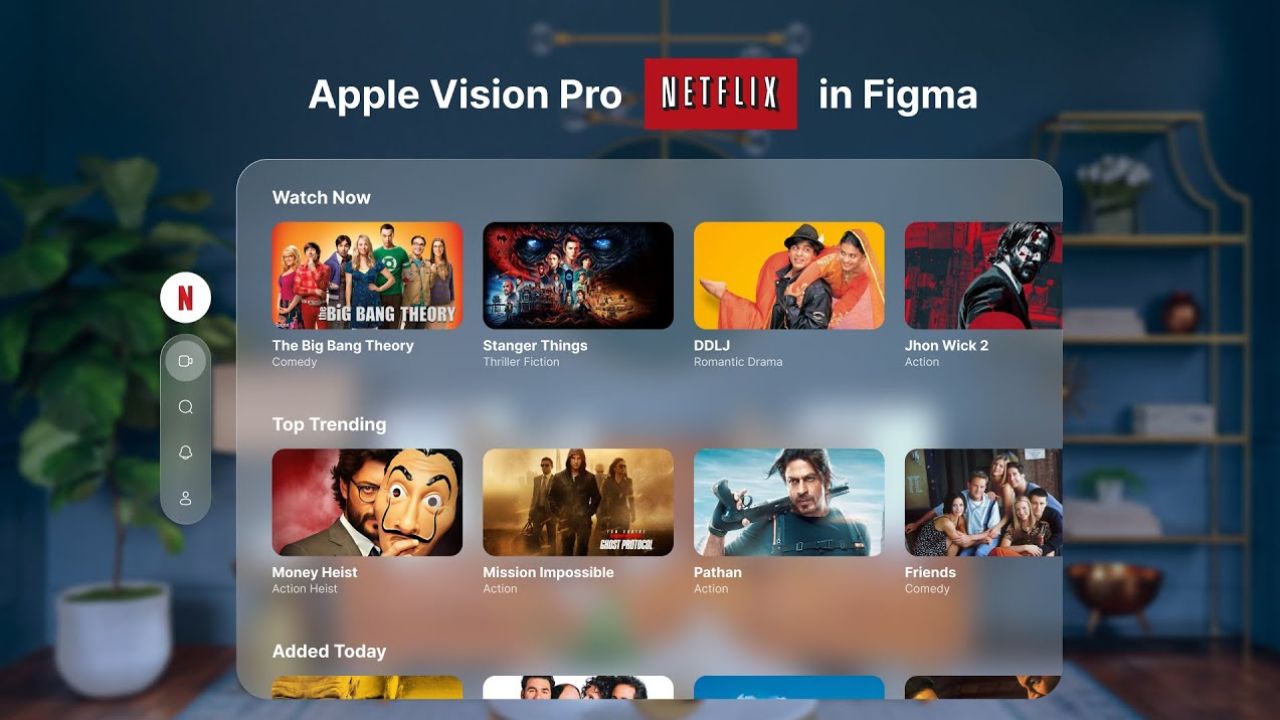
Recently, pre-orders for the Apple Vision Pro were started. According to Ming-Chi Kuo, an analyst has reported sales of around 160,000 to 180,000 units of the Vision Pro. In context to the sales of Apple Vision Pro, Netflix Co-CEO Greg Peters revealed in an interview that there is no need for the Netflix app in Apple’s VR headset.
In that interview, Peters also defined that the number of subscribers can’t justify the attempts to port an app for a platform. In the future, there may be a Netflix app for Apple’s VR headset, but currently, Netflix is adopting a wait-and-see approach. For now, YouTube and Spotify have no plans for dedicated apps.
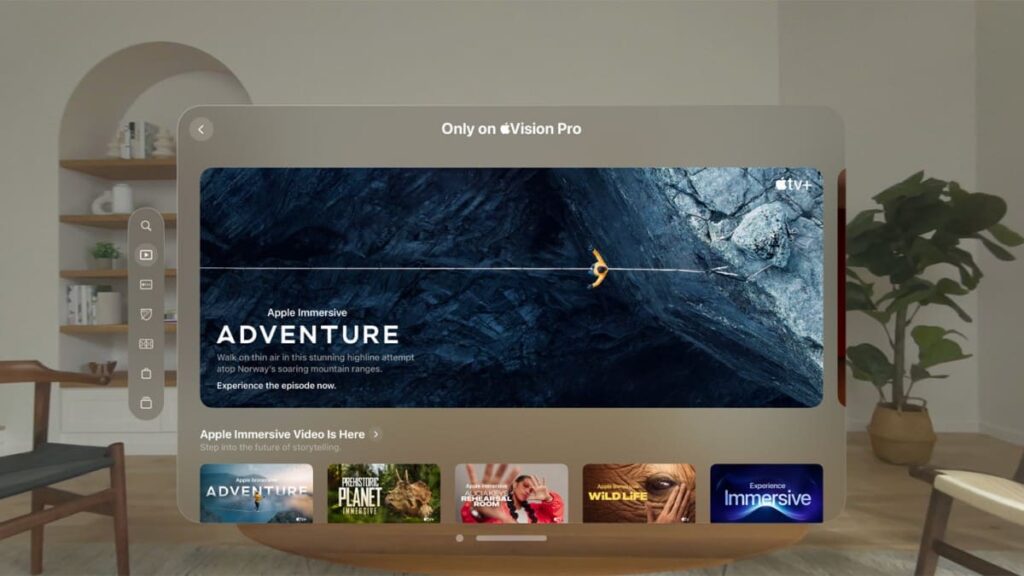
As we also mentioned in the recent post of the Apple Vision Pro, you can use the apps via the browser in the Vision Pro. Apple’s own Apple TV+ streaming services are available on the Apple Vision Pro, which features “Apple Immersive Video” with Spatial Audio and 180° 3D footage in 8K resolution.
Similarly, Netflix has also a VR app which was launched in back 2015, that also offers VR Content and includes a 360° video for the Stranger Things Series, but for now, it’s not available in Apple Vision Pro. Netflix has a ton of VR movies that you can also check out.
Featured Image Courtesy: Average Design Dude (YouTube)
For More Such Updates Follow Us On – Telegram, Twitter, Google News, WhatsApp and Facebook

WhatsApp has undergone notable changes, introducing new colors and status updates for both its website and app. Whatsapp is currently in the process of rolling out a fresh update through the TestFlight beta program, named version 24.1.10.76. Within the app’s settings, the version is identified as 2.24.1.76, while the TestFlight build stands at 24.1.10(555067882).
WhatsApp beta for Android, in its 2.24.2.11 version, is rolling out a significant feature. Users can now create and share polls within their channels, fostering interactive engagement by collecting feedback, opinions, and preferences directly from their followers. The latest WhatsApp beta test for iOS, marked as version 24.1.10.76, is also geared up to incorporate this polling feature.
WhatsApp ensures that the choices made by channel followers during voting remain secure and anonymous. Currently available to beta testers, the feature to share polls in channels can be accessed by installing the latest version of WhatsApp beta for iOS and other Android phones via the TestFlight app. It will be available to everyone in the coming days.
While polls on various platforms often disappear within 24 hours, it remains to be seen whether WhatsApp will adopt a similar approach or introduce its own unique twist.
For More Such Updates Follow Us On – Telegram, Twitter, Google News, WhatsApp and Facebook
X (formerly Twitter) is going to introduce voice and video calls on Android. The Audio and Video Calls feature has already been available for iOS users since October last year, and now the feature is going to be available for Android users. But you need X premium subscription to make calls. You can receive calls for free.
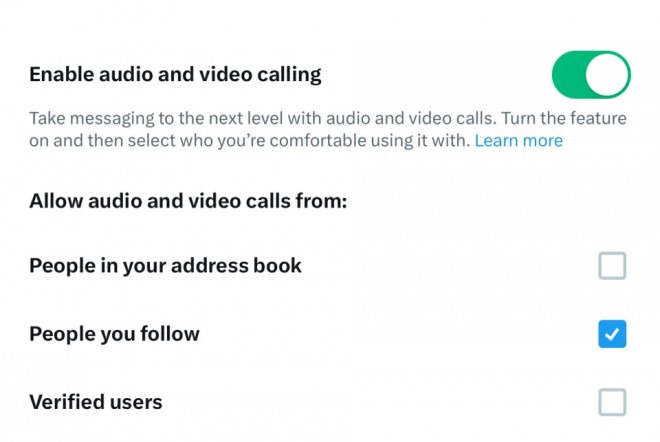
You can see the Audio and Video Calls option in the settings tab of DM. Users can also control privacy settings from the settings page by selecting from the three options of who can call them: accounts they follow, people in their contact book, verified users, etc. If you want to know more about audio and video calls on X, then you can read more by clicking here.
Will you purchase a premium subscription from X for audio and video calls? Do let us know in the comment box. Also, do tell us whether you like our post or not.
For More Such Updates Follow Us On – Telegram, Twitter, Google News, WhatsApp and Facebook