
Mobiles
How to Install OxygenOS 12 Open Beta 4 version C.39 on Oneplus 9 & 9pro – Step by Step guide

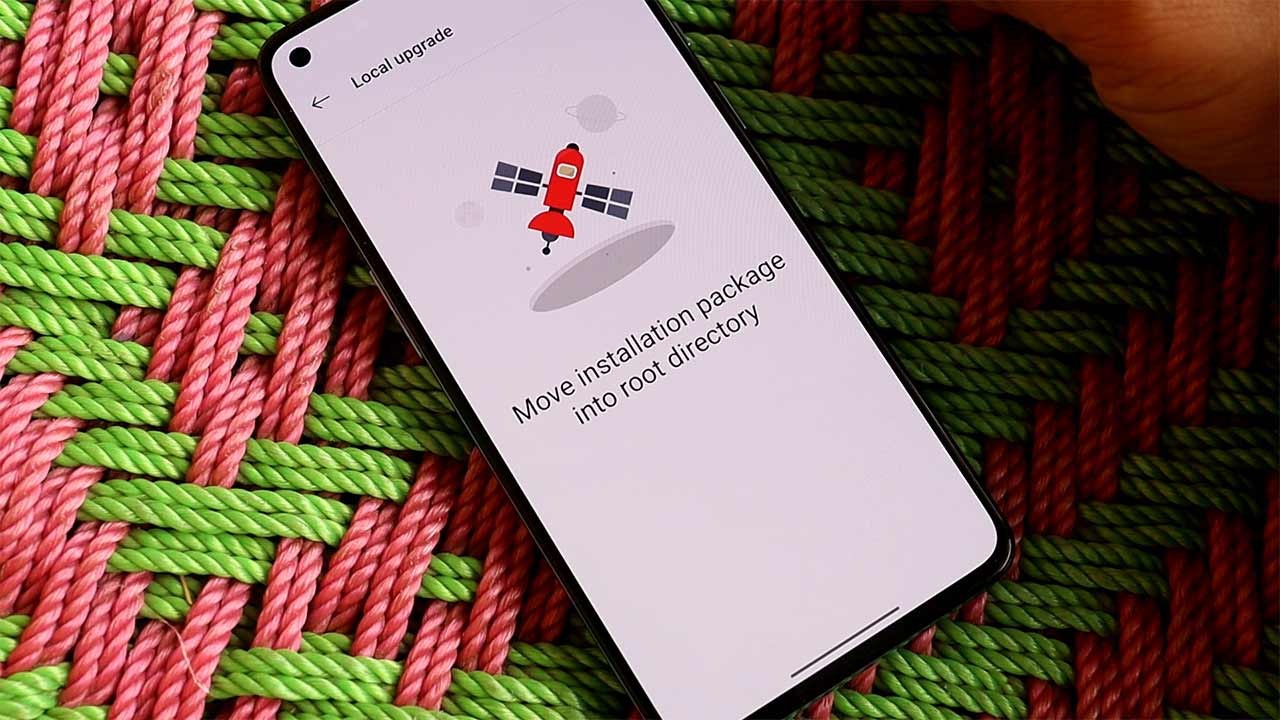
How to Install OxygenOS 12 Open Beta 4 version C.39 on Oneplus 9 & 9pro – Step by Step guide.
OxygenOS 12 Open Beta 4 version C.39 rolling out for Oneplus 9 & 9pro – Download Now.
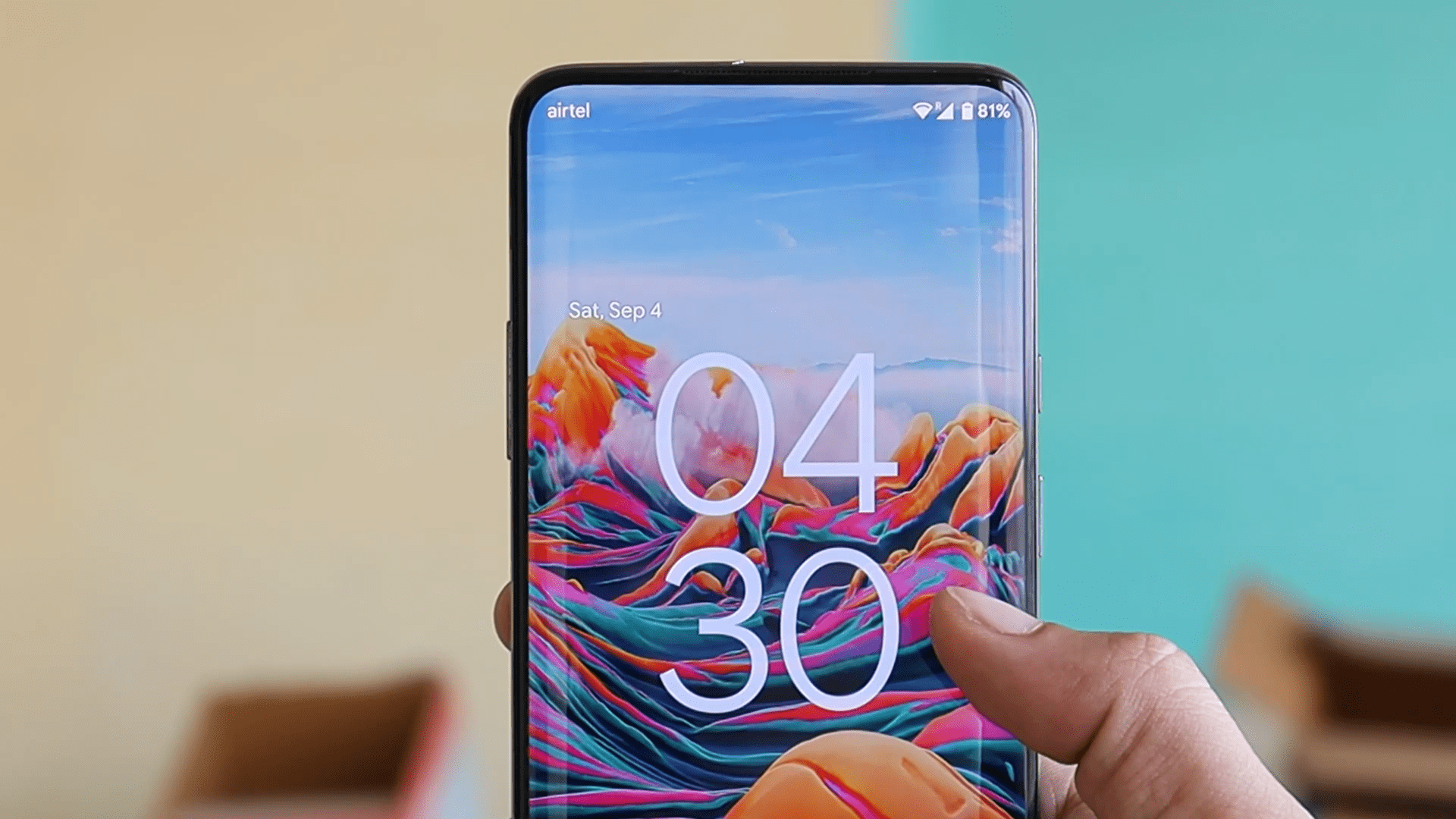
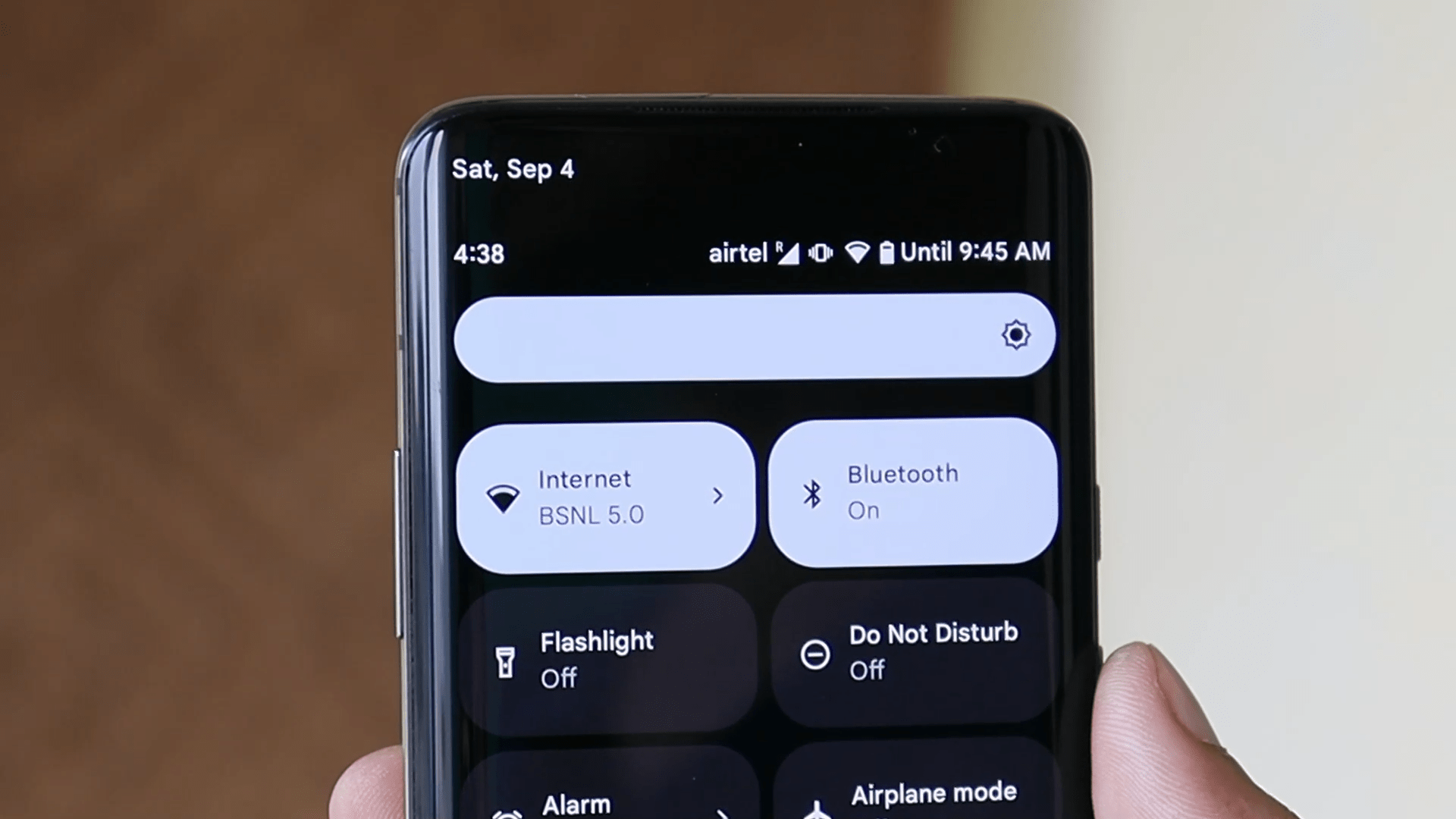
The OnePlus 9 and OnePlus 9 Pro received the first stable release of OxygenOS 12 based on Android 12 earlier this month. However, OnePlus halted the rollout just a few days after it began, citing several difficulties experienced by early users. OnePlus appears to have resolved all difficulties, as the OxygenOS 12 open beta 4 rollouts for the OnePlus 9 and OnePlus 9 Pro has started.
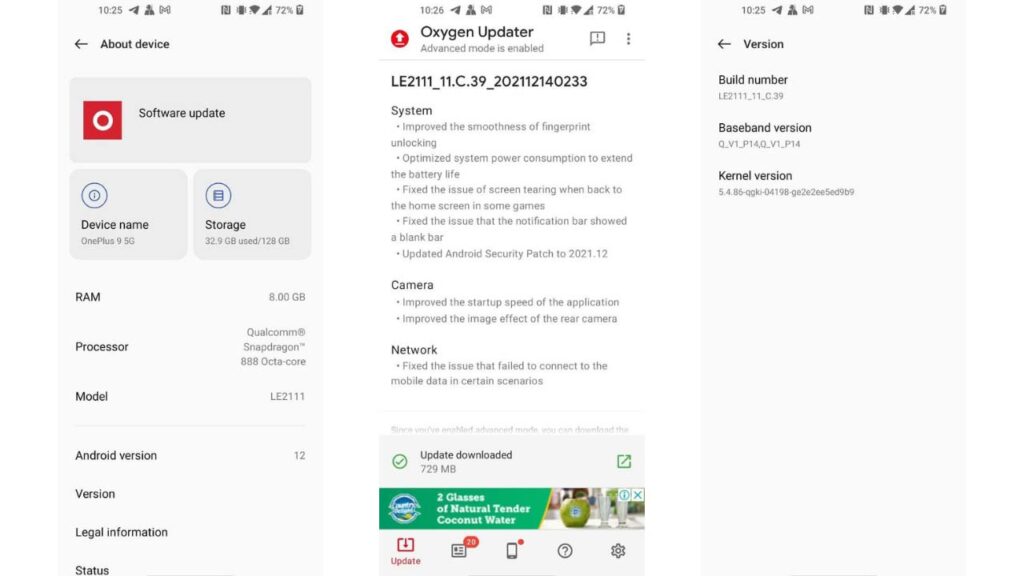
How to Install OxygenOS 12 open beta 4 C.39:
- Download OxygenOS 12 Open Beta 4 C.39: Download (Note: If running OxygenOS 11 stable Build first you need to update the device to OxygenOS 12 first beta, or you can only update directly to beta 4 C.39 when full zip is available keep an eye here will upload full zips soon they are available.
- Download OxygenOS 12 Open Beta 1: Download
- Download OxygenOS local update apk: Download from Telegram – Official Link
- Install local update apk
- Place OxygenOS 12 open beta 4 C.39 & place it inside Internal storage
- Open local update app -> Click top-right icon -> Local upgrade -> Click on the corresponding installation package -> upgrade -> System upgrade completed to 100%. (Note: Only if you are running OxygenOS 12 open beta 3)
- After the installation is complete, click Restart.
If you like our article then follow us on Google news, Instagram or join our Telegram Group. For the latest TechNews and Reviews, follow Techibee on Twitter, Facebook, and subscribe to our Youtube channel.
For More Such Updates Follow Us On – Telegram, Twitter, Google News, WhatsApp and Facebook



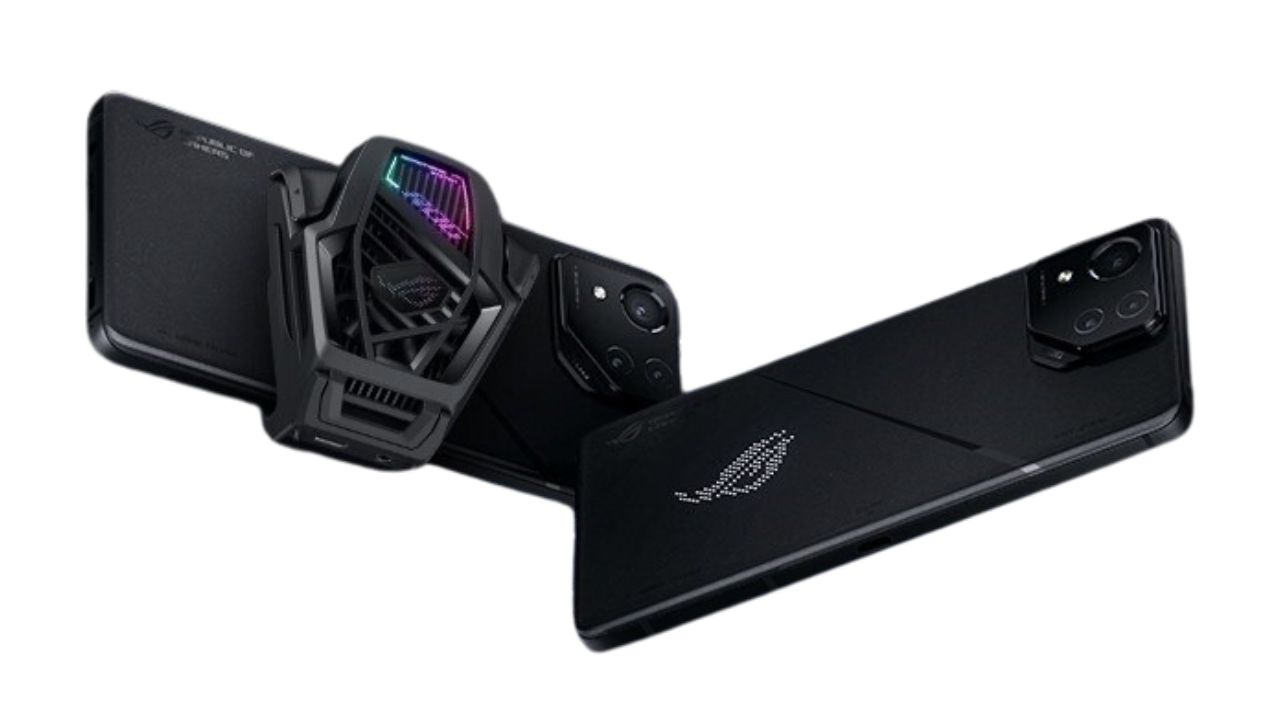
Asus has recently launched the much-awaited ROG Phone 8 Pro in India. Unveiled earlier this month, the smartphone is now available for purchase on Asus’ official Indian website and through Vijay Sales.
The ROG Phone 8 Pro comes in an exclusive Phantom Black color. It offers two memory configurations for potential buyers. The first option includes 16GB of RAM with 512GB of storage, priced at Rs 94,999 (approximately $1,140 or €1,055). The second, more advanced option is the 24GB/1TB model, priced at Rs 119,999 (around $1,445 or €1,330). This model is notably branded as the Asus ROG Phone 8 Pro Edition and comes with an added perk – the ROG AeroActive Cooler X. This accessory, aimed at enhancing the gaming experience, can also be purchased separately for Rs 5,999 (about $70 or €65).

At the core of the Asus ROG Phone 8 Pro is the powerful Snapdragon 8 Gen 3 processor. The phone operates on Android 14, enhanced with Asus’ ROG UI, tailored for an immersive gaming experience. The device flaunts a 6.78-inch 165Hz FullHD+ LTPO AMOLED display, which includes an integrated fingerprint reader for added security.
Battery life is a strong suit for the ROG Phone 8 Pro, equipped with a 5,000 mAh battery. It supports 65W wired charging, although in India, the charging capability is limited to 30W.
Photography enthusiasts will be excited about the ROG Phone 8 Pro’s camera setup. It features a 50MP primary camera with Optical Image Stabilization (OIS), a 32MP telephoto lens (also with OIS and 3x optical zoom), a 13MP ultrawide lens, and a 32MP selfie camera. A unique addition to the phone is a customizable 341 Mini-LED matrix on the back, allowing users to personalize their device further.
For More Such Updates Follow Us On – Telegram, Twitter, Google News, WhatsApp and Facebook


Google’s Pixel 8 lineup, i.e. Google Pixel 8 and Google Pixel 8 Pro, was launched in October 2023. But if we talk about the Google Pixel 8a, then it is expected to be launched in May this year. As we know, the Google Pixel 7a was launched in May last year.

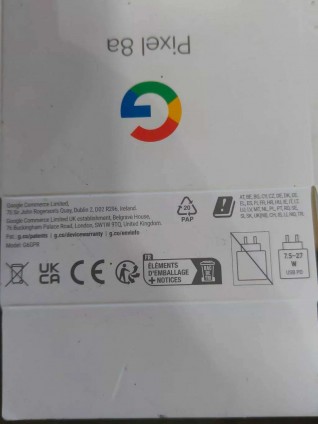
Recently, the box for the Google Pixel 8a has leaked. The recent leak includes the retail box of the new Pixel 8a. On the box, we have an Obsidian Black color variant. The Google Pixel 8a will come in 3 colors, i.e. Obsidian Black, Porcelain, and Bay.
If we see the second picture, then it’s visible that this time as well, we have to buy the charger separately (it isn’t included in the box). Also, the new Google Pixel 8a will support 27W charging, which can be a good upgrade from 18W. But still, it won’t compete with 65W, 80W, 100W, and 150W fast charging phones. The phone is expected to come in two storage variants i.e. 8GB RAM /128GB ROM and 8GB RAM/256GB ROM.
The Google Pixel 8a with model number G6GPR, comes with a dual-back camera setup like the Google Pixel 7a and a little underclocked Tensor G3 chipset. Pixel 8a will also be a mid-range phone and is expected to cost $500 (Rs. 42,999) in India like Google Pixel 7a or $50 more i.e. $550 (Rs. 45716.91).
What are your thoughts about the Google Pixel 8a? Do let us know in the comment box. Also, tell us whether you like this post or not.
Featured Image courtesy: Smartprix
For More Such Updates Follow Us On – Telegram, Twitter, Google News, WhatsApp and Facebook
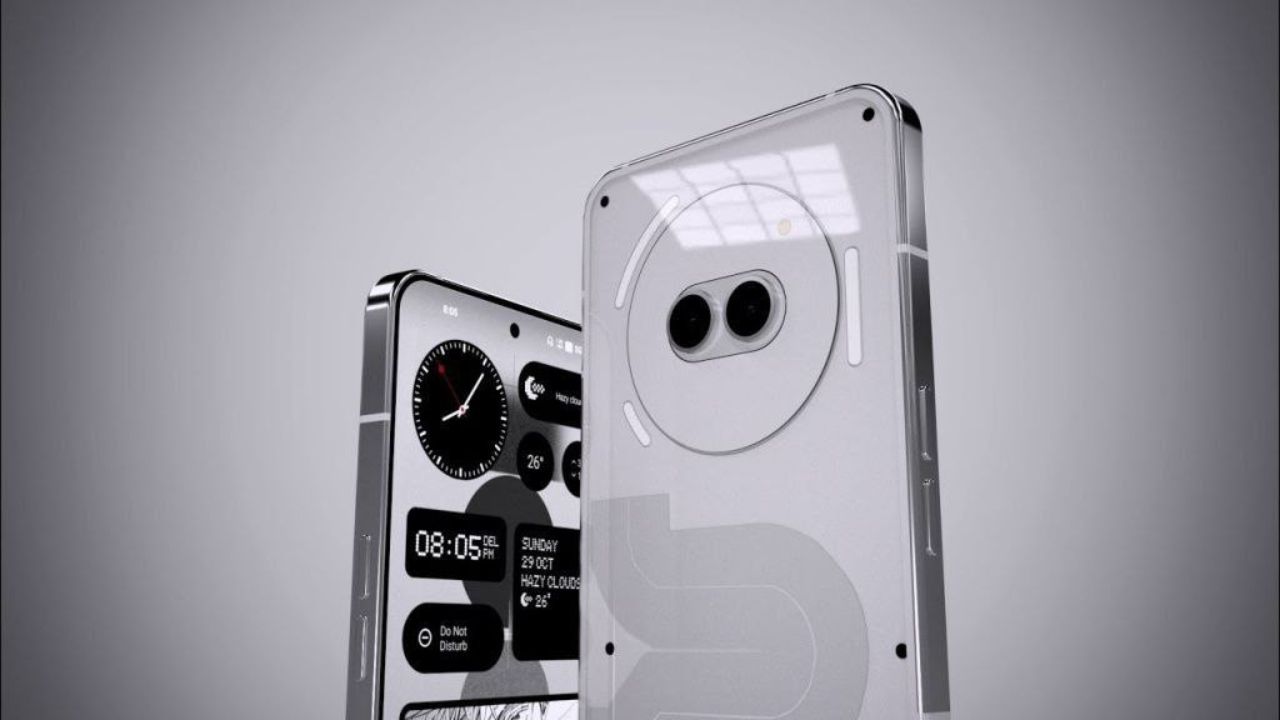
Carl Pei, CEO of Nothing, has hinted at a new smartphone launch this year, sparking speculation that this could be the much-anticipated Nothing Phone (2a). Adding to the intrigue, a follow-up post by the company revealed “Aerodactyl” as a possible codename for this new device.

This mid-range smartphone has been at the center of numerous stories and rumors, drawing significant public interest. Previously, “Pacman” was rumored to be the codename for the Phone (2a). However, a recent report suggests a more nuanced approach with regional codenames – “PacmanIND” for India, “PacmanJPN” for Japan, “PacmanEEA” for Europe, and “Pacman” for the global market.
Adding credibility to these speculations, authorities like the TDRA in the UAE and the BIS in India have certified the smartphone. In the last few days, the company has been generous with details, releasing information about PVT unit photos, expected specs, storage options, color schemes, official wallpapers, and even the launch date and price.
The Phone (2a) is anticipated to feature a MediaTek Dimensity 7200 CPU and a 6.7-inch 1084 x 2412 pixels 120Hz AMOLED display. Camera-wise, it’s equipped with a 50 MP + 50 MP dual-back camera setup, complemented by a 32 MP selfie camera. A robust 4920 mAh battery powers the device. It’s expected to come in two RAM/storage configurations: 8GB/128GB and 12GB/256GB. Color options are likely to be classic – White and Black.
As for the launch, it’s expected next month, with rumors pointing to February 27, 2024, as a potential date. The Phone (2a) is expected to be priced around $400, €400, or Rs 30,000, making it an attractive option in the mid-range market.
For More Such Updates Follow Us On – Telegram, Twitter, Google News, WhatsApp and Facebook