
Updates
Motorola Razr 40 Ultra Receives First Update Introducing May 2023 Security Patch

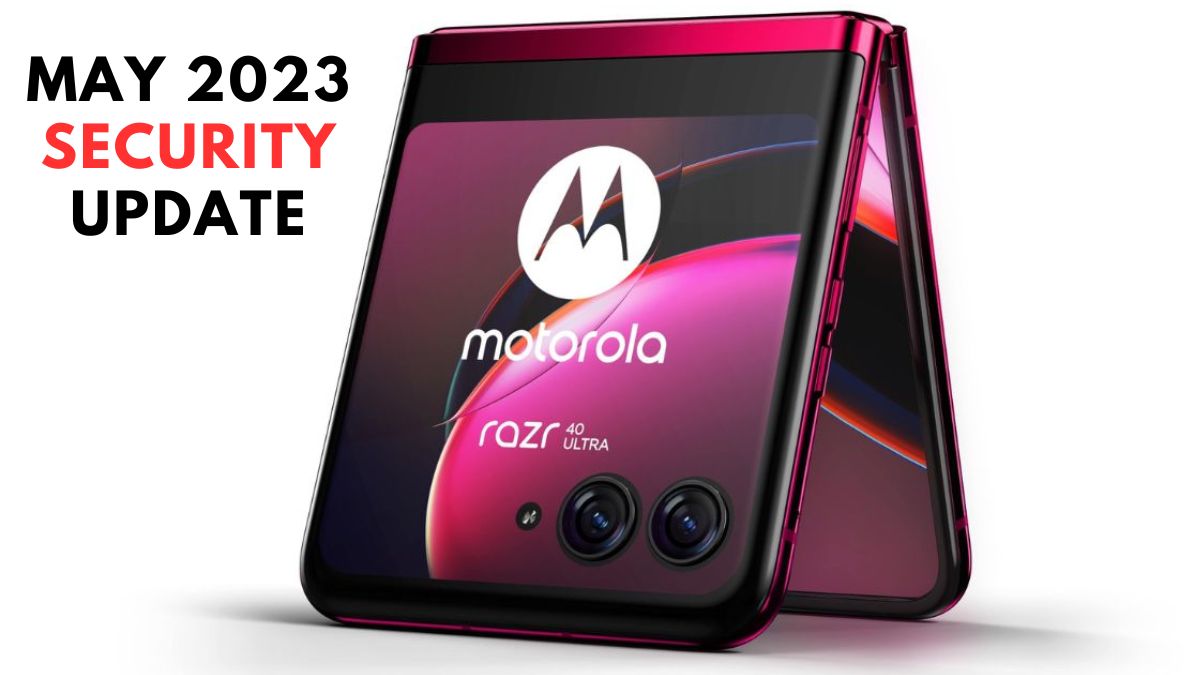
Motorola’s latest flagship smartphone, the Razr 40 Ultra, is receiving its first update, focused on enhancing various aspects of the device. The update, rolling out in batches, aims to improve the smartphone’s performance in different scenarios and enhance overall system stability.
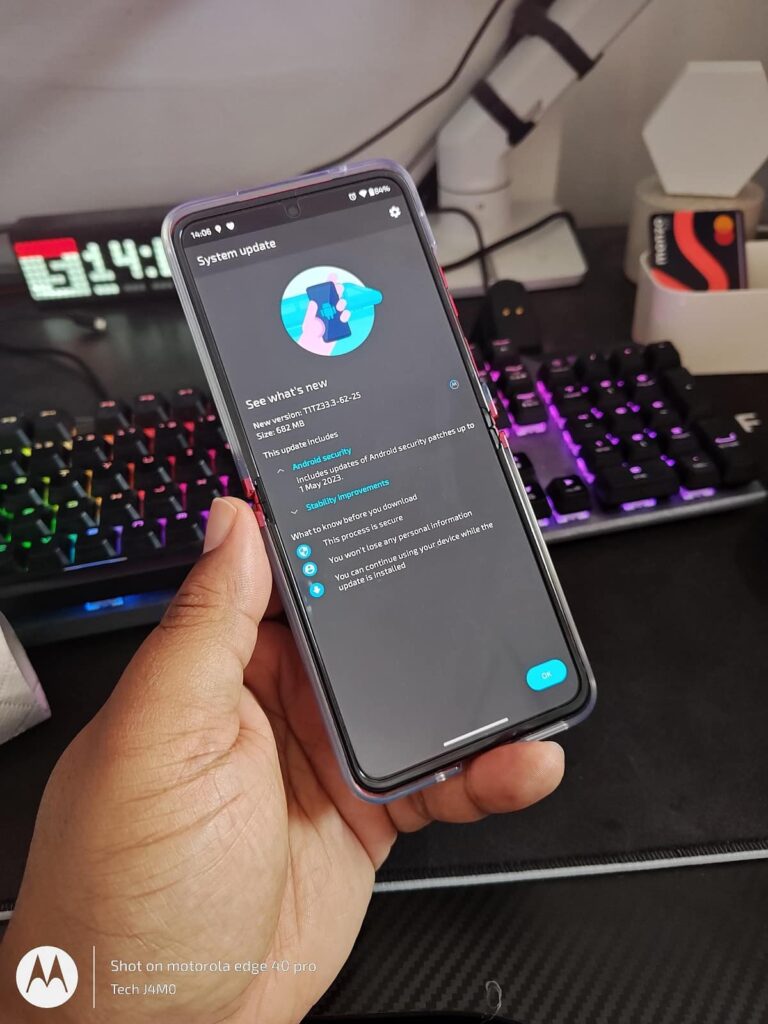
The update, carrying the build version T1TZ33.3-62-25 and a size is 682 MB, brings with it the May 2023 security patch. This patch serves to refine the internal framework of the handset, addressing any existing bugs or issues and bolstering protection against potential malware threats. Despite being a newly released device, the changelog does not mention many specific changes. Nevertheless, it is recommended that Razr 40 Ultra users install the update as it becomes available on their device.
Motorola Razr 40 Ultra May 2023 Security Update
The key details of the update are as follows:
- Software version: T1T233.3-62-25
- Size: 682 MB
Update Highlights:
- Android Security:
The update includes the latest Android security patches, up to 1 May 2023, providing improved protection against security vulnerabilities. - Stability Improvements:
The update addresses stability issues, ensuring smoother performance and a more seamless user experience.
The Motorola Razr 40 Ultra boasts a 6.9-inch LTPO AMOLED main screen with a 165Hz refresh rate, HDR10+ capabilities, and a resolution of 1080 x 2640 pixels. With support for 1.0 billion colors and a peak brightness of 1400 nits, the display delivers vibrant visuals. Additionally, there is a 3.6-inch AMOLED cover display, which operates when the phone is folded, offering a refresh rate of up to 144Hz and a brightness of 1100 nits.
The Razr 40 Ultra is equipped with the Qualcomm Snapdragon 8+ Gen 1 octa-core chipset, providing a seamless performance and efficient multitasking experience. The device features a dual-lens rear camera setup, comprising a 12MP main snapper with PDAF and OIS capabilities, accompanied by a 13MP ultra-wide camera. For selfies, there is a 32MP front-facing lens.
The smartphone is equipped with a 3800mAh battery, supporting both 30W wired and 5W wireless charging options. Additional features include a side-mounted fingerprint sensor, accelerometer, gyro, proximity sensor, compass, and more, contributing to an enhanced user experience.
Motorola Razr 40 Ultra users are advised to connect to a standard internet connection to ensure a smooth installation process. The update will be automatically prompted on the device’s screen.
With the first update and the inclusion of the latest security patch, Motorola aims to further optimize the performance and security of the Razr 40 Ultra, delivering an improved user experience for its customers.
For More Such Updates Follow Us On – Telegram, Twitter, Google News, WhatsApp and Facebook








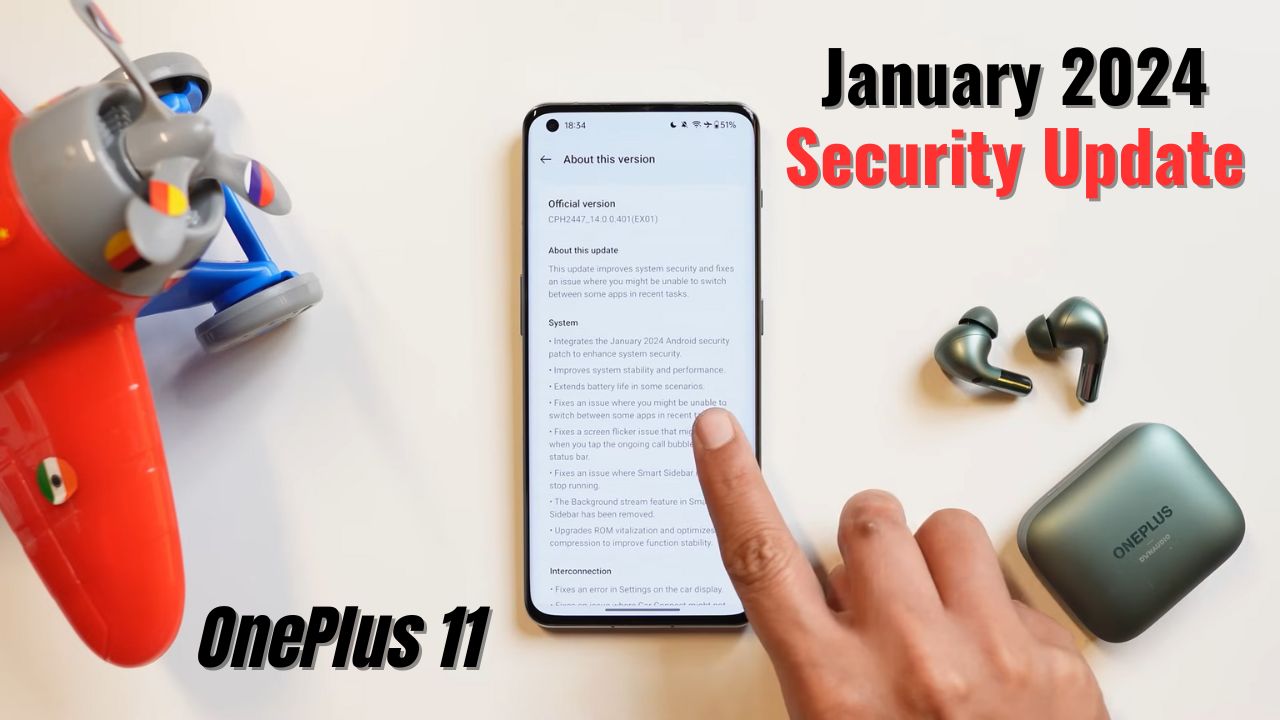
The OnePlus 11 was one of the first devices to grab the January 2024 security patch in the OnePlus group. The update has arrived with many fixes related to battery life improvements, stability, and performance improvements, and it also comes with an upgraded Rom vitalization option.
As mentioned, the new update came with the new and updated January 2024 security patch and improved the device’s stability and performance.
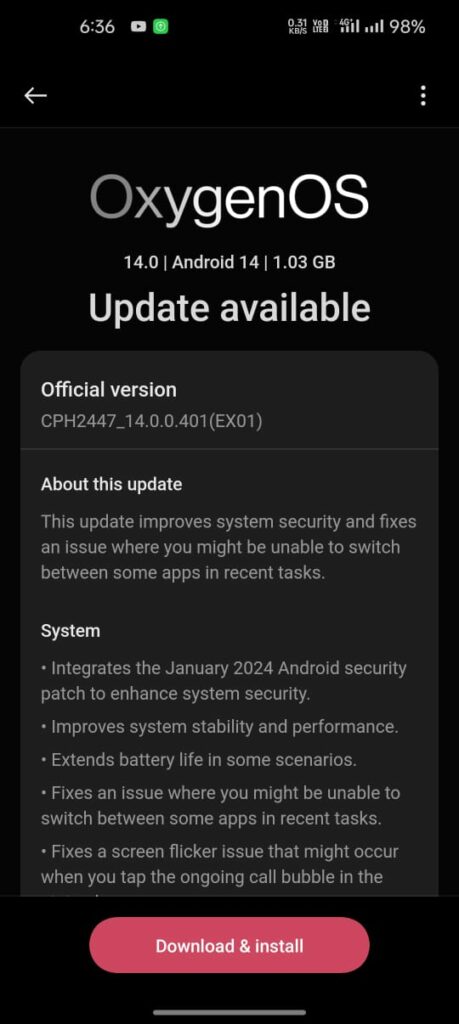
The firmware version for this update is CPH2447_14.0.0.401(EX01) and its size is 1.03 GB.
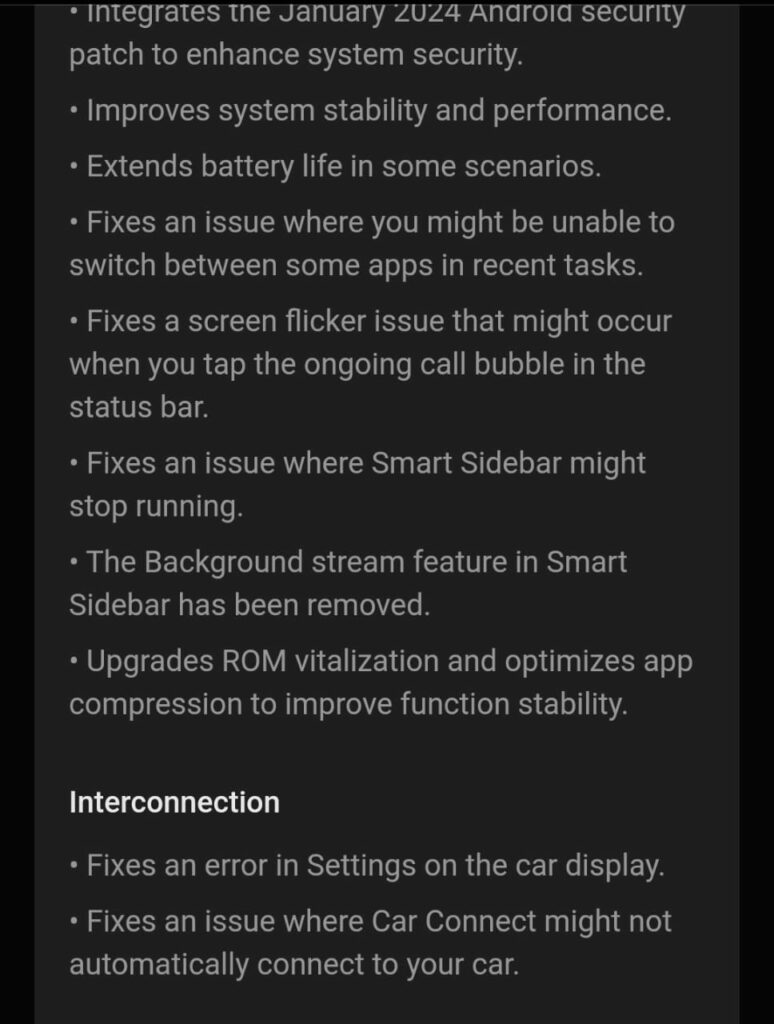
As per the changelog mentioned, they also improved the battery life for getting good battery backup, fixed an issue related to switching between apps on the recent task page, and also fixed the screen flickering issue related to touching the call bubble. Due to some unknown reasons, they removed background streaming in the smart sidebar and improved and fixed some car connection issues
Changelog:
System
- Integrates the January 2024 Android security patch to enhance system security.
- Improves system stability and performance.
- Extends battery life in some scenarios.
- Fixes an issue where you might be unable to switch between some apps in recent tasks.
- Fixes a screen flicker issue that might occur when you tap the ongoing call bubble in the status bar.
- Fixes an issue where Smart Sidebar might stop running.
- The Background stream feature in Smart Sidebar has been removed.
- Upgrades ROM vitalization and optimizes app compression to improve function stability.
Interconnection
- Fixes an error in Settings on the car display.
- Fixes an issue where Car Connect might not automatically connect to your car.
For More Such Updates Follow Us On – Telegram, Twitter, Google News, WhatsApp and Facebook
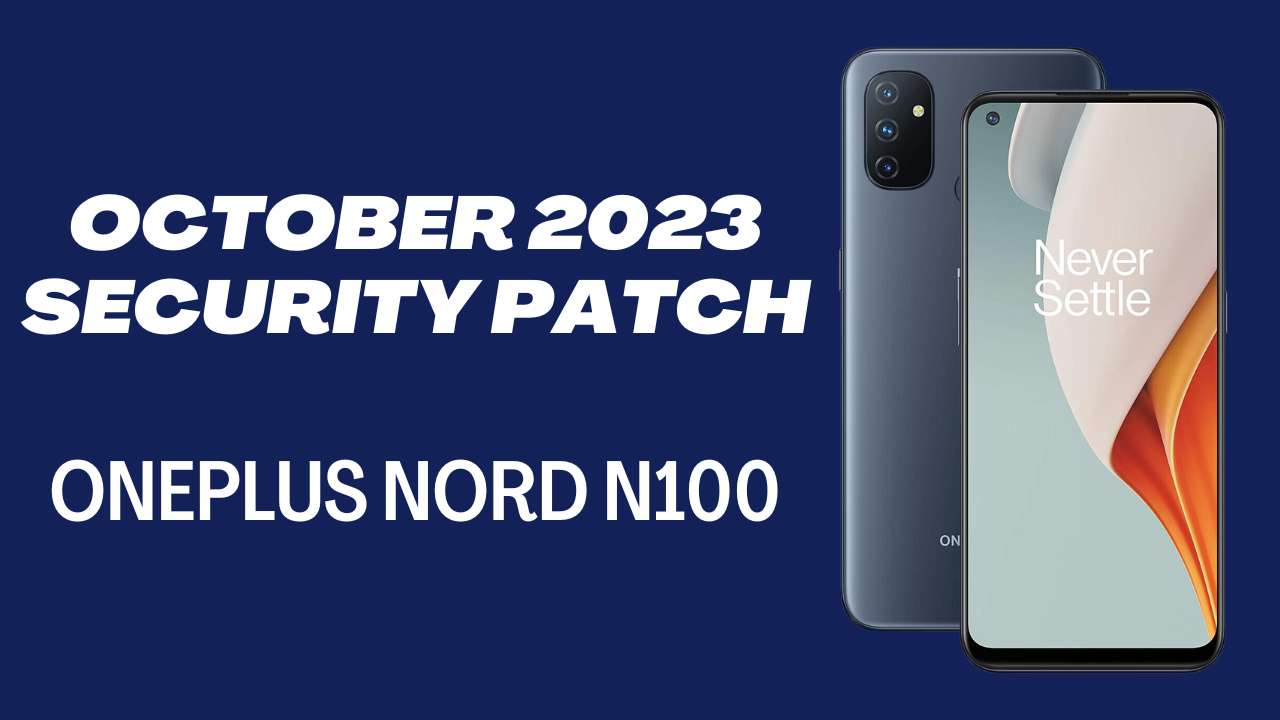
OnePlus has started the incremental rollout of the OxygenOS 11.0.15 update for OnePlus Nord N100 users in Europe and North America. It brings the latest security for this month which improves the device performance as well.
The company skipped the September 2023 security patch for the device and directly gave this update.
To identify the firmware versions in their particular regions for this update:
- EU: 11.0.15.BE83AA
- NA: 11.0.15.BE81AA
The update size is not specified for this on the community post yet. If we find any screenshots or something we will update the information here.
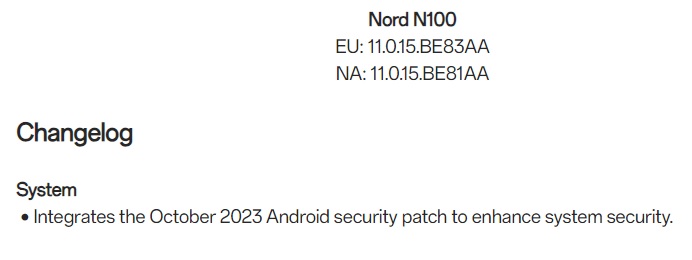
The OxygenOS 11.0.15 update only integrated the October 2023 Android security patch for the OnePlus Nord N100. It improves device security more than before and also protects from risks.
For More Such Updates Follow Us On – Telegram, Twitter, Google News, WhatsApp and Facebook
OnePlus is continuously working to enhance and improve the user experience. In a move to gather more feedback and refine the OxygenOS experience, the company has released the OxygenOS 14 Open Beta 3 for the OnePlus 11. This beta version comes packed with features that surpass its predecessors, the first and second Open Betas.
These beta updates are totally based on Android 14 and they bring lots of new features and bugs as well so be ready for everything.
However, users are reminded that beta versions might not always offer the same stability as official OTAs. Installing this update means acknowledging potential software risks. Presently, this open beta release is confined to India and North America. Those in other regions should keep an eye out for future updates.
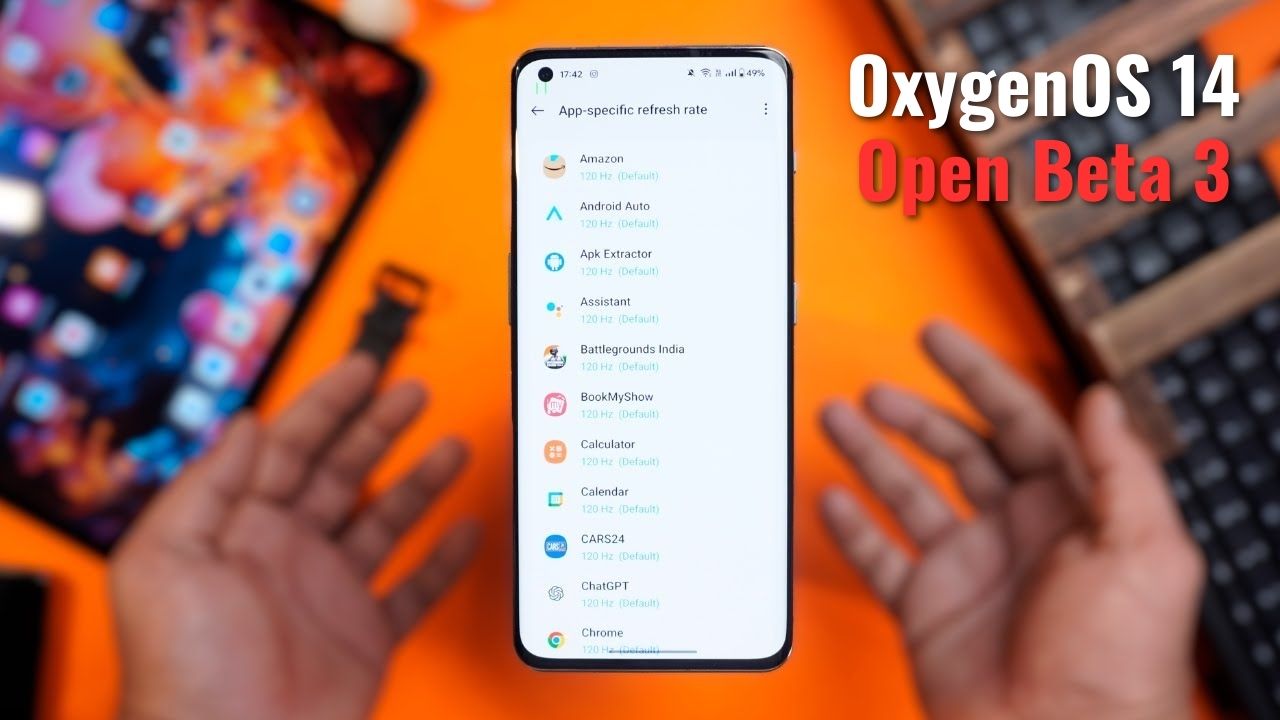
An exclusive feature is also added to the OxygenOS 14 beta version which is not mentioned in the changelog. As per TechibeeReview our another website, you can set a custom refresh rate for particular apps or all apps at 120 Hz. This was much need feature in the smartphone as some apps were default set to 60 Hz which was not that smooth. Now if the user sets it to 120Hz for all apps then you will smooth and faster experience within the apps.
Known Issues:
- Music sound glitches with wired headphones during photo capture.
- Errors like “The system desktop has stopped running” when using third-party fonts.
- Occasional screen flashing when using the navigation bar for app switching.
- Unexpected return to desktop when swiping to close cards in Shelf.
- Dark mode incompatibility with Play Store.
- Missing incoming call notification banner on the desktop.
- “The system interface irresponsible” error on Play Store usage.
OxygenOS 14 Open Beta 3 Changelog:
System:
- Integration of October 2023 Android security patch for better security.
- System stability and performance enhancements.
- Battery life improvements in specific situations.
- Resolved display glitch affecting widgets in Dark mode.
Apps:
- Fixed issues with third-party payment apps.
- Resolved a sharing problem where photos from an album might not be sent to a chosen app.
Upgrade Instructions:
For a successful upgrade, ensure:
- Your OnePlus 11 is on the latest OxygenOS 13.1.
- Battery level is above 30%.
- At least 4 GB storage is available.
- Note: Carrier version devices from TMO/Verizon aren’t compatible with this beta.
India Users:
A new recruitment process for the Open Beta Test is now in place. Applications are open from October 12 until the quota is reached. Once you’ve applied and passed the review, the version will be available for download in Settings.
North American Users:
For those transitioning from the Stable Official version to the Open Beta, follow the given guidelines, ensuring you have the required OxygenOS 13.1 version and have backed up your data.
Rolling Back:
If you wish to revert to OxygenOS 13, the company has provided a rollback package. However, caution is advised: the rollback will erase all phone data. Hence, a backup is essential.
For detailed upgrade, installation, and rollback steps, refer to OnePlus’ official guidance.
Links:
Download the relevant files for OnePlus 11 [IN version] and [NA version] to upgrade or roll back your software.
For More Such Updates Follow Us On – Telegram, Twitter, Google News, WhatsApp and Facebook