
ColorOS
OnePlus 9RT ColorOS 12.1 Trial C.01 is released – Download it here

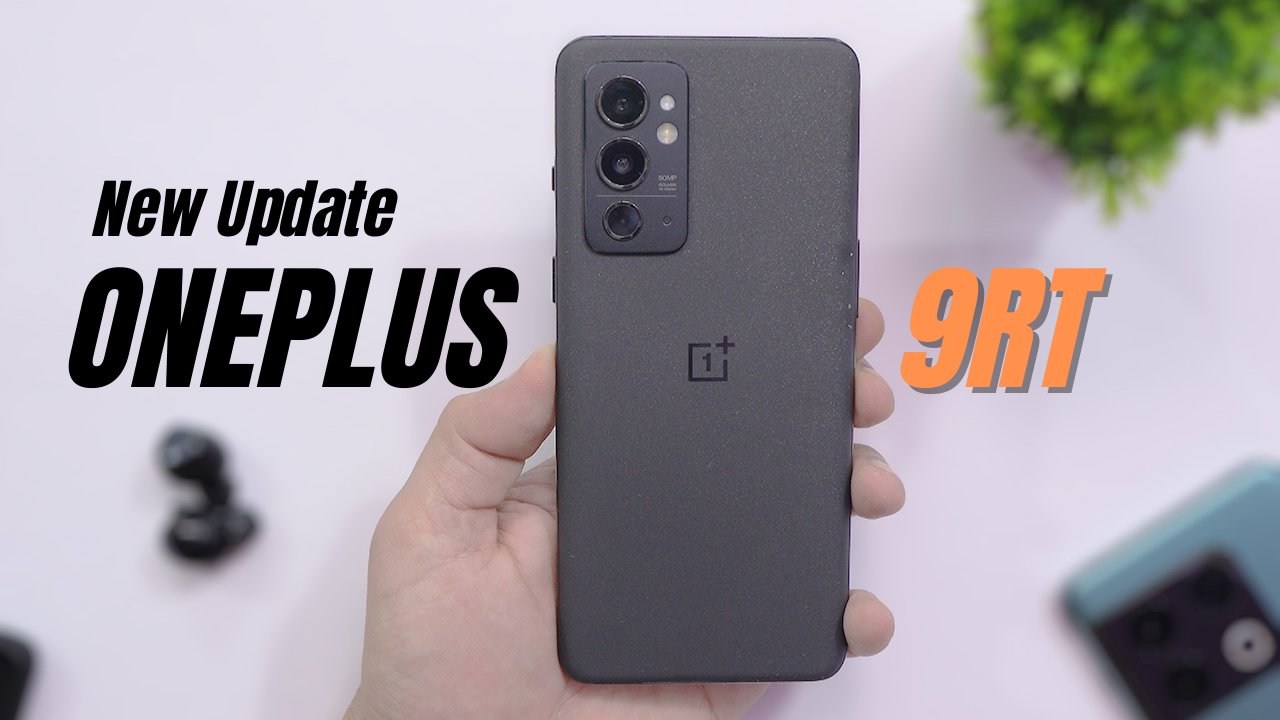
Oneplus 9RT still hasn’t got OxygenOS 12. Meanwhile, we can try a new update for Oneplus 9RT based on ColorOS 12.1 which is version C.01 and is based on Android 12. This new update brings improvements to the SYSTEM and Optimization.
OnePlus 9RT ColorOS 12.1 Trial C.01 Changelog
OnePlus 9RT ColorOS 12.1 Trial C.01 is convenient and efficient
New additions
- Portable card bag, convenient to organize and share cards in the album
- Photos of Passes and Tickets
- Open the floating window in the split screen state, support three applications to display at the same time, and the floating window and split screen applications can be switched to each other, Collaboration on the same screen is more convenient
Optimizations
- Optimized Flashback window interaction, add support for clock application
- Optimized Free translation function, after the smart sidebar is enabled, new support for selecting full-screen translation is added
seamless interconnection
- Multi-application open function, support to open up to three application windows on the computer at the same time, multi-task parallel processing is more efficient Security and privacy
- Clipboard read permission settings, control the access permissions of third-party applications to clipping information, and protect information security
performance optimization
- Optimized LinkBoost 3.0, intelligently identify and improve network quality, comprehensively improve for different scenarios and applications, make network connection more stable, transfer faster, and switch more naturally
Game experience
- HyperBoost full-link game frame stabilization technology – GPA frame stabilization technology to find the best balance between performance and power consumption to achieve stable frame rate and lower power consumption in key scenes (supports some games)
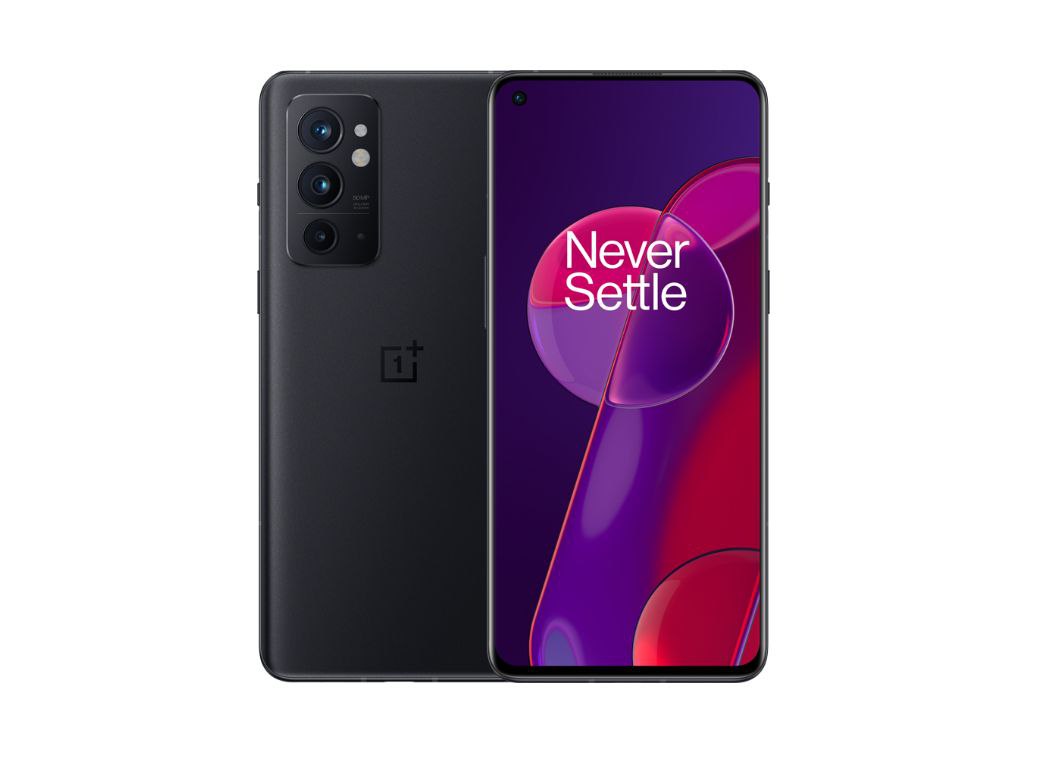
OnePlus 9RT ColorOS 12.1 Trial C.01 Download
- Install the Full Zip through Local update Apk
- Download the local update apk English version: Download from telegram // Mirror.
- Note: Official Servers are Slow, It’s recommended to use 1DM on your device for better downloading Speed. Download 1DM app
Also read: OnePlus 10R a.k.a Oneplus Ace received ColorOS 12.1 A.13 – Download here
If you like our article then follow us on Google news, and Instagram, or join our Telegram Group. For the latest TechNews and Reviews, follow Techibee on Twitter and Facebook, and subscribe to our Youtube channel.
For More Such Updates Follow Us On – Telegram, Twitter, Google News, WhatsApp and Facebook















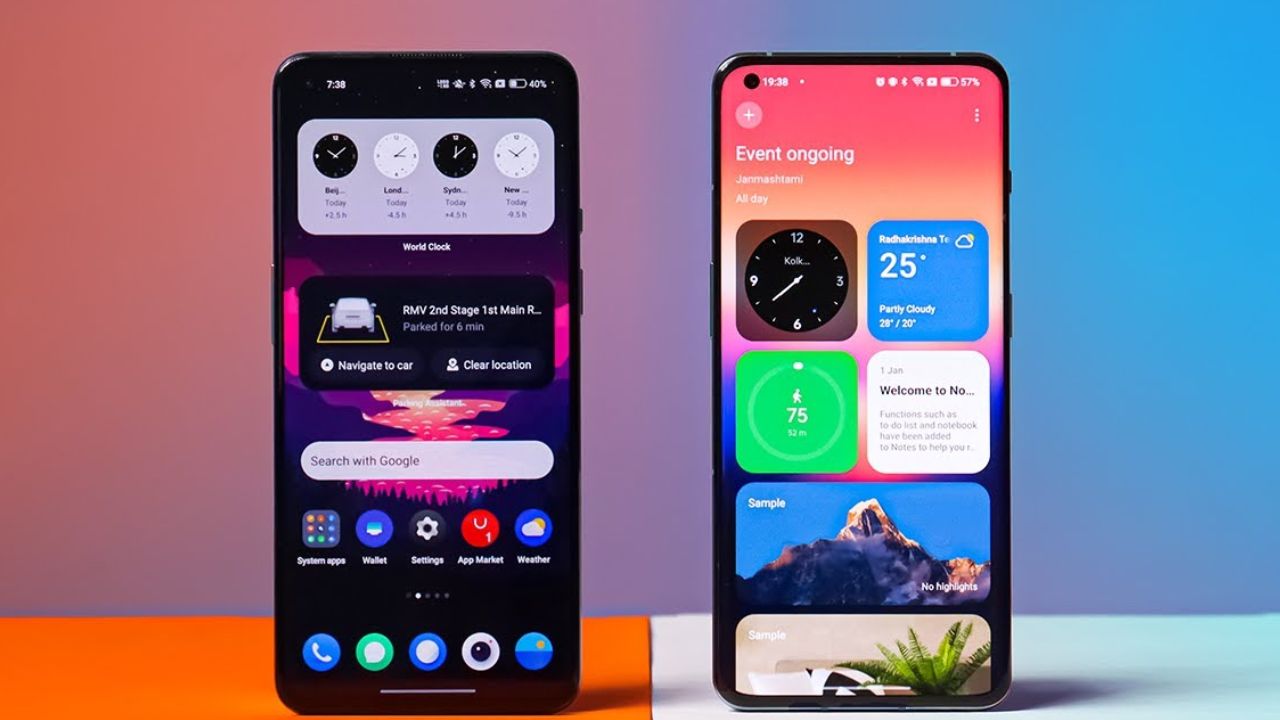
Currently, OnePlus devices offer users the option to set their smartphone screen refresh rate to either High (120Hz) or Standard (60Hz) through the device settings.
However, Ashok Mor recently highlighted a new feature which is a custom refresh rate setting option for individual apps. This allows users to assign a specific refresh rate to a chosen app. This feature is exclusive to the OnePlus 11 running ColorOS 14, as you can see in the screenshot available in the below tweet.
There is growing anticipation that this feature might be coming into the OxygenOS 14 update. If this feature comes with OnePlus devices running the OxygenOS 14 update, this improvement could prove to be even more beneficial than the existing settings.
For More Such Updates Follow Us On – Telegram, Twitter, Google News, WhatsApp and Facebook
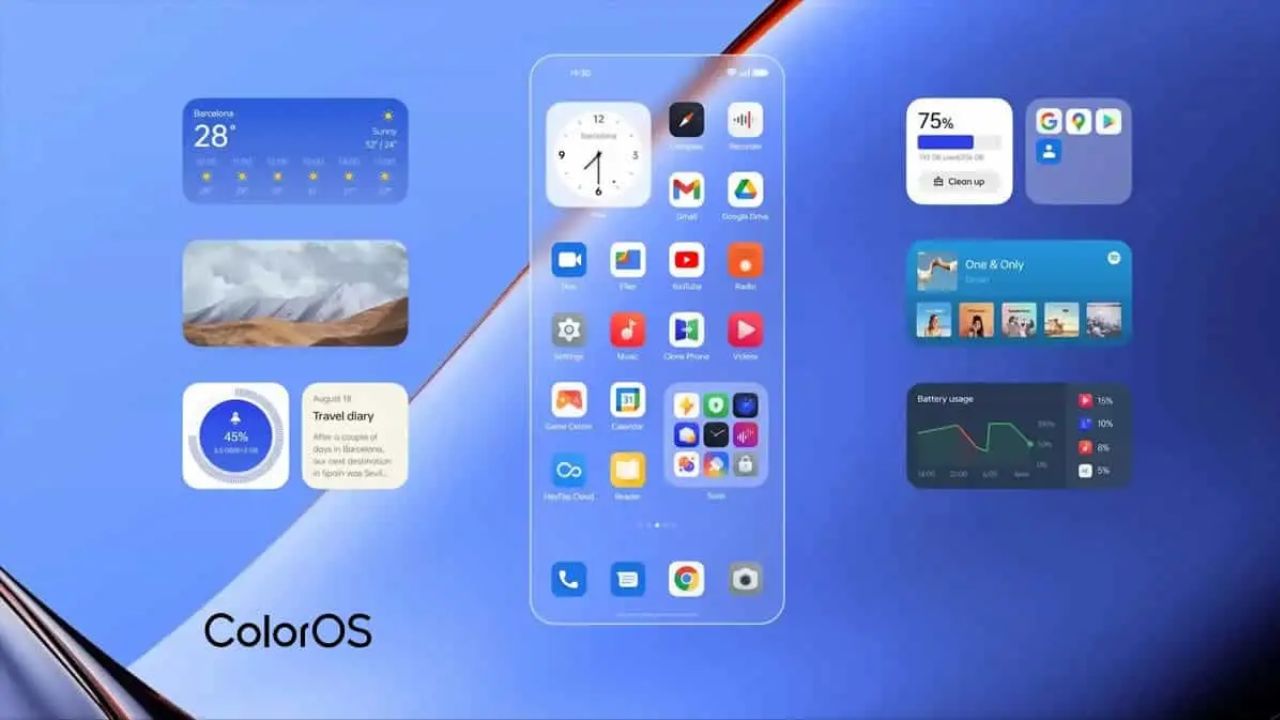
OPPO has initiated a closed beta program for the Oppo Reno 8 Pro model to test the much-anticipated ColorOS 14, based on Android 14. The company is only going to invite a limited number of users to experience the new features of the major upcoming update.
Limited Participation
OPPO is limiting this beta program to 200 Oppo Reno 8 Pro users from India. The move aims to facilitate rigorous testing of the software’s new features and capabilities, ensuring a smoother transition during the official release.
Pre-Requirements for Beta Testing
There are certain preconditions users need to meet to participate in the beta testing. Specifically, users must install the ColorOS build designated as CPH2357_13.1.0.580 (EX01) to be eligible for the new Beta version. If the current application window closes, applicants will have to wait for the next round of beta testing opportunities.
Application and Downloading Process
To apply, go to Settings on your device, tap on ‘About Device,’ followed by ‘Trial Versions‘ at the top of the screen. Here you’ll spot the term ‘Alpha.’ After filling in your details and tapping on it, a Telegram group link will appear. Click ‘Apply Now‘ to complete the application process.
Once you’ve successfully cleared the application round, you can download the beta version by revisiting the ‘About Device’ section.
Known Issues with the Beta Version
Early adopters should be aware of potential hiccups with the Beta version, such as:
- Inaccurate display of used storage space
- An abrupt return to the desktop when long-pressing ‘1’ on the dialer
- Decimal places not displayed for charging icons with the Super Flash charger
- Possibility of phone ringing with no incoming call
- Risks of encountering a black screen when swiping through recent apps
- Inconsistencies in the Long Screenshot feature on the Weather Warning page
- Album Photos potentially not displaying in the correct order
- Difficulties in deleting newly-taken photos from the album
- Lack of vibration in the Aquamorphic theme ringtone
For More Such Updates Follow Us On – Telegram, Twitter, Google News, WhatsApp and Facebook
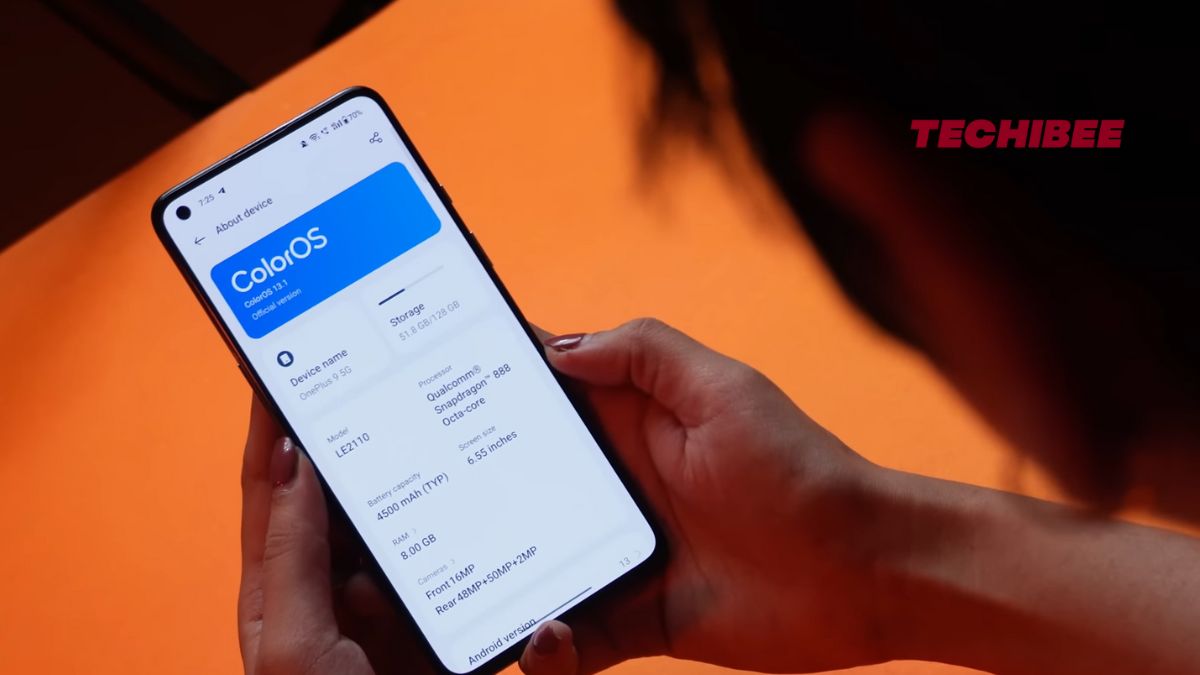
Oppo’s ColorOS 13.1 update, based on Android 13, has been making its way to eligible OnePlus and OPPO smartphones, bringing a host of new features and enhancements. The update has already been rolled out to a majority of compatible OnePlus devices, with the brand continuing to expand its availability across more models. Let’s take a look at the list of devices that will receive the ColorOS 13.1 update in June 2023.
OnePlus, a subsidiary of Oppo, has been at the forefront of delivering a seamless user experience on its smartphones. The ColorOS 13.1 update is a testament to this commitment, introducing a range of intelligent and efficient features designed to enhance the overall user experience and productivity.
Exclusive ColorOS 13.1 Features
Some of the notable features included in the ColorOS 13.1 update are auto-connect, customized Omoji, TalkBack, Simple mode, Championship mode, and Music control mode for Game Assistant. These features aim to provide users with greater convenience, personalization, and improved gaming capabilities.
List of OnePlus Devices Updated with ColorOS 13.1
Here’s the updated list of OnePlus devices that have received the ColorOS 13.1 update:
OnePlus 11 Series
- OnePlus 11
OnePlus 10 Series
- OnePlus 10 Pro
OnePlus 9 Series
- OnePlus 9 Pro
- OnePlus 9
- OnePlus 9RT
- OnePlus 9R
OnePlus 8 Series
- OnePlus 8 Pro
- OnePlus 8
- OnePlus 8T
Oneplus Ace 2 Series
- OnePlus Ace 2V
- OnePlus Ace 2
OnePlus Ace Series
- OnePlus Ace Pro
- OnePlus Ace Pro Yuanshen Limited Edition
- OnePlus Ace
- OnePlus Ace Racing Edition
Owners of the aforementioned OnePlus devices can now enjoy the latest ColorOS 13.1 update, which brings a plethora of new features and improvements to their smartphones. This update is expected to enhance the overall user experience, improve system stability, and optimize device performance.
If you own one of the eligible OnePlus devices listed above, make sure to check for the ColorOS 13.1 update in your device’s settings. Keep in mind that software updates are typically rolled out in phases, so it may take some time before it reaches all devices.
With ColorOS 13.1, OnePlus continues to prioritize user satisfaction by delivering timely updates and innovative features. The company’s commitment to providing a seamless and enjoyable smartphone experience remains evident as it strives to meet the evolving needs of its users.
We have also recently made a video where we installed the ColorOS 13.1 on OnePlus 9. You can give a look on ColorOS features:
For More Such Updates Follow Us On – Telegram, Twitter, Google News, WhatsApp and Facebook