
Google Pixel Launcher Now Allows Selection of Default Search Engine

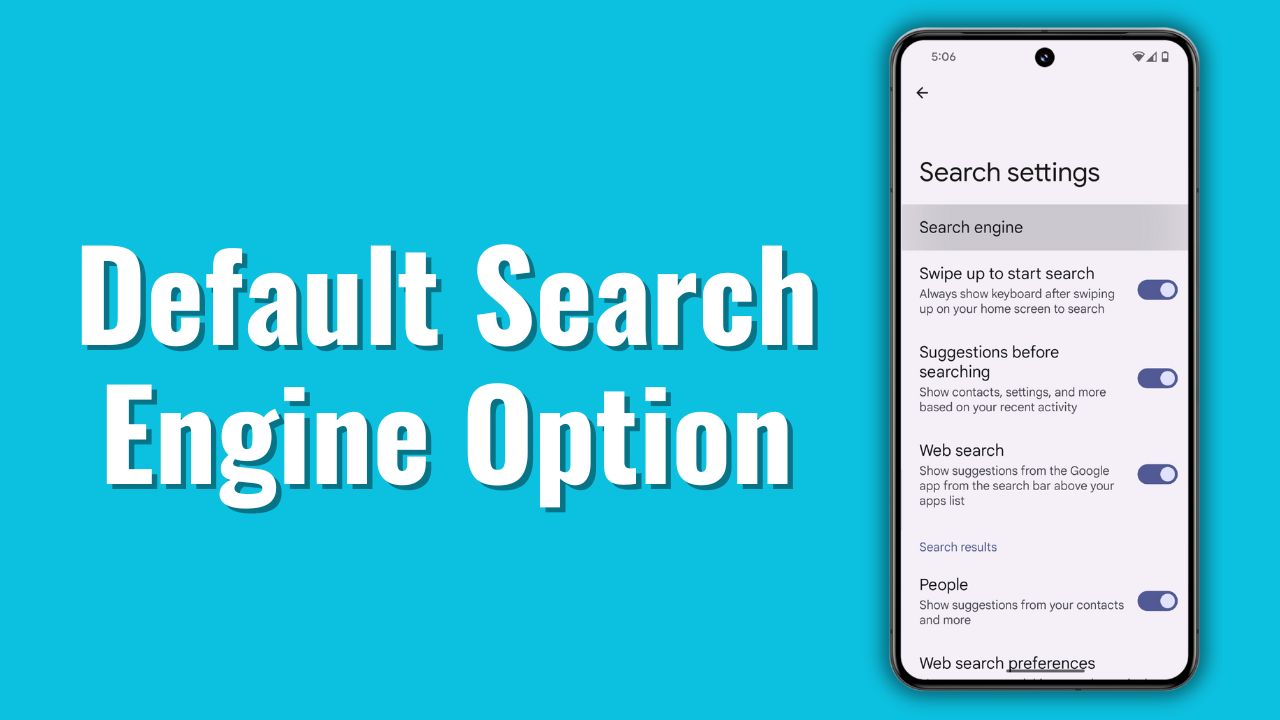
The Pixel Launcher, which you are getting in Google Pixel phones, as well as some of the AOSP Custom Roms as well as a search feature from which you can easily access different functions on your phone. With the new Android 14 QPR 2 Beta 3, Google has introduced a new version of Google Pixel Launcher with a hidden search engine menu.
This new hidden menu allows Pixel phone users to change their default search engine. As we know, by default, we have a Google search engine. But with this update, you can easily set Bing, Yahoo, or DuckDuckGo as your default search engine.
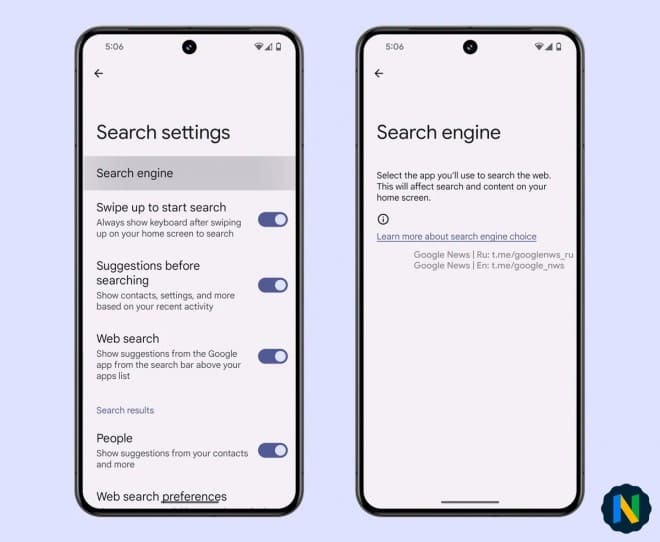
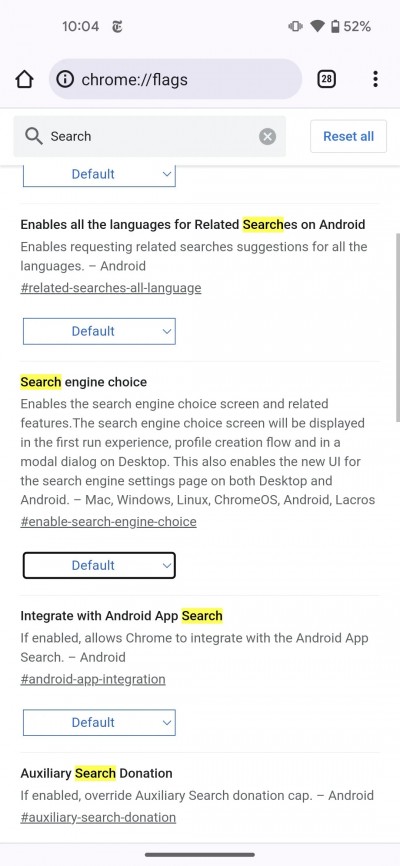
This information was provided by an X user, @Nail_Sadykov on their X account formally Twitter. Along with this, the user has also discovered something in Google’s Chrome Browser as well. Now, users can choose their preferred search engine during the initial setup of their Google Chrome Browser.
This is important news as Google is currently dealing with an antitrust case. This case claims that Google’s dominance in the search engine market restricts users from accessing other search engines such as Bing, DuckDuckGo, etc. This indicates that Google has taken this move under legal pressure. As we know, Google has a 90-95% monopoly in the Search Engine market. Also, Apple is paying Google $10 billion every year to keep Google the default search engine in their Safari Browser (iOS).
Which search engine are you currently using? Do let us know in the comment box. Also, tell us whether you like this post or not.
For More Such Updates Follow Us On – Telegram, Twitter, Google News, WhatsApp and Facebook


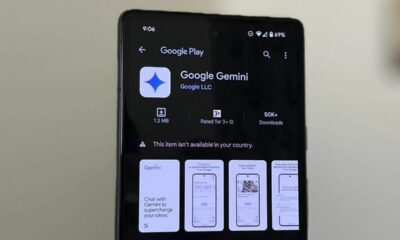









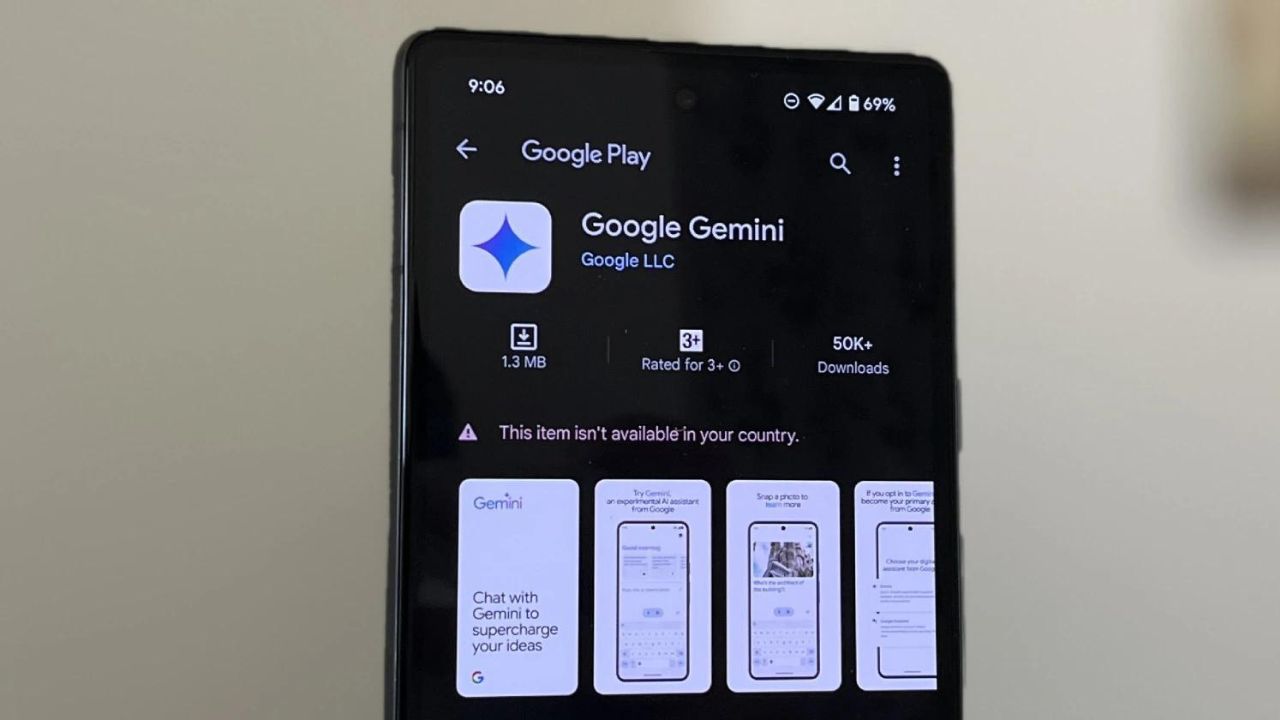
Google has recently renamed its AI Assistant to Gemini previously Bard. The Gemini app is already available in the U.S., Canada, Asia Pacific, Latin America, and Africa. This app will replace your Google Assistant as well in both Android and iOS.
Note: The Gemini app is expected to be launched in India by next week.
Some reports also suggested that Gemini’s mobile app is working on expanding availability to make it accessible on your headphones very soon. 9to5Google has recently appraised the beta version of the Google app (15.6) that contained the message which is listed below:
Gemini mobile app is working on expanding availability to make it accessible on your headphones
Few headphones have a button or a gesture from which we can activate voice assistant. Currently, it is Google Assistant, even if Gemini replaces it on the smartphone. For example, Google’s Pixel Buds Pro till now working with the old service, as indicated by its voice as well as capabilities, as per source.
Primarily, Google is focusing on launching the Gemini AI app for smartphones in all regions, especially in Europe. When Gemini expands to audio wearables, then users can expect features such as customizing the playback speed and shorter answers.
What do you guys think about the Gemini phone app? Do let us know in the comment box. Also, do let us whether you like this post or not.
Featured Image from piunikaweb.com
For More Such Updates Follow Us On – Telegram, Twitter, Google News, WhatsApp and Facebook

In 2020, Google released its Reading Mode app, and now the company has made the Reading Mode app plenty useful. With this new update, the Reading Mode app will also work in Gmail, X (formerly Twitter), and Threads along with other social media and email apps as well.
If we talk about what this app can do, then this app makes every page text easy, so that you can easily read that along with this it also turns each viewed page into plain text. As mentioned above, this new update brings Reading Mode app support to Gmail, X, Threads, and other email and social media apps which is a good and useful thing.
Furthermore, if you are on the go, then the app can also read the text aloud. So, that you can listen to it. Still, the developers have to note that the app may not work properly with all social media and email apps. However, it might work with all social media and email apps in the future.
Do you guys use this Reading Mode app? Do let us know in the comment box. Also, do tell us whether you like this post or not.
For More Such Updates Follow Us On – Telegram, Twitter, Google News, WhatsApp and Facebook
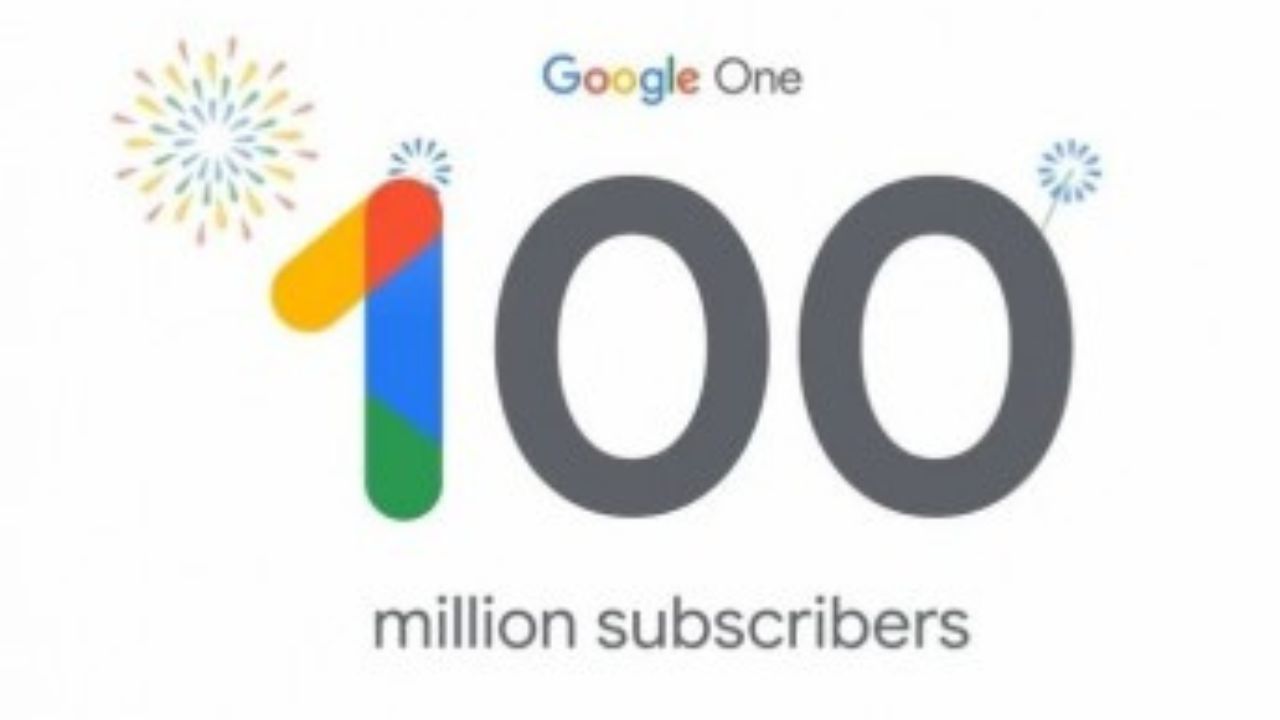
Sundar Pichai, CEO of Google and Alphabet has posted a thread on their X account. In that thread, Pichai mentioned that Google One (a subscription from Google) has crossed 100 Million Subscribers, and Google will be obsessing about” building on that momentum” along with the newly launched AI Premium Plan.
Features you get after subscribing to Google One AI Premium Plan
This new AI Premium Plan will offer AI features that are powered by recently powered Google’s AI Model (Gemini), which was previously (Bard). If we talk about what this plan will offer, then this Google One AI Premium Plan will feature Gemini Advanced.
This Gemini is also coming to Gmail, Google Docs, and other Google apps as well very soon. Moreover, this plan will offer 2TB of storage, 10% back from the Google Store, More Google Meet features such as longer group video calls (the limit without a subscription is one hour), and More Google Calendar features like enhanced appointment scheduling.
Pricing of Google One AI Premium Plan
Later on, if we talking the pricing of the AI Premium Plan, then this Google One AI Premium Plan is priced at Rs. 1,950/ $23.49 for a month. On the other hand, the other Google One plans i.e. Basic, Standard cost Rs.130/ $1.57, Rs.650, $7.83. You can learn more about Google One Plans by clicking here.
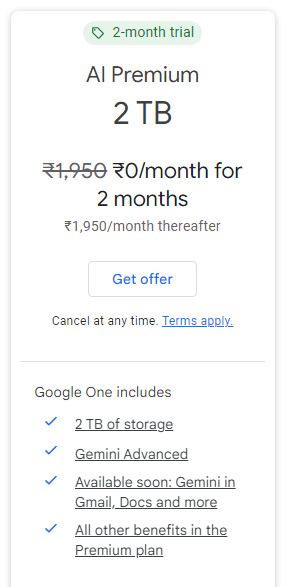
Note: Currently, Google One AI Premium is available free for 2 months.
Do you guys purchase this new Google One AI Premium Plan? Do let us know in the comment box. Also, tell us whether you like this post or not.
For More Such Updates Follow Us On – Telegram, Twitter, Google News, WhatsApp and Facebook