
OnePlus
OnePlus 12R 256GB variant customers can now request for refund – Here are the details

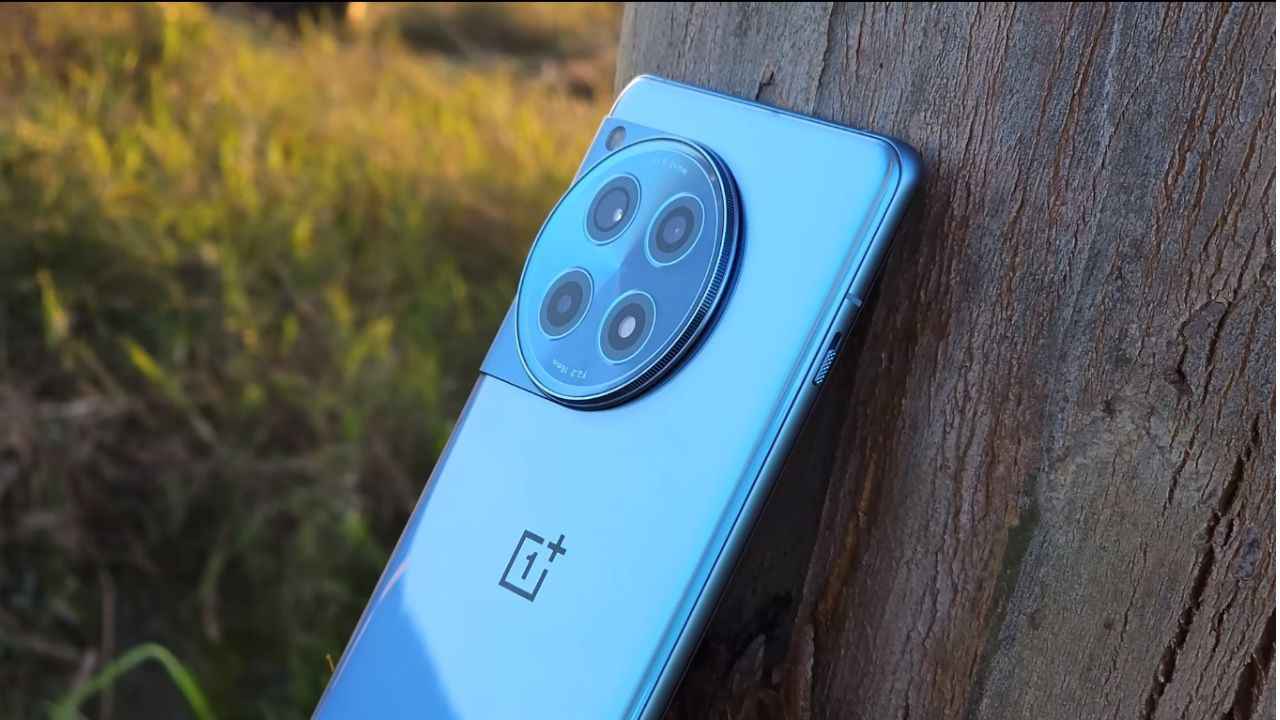
Recently, OnePlus confirmed that both variants of the OnePlus 12R come with UFS 3.1 storage type and now, we have further information regarding the same. Newly, Kinder Liu, the President and CEO of OnePlus has posted a new thread in the OnePlus Community in which he mentioned that if you have a OnePlus 12R 256GB variant you only purchase the phone just because of UFS 4.0 storage type, then you can request a refund for that.
How to request for Refund for the OnePlus 12R 256GB variant?
To get a refund for the 256GB variant of the OnePlus 12R, you just have to contact Customer Service through your usual channel. After that, they will tell you the steps to get a refund As they know the entire situation. Giving a refund is a good step taken by OnePlus. Previously, they gave a free lifetime warranty for the Green Line/Lines on the display of OnePlus smartphones.
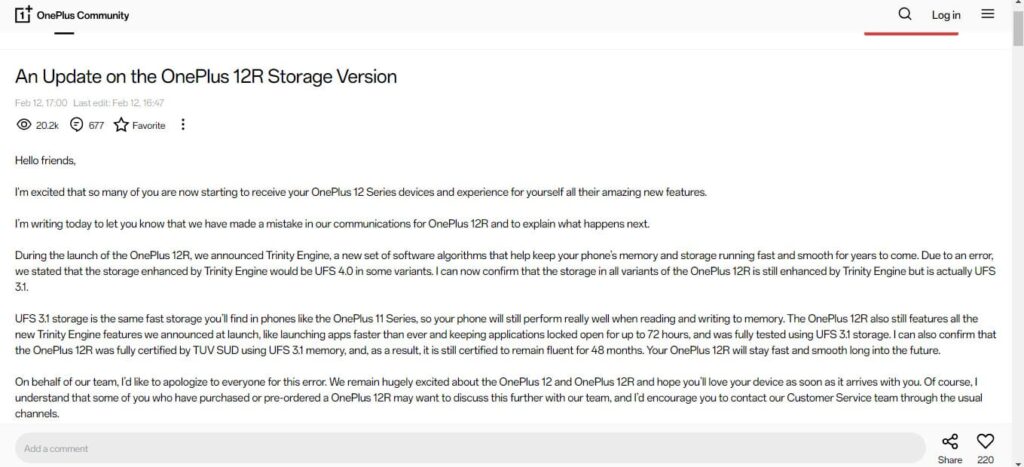
Note: The refund of the OnePlus 12R is applicable in India until 16 March 2024 i.e. one month for the 256GB variant (higher one).
Still, OnePlus has confidence that the OnePlus 12R lives up to high expectations. After all, the OnePlus 12R has the features of Trinity Engine that were announced on the launch. Liu has also confirmed that the OnePlus 12R was fully certified by TUV SUD using UFS 3.1 memory and it is certified to remain fluent for 48 months i.e. up to 4 years.
OnePlus 12R is the same phone which is launched in OnePlus Ace 3 China. But in China, all three variants i.e. (12GB and 256 GB, 16GB and 512 GB, and 16GB and 1 TB) of the OnePlus Ace 3 come with UFS 4.0 storage type.

Do you own a OnePlus 12R 256GB variant and will you take a refund for your OnePlus 12R? Do let us know in the comment box. Also, tell us whether you like this post or not.
For More Such Updates Follow Us On – Telegram, Twitter, Google News, WhatsApp and Facebook












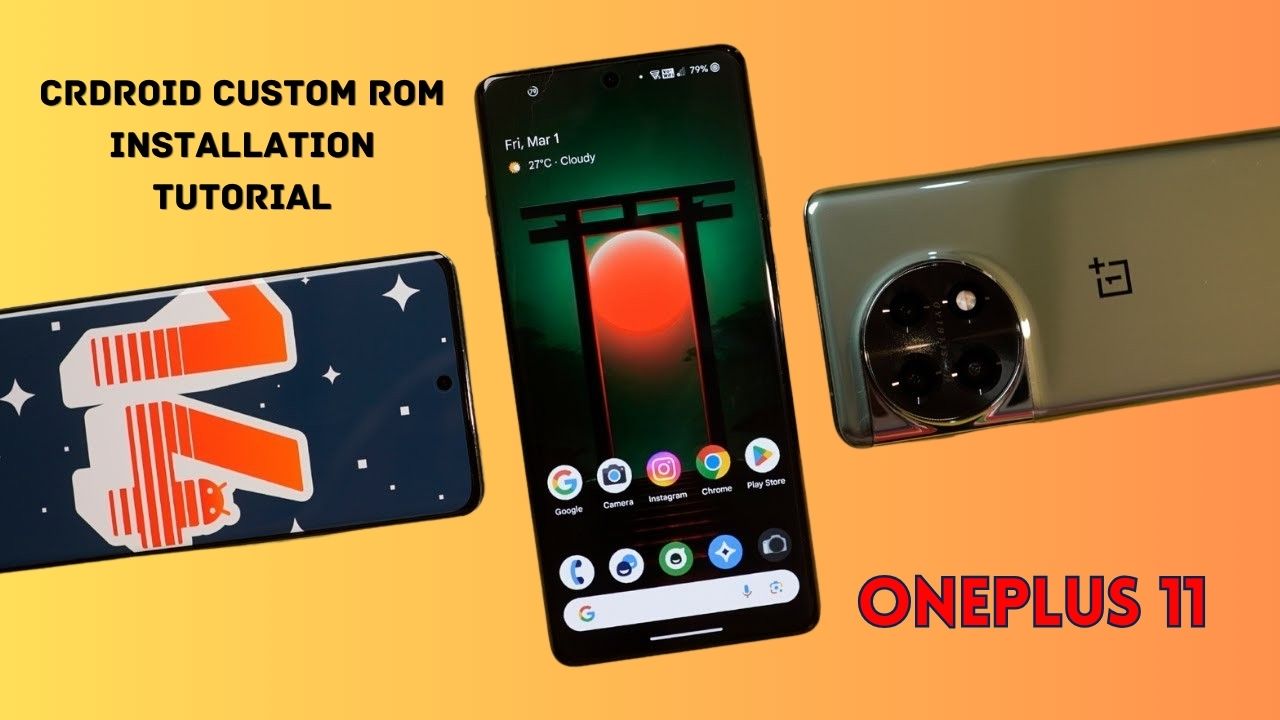
Yesterday, we posted a review video of crDroid Custom ROM on our YouTube Channel. After that, some users asked us for the installation post for that. So, here we come with a post in which we will tell you how you can install Custom ROM on OnePlus 11. You can also follow this post, even if you are installing Custom ROM for the first time as this is an easy and step-by-step guide. In this, we are particularly talking about the crDroid ROM for OnePlus 11.
Prerequisite:
- First, you have to unlock the Bootloader of your phone. So, for that, you have to Download the files that are listed below:
- Note: If you unlock your bootloader, then all your data will be wiped. So, make sure to take the entire backup of your phone.
- OnePlus USB Drivers: Download from Telegram // Mega
- ADB + Platform Tools Folder: Telegram
- OrangeFox Recovery OnePlus 11: Download
- crDroid 10 Custom ROM OnePlus 11 (A14): Download (copy this file in your P.C.)
- Install all these three one by one.
- After installing, you have to enable developer options on your phone.
- To enable developer options, you have to click on Build Number 7 times. (Settings > About Device > Version).
- After that, you have to go back and click on Additional Settings > Developer Options.
- In Developer Options, you have to enable OEM Unlocking and USB Debugging.
- Then, you have to follow this video or this post to properly install ADB and Fastboot Drivers.
- Then, you have to install OnePlus Drivers.
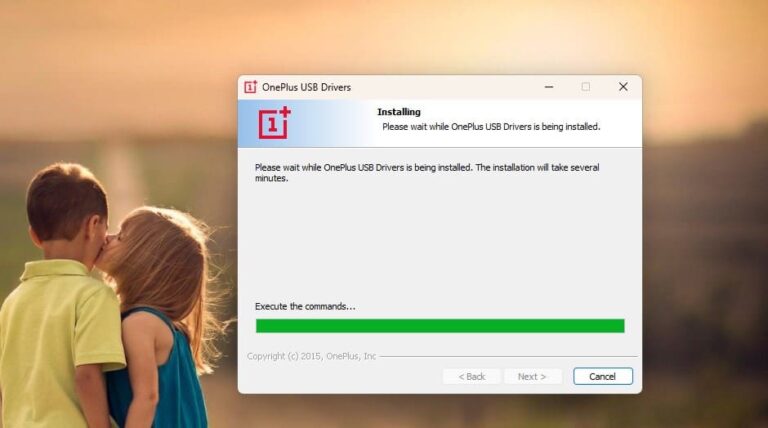
- After installing ADB and Fastboot Drivers, you have to open the Platform Tools folder.
- In this folder, you have to open the terminal or command prompt by typing cmd in the Address Bar and hit enter.
- Then, connect your phone to your PC.
- After that type adb devices Command Prompt or Terminal and hit enter.
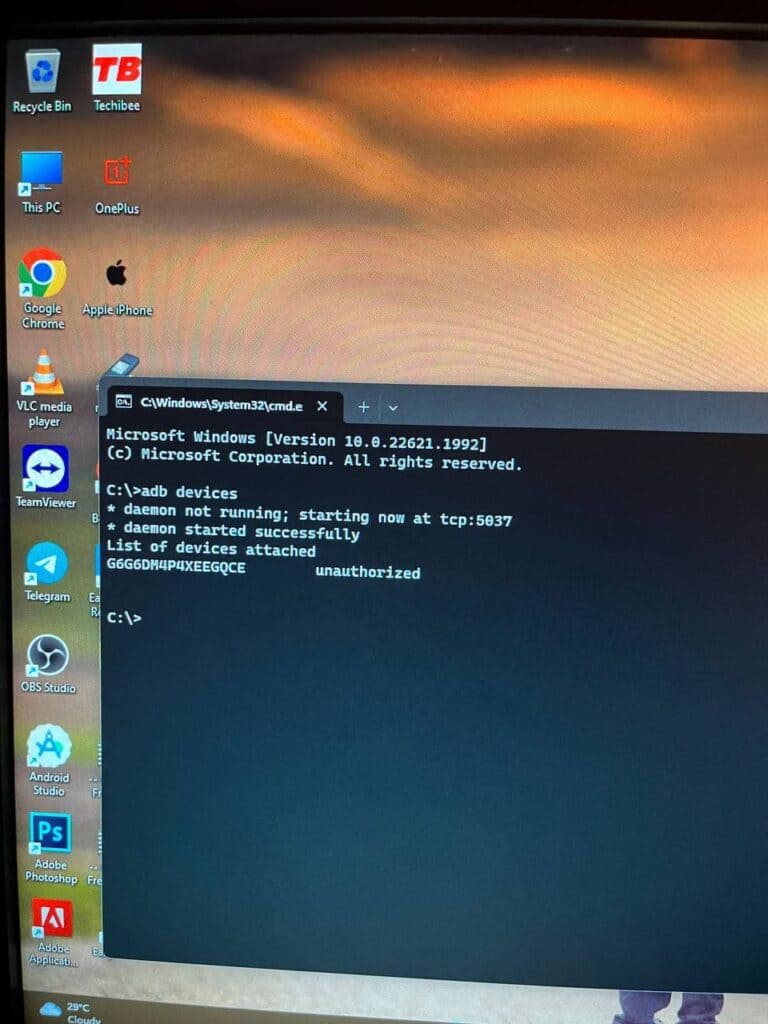
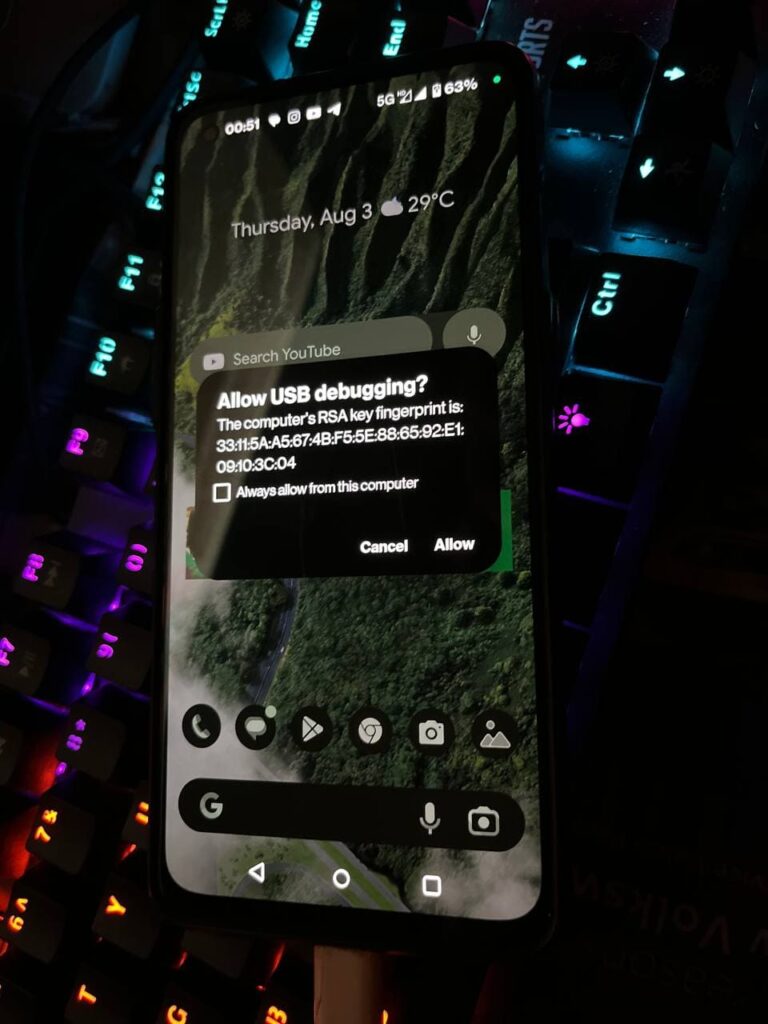
- As you type this command on your PC. You will get a pop-up on your phone. You have to click on allow as shown in the image listed below:
- Then, type adb reboot bootloader.
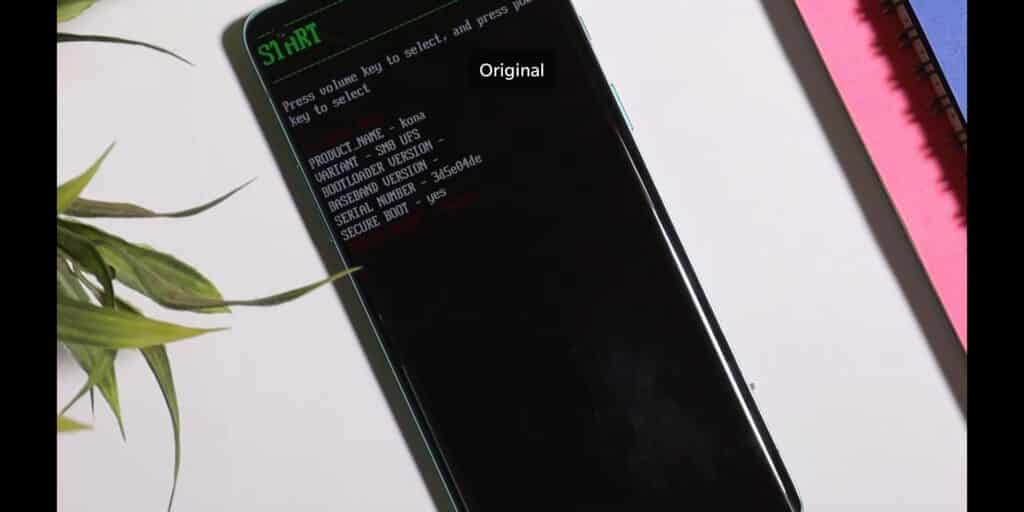
- Later on, type fastboot devices. If a serial number is shown then your device is properly connected. But if a serial number is showing, then you have to install adb and fastboot drivers properly.
Note: If your device is not detected in fastboot, then you have to update your fastboot drivers from the link given below:
Download Fastboot Drivers Zip: Telegram
- Then, type another command, Fastboot flashing unlocking.
- After typing fastboot flashing unlocking command, you have to Navigate with the volume buttons and Press accept to unlock the bootloader with the Power button.
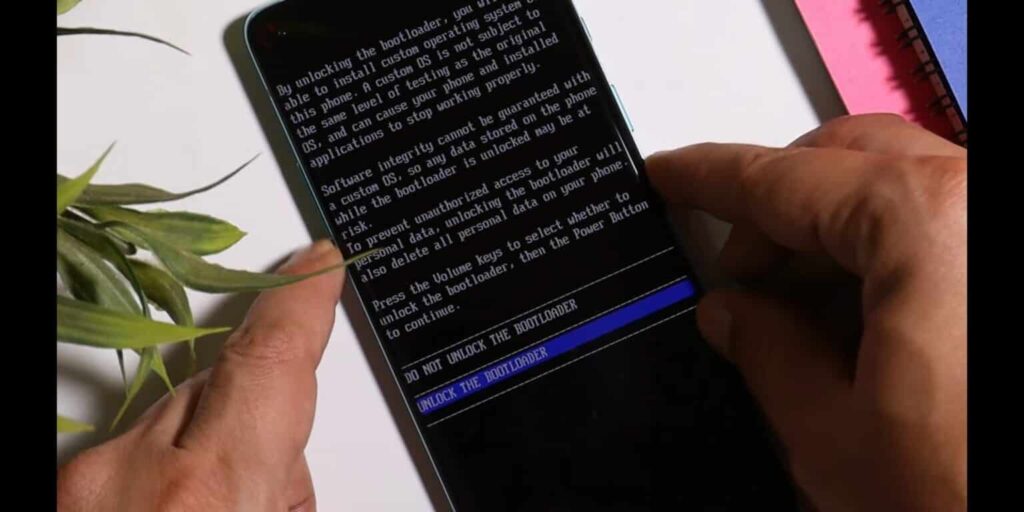
Note: If you unlock your bootloader, then all your data will be wiped. So, make sure to take the entire backup of your phone.
- After unlocking your phone, you have to flash custom recovery.
- So, again put your phone into fastboot/ bootloader mode.
- Then, in the Platform Tools folder, you have to open the terminal or command prompt by typing cmd in the Address Bar and hit enter.
- After that, you have to type a command in Command Prompt/ Terminal which is fastboot devices.
- Then, you have to type fastboot flash recovery (drag the recovery image file) and hit enter.
- Later on, type fastboot reboot recovery. After typing this command, your phone boots into OrangeFox Custom Recovery.
- Now, we have to sideload the Custom ROM file. So, for that, you have to click on the Menu toggle (last toggle) which is present on the bottom right.
- Then, tap on the ADB Sideload. After that, you have to type one last command by keeping the device connected to the PC which is adb sideload (drag the Custom ROM file), and hit enter.
Note: After flashing Custom ROM, you have to format user data. So, for that head to the Menu of the recovery. Then, Manage Partitions > Data > Format Data > type yes.
After that click on reboot system.
Then, you are good to go.
Note: Do keep in mind we (Team Techibee) are not responsible for any kind of bricked or damaged device. So, do it at your own risk.
If you guys facing any issues while installing crDroid custom ROM on your OnePlus 11, then do let us in the comment box or ask us on our Telegram group. Also, do let us know in the comment box, whether you like this post or not.
For More Such Updates Follow Us On – Telegram, Twitter, Google News, WhatsApp and Facebook
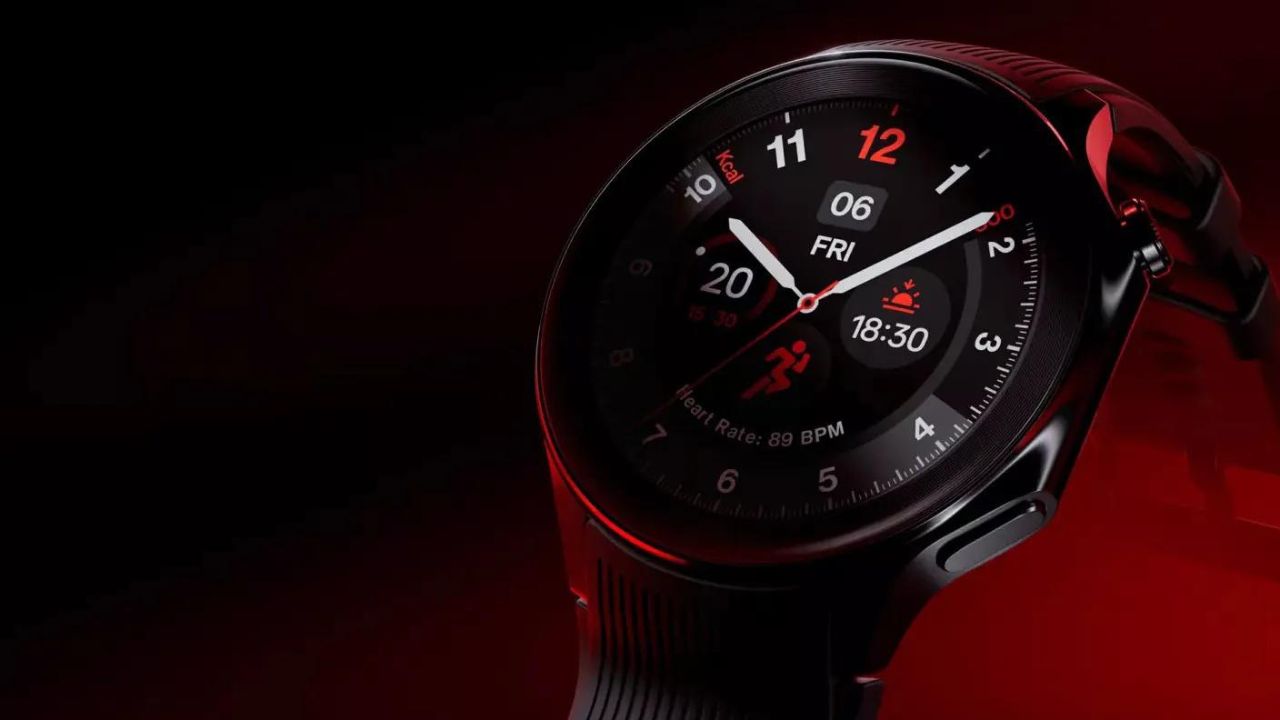
As we already know, the OnePlus upcoming flagship Watch 2 is going to be launched tomorrow at MWC 2024 (Mobile World Congress). If you want to know about the specifications, then do consider this post. Additionally, if you want to know about the color variants and some features of the Watch 2, then consider this post.
OnePlus Watch 2 Price Leaked Before Launch
Recently, the price of the upcoming OnePlus Watch 2 has been leaked. Ishan Aggarwal, a popular tipster, has recently posted a thread on their X (formerly Twitter) account. According to Tipster, the price of the upcoming OnePlus Watch 2 will be:
- India: Rs.24,999
- US: $299
- Europe: €329
- UK: £299
As we already said the OnePlus Watch 2 will be launched in India at the same time as it is launched globally. Do you guys think that it can compete with the Samsung Galaxy Watch 6? Also, do let us know, whether you consider the OnePlus Watch 2 at this price in the comment box.
For More Such Updates Follow Us On – Telegram, Twitter, Google News, WhatsApp and Facebook
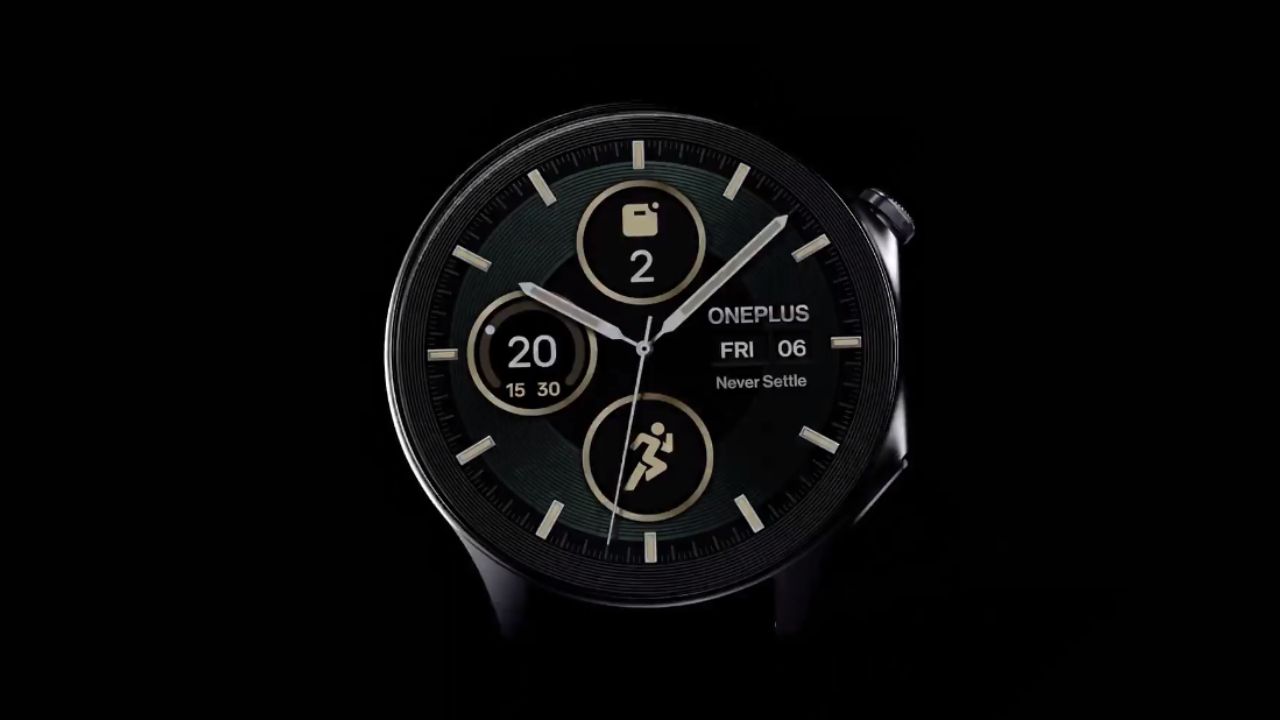
The upcoming OnePlus Watch 2, which is a flagship watch from OnePlus is going to be introduced at MWC (Mobile World Congress) on 26 February, this month at (8:30 P.M. IST). OnePlus Watch 2 will be a successor to OnePlus Watch.
If we talk about the specifications and other details then, consider this post. The tagline of the Watch 2 is “It’s time to do it right!”. It is a flagship watch from OnePlus which debuted three years after the launch of the OnePlus Watch.
Pre-Reservation Benefits of OnePlus Watch 2
The OnePlus Watch 2 page is available on the OnePlus India Website. If you Pre-Reserve for the OnePlus upcoming Watch 2, then you will get Rs. 1000 off on the OnePlus Watch 2 and a free Bullets Wireless Z2 ANC. You can purchase a Pre-Reservation pass at Rs. 99 by clicking here.

OnePlus Watch 2 will be available in two colors i.e. Black Steel and Radiant Steel colour options. Watch 2 also features Military-grade Durability. The announcement post as well as the YouTube short video which is posted on the official YouTube channel highlighted that Watch 2 features that the watch is built with stainless steel and sapphire crystal.
The company said that the OnePlus Watch 2 will offer As per the information, the OnePlus Watch 2 has up to 100 hours of battery life in “full Smart Mode”. If it is true, then it will be more than Apple’s Watch Series 9. Moreover, a landing page for the OnePlus Watch 2 is already created on Amazon’s India Website which confirms that the Watch 2 will be available in India at the same time as during global launch.
The tagline of the OnePlus Watch 2 is “Your Partner in Time”. As mentioned in the video, this is a flagship watch from OnePlus which is built with s
Have you guys pre-reserved for the OnePlus Watch 2 or going now to pre-reserve? Do let us know in the comment box. Also, tell us whether you like this post or not.
For More Such Updates Follow Us On – Telegram, Twitter, Google News, WhatsApp and Facebook