
Apple
Rumors Suggest iPhone 16 to Feature Revamped Camera Bump Design, Battery Change

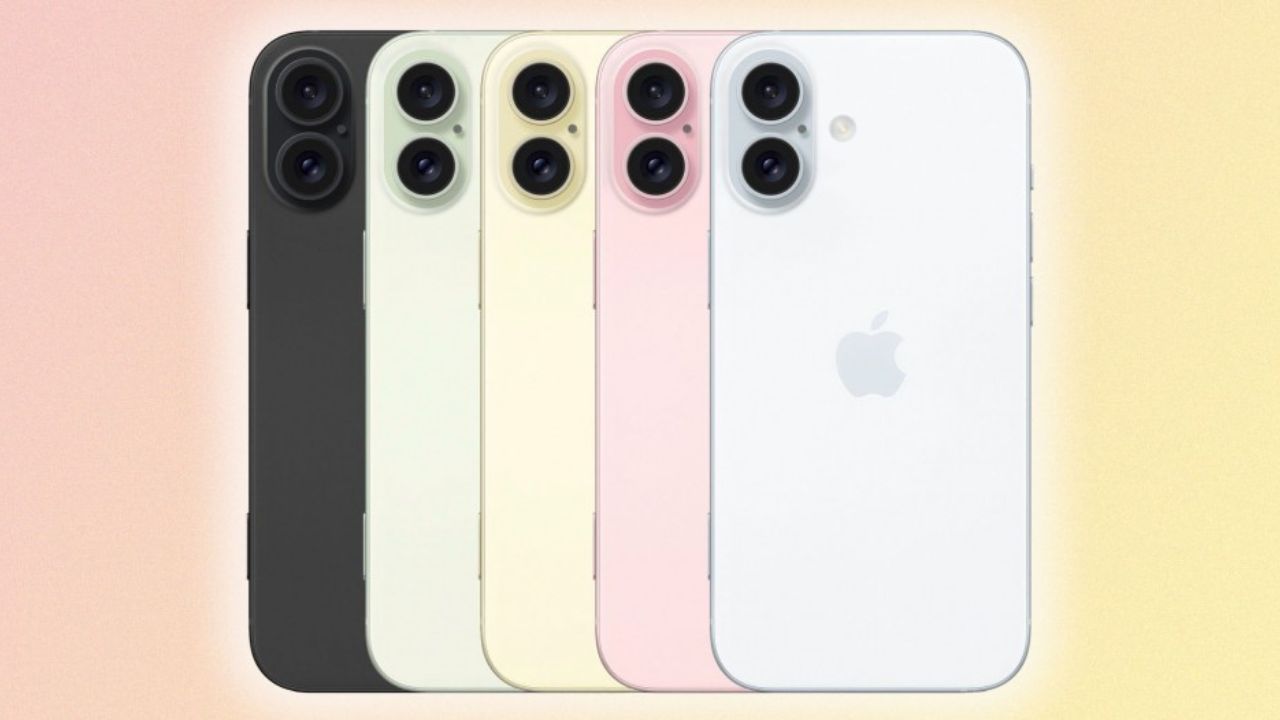
Do you remember last year in one of our posts, we covered that the front camera design of the upcoming iPhone 16 series (except 16 Pro and 16 Pro Max) is expected to come with a vertical layout instead of a diagonal layout which we have already seen in iPhone 11 and iPhone 12. It is also expected to come with a slim camera bump.
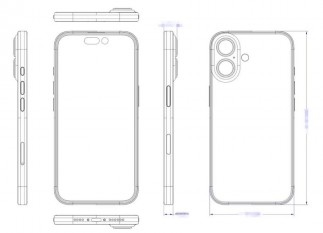
But there is a twist. New renders of the iPhone 16 by @MajinBuOfficial x @upintheozone suggest that along with a vertical layout, we have a pill-shaped camera island which we have already seen in iPhone X. On the camera island, we have two sensors for Wide and Ultrawide camera sensors with an LED flash on the side.
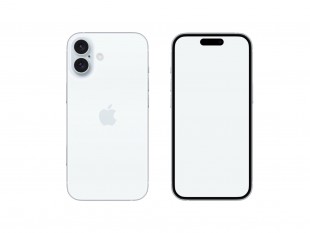
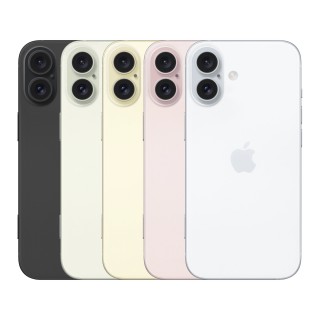
Apple Hub has also shared renders of the expected color options of the iPhone 16 along with a side comparison with the iPhone 16 Pro. The iPhone 16 Pro and Pro Max are suggested to have come with the same design that we have already seen in the iPhone 15 Pro and iPhone 15 Pro Max. The rumors suggested that the reason behind redesigning the camera of iPhone 16 is that we can record spatial video which is later played on Apple’s new headset i.e. Apple Vision Pro.
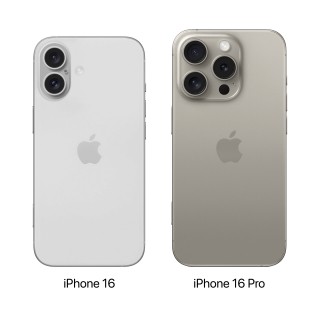
On the front side, we have not seen any new changes. As per leaks, iPhone 16 and iPhone 16 + are expected to come with a 60 Hz display as usual. The same USB-C port on the bottom of the phone as like iPhone 15 series.
But if we talk about the new add-ons in iPhone 16 and iPhone 16 +, then as per rumors, the iPhone 16 and iPhone 16 + are expected to be coming with an Action Button which we see in the iPhone 15 Pro and 15 Pro Max as like we saw Dynamic Island in the iPhone 15 and iPhone 15 + this year instead of notch.
No Capacitive Capture Button in iPhone 16 series
Do you remember the capture button whose codename was Project Nova? The latest information by MacRumors suggested that this button will not be available in the iPhone 16 series. Previously, MacRumors mentioned in one of their posts that this capacitive action button will feature a force sensor with the functionality of “tact-switching”. Also, the location of the capture button was said to be located on the side of the mmWave cutout on the iPhone models (available in the U.S.). This mmWave antenna will be moved to the phone’s left side with the new iPhone 16 (in the U.S.). But as of now, Apple has dropped the initial idea of adding a Capacitive Capture Button in the iPhone 16 Lineup.
iPhone 16 Series Battery and Action Button in iPhone 16 and iPhone 16+
Until the iPhone 15 series, Apple used an L-shaped battery design in their iPhones. Still, Majin Bu, an X user claims that Apple will use a regular rectangular battery in the upcoming iPhone 16 Lineup. Now, let’s talk about the battery mAh of the upcoming iPhone 16 Lineup.
Battery mAh in iPhone 16 Series:
| iPhone 15 Series | iPhone 16 Series | % Change | |
| Standard | 3,349 mAh | 3,561 mAh | +6% |
| Plus | 4,383 mAh | 4,006 mAh | -9% |
| Pro Max | 4,422 mAh | 4,676 mAh | +5% |
Till now, the tipster Bu has not revealed any information regarding the iPhone 16 Pro’s battery. Also, till now it’s unclear why the battery of the iPhone 16 + has been shrunk if we compare it with the iPhone 15 + battery.
If anyone among you guys knows more leaks about the upcoming iPhone 16 Lineup, then do let us know in the comment box. Also, tell us whether you like this post or not.
Note: The above-listed information is based on the early designs, it may or may not be changed as we know the iPhone 16 Series launch will be too far.
Source 1 /// Source 2 /// Source 3
For More Such Updates Follow Us On – Telegram, Twitter, Google News, WhatsApp and Facebook












Apple
Is your iPhone or iPad eligible for iOS 18 and iPadOS 18 Update – Here is a list of eligible devices
Every year, Apple announces its new iOS, iPadOS, and MacOS versions in its WWDC (World Wide Developer Conference) which will held at Apple Park in June. This year, Apple will announce iOS 18, iPadOS 18, and MacOS 15. The developer Beta of iOS 18 will be available after the announcement at the WWDC event but if we talk about the stable version of iOS 18 and iPadOS 18 update, then it will be available by September. In this post, we will tell you the list of iPhones and iPads that are eligible for the iOS 18 and iPadOS 18 update.
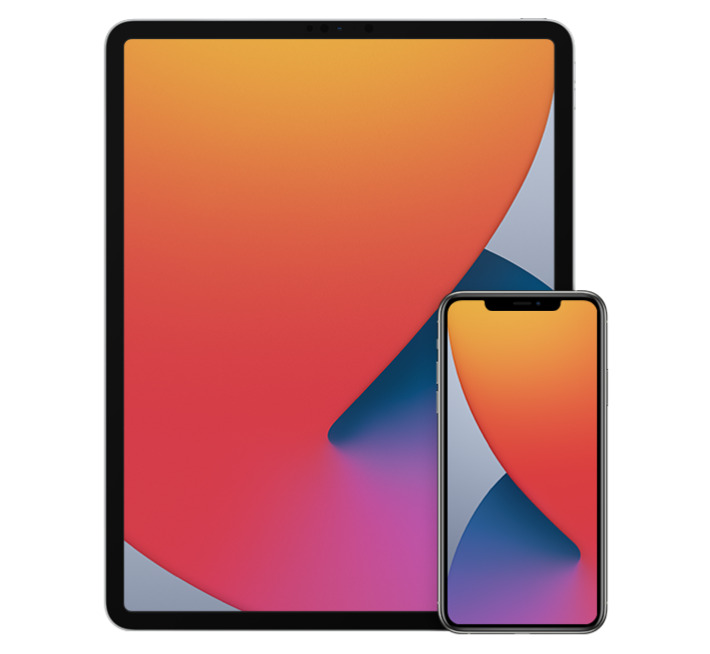
Devices Eligible for iOS 18 and iPadOS 18 Update
First, let’s talk about the list of iPhones, that are eligible for the iOS 18 Update:
- iPhone 15
- iPhone 15 Plus
- iPhone 15 Pro
- iPhone 15 Pro Max
- iPhone 14
- iPhone 14 Plus
- iPhone 14 Pro
- iPhone 14 Pro Max
- iPhone 13
- iPhone 13 mini
- iPhone 13 Pro
- iPhone 13 Pro Max
- iPhone 12
- iPhone 12 mini
- iPhone 12 Pro
- iPhone 12 Pro Max
- iPhone 11
- iPhone 11 Pro
- iPhone 11 Pro Max
- iPhone XS
- iPhone XS Max
- iPhone XR
- iPhone SE (2nd generation)
- iPhone SE (3rd generation)
Now, let’s talk about the list of iPads, that are eligible for the iPadOS 18 Update:
- iPad Pro: 2018 and later
- iPad Air: 2019 and later
- iPad mini: 2019 and later
- iPad: 2020 and later
iOS 18 brings new Generative AI support with Siri, design changes, and RCS message support in Apple’s iMessage. If you want to know more about the features of the iOS 18 update, then we have already created a dedicated post for that, do check that out.
Is your iPhone or iPad eligible for iOS 18 or iPadOS 18 update? Do let us know in the comment box. Also, do tell us whether you like this post or not.
For More Such Updates Follow Us On – Telegram, Twitter, Google News, WhatsApp and Facebook
Apple, an American-based Tech Giant has recently shared full release notes for the iOS 17.4 update, which is expected to be launched in the first week of the next month i.e. March. If you want to know the upcoming changes or new addons that we get after updating the iPhone to stable iOS 17.4, then we have already posted a dedicated post for that, you can simply check that out by clicking here.
If we talk about them in short, then the upcoming iOS 17.4 update brings major App Store changes in the EU, new emojis, Apple Podcasts transcripts, and an upgrade in the security of Apple’s iMessage. Furthermore, this update also prepares for the launch of the next-generation Apple CarPlay later this year.
As we know, Apple has to follow the EU’s Digital Markets Act. So, to avoid fines, Apple has to roll out the new iOS 17.4 update before the deadline which was given by the EU i.e. 6 March (Wednesday). So, we can expect the iOS 17.4 stable update before or on 6 March. Below listed are the iOS 17.4 U.S. released notes:
Emoji
– New mushroom, phoenix, lime, broken chain, and shaking heads emoji are now available in the emoji keyboard
– 18 people and body emoji add the option to face them in either directionApple Podcasts
– Transcripts let you follow an episode with text that highlights in sync with the audio in English, Spanish, French and German
– Episode text can be read in full, searched for a word or phrase, tapped to play from a specific point and used with accessibility features such as Text Size, Increase Contrast, and VoiceOverThis update includes the following enhancements and bug fixes:
– Music recognition lets you add songs you have identified to your Apple Music Playlists and Library, as well as Apple Music Classical
– Siri has a new option to announce messages you receive in any supported language
– Stolen Device Protection supports the option for increased security in all locations
– Battery Health in Settings shows battery cycle count, manufacture date, and first use on iPhone 15 and iPhone 15 Pro models
– Call Identification displays Apple-verified business name, logo, and department name when available
– Business updates in Messages for Business provide trusted information for order status, flight notifications, fraud alerts or other transactions you opt into
– Apple Cash virtual card numbers enable you to pay with Apple Cash at merchants that don’t yet accept Apple Pay by typing in your number from Wallet or using Safari AutoFill
– Fixes an issue where contact pictures are blank in Find My
– Fixes an issue for Dual SIM users where the phone number changes from primary to secondary and is visible to a group they have messaged
Some features may not be available for all regions or on all Apple devices. For information on the security content of Apple software updates, please visit this website: https://support.apple.com/kb/HT201222
Devices that are eligible for iOS 17.4 Update
At last, if we talk about the eligible devices for iOS 17.4 Update, then iPhone XS and above models are eligible for this update. Whenever you receive the iOS 17.4 update. To update your iPhone, simply head to Settings > General > Software Update.
Are you guys also waiting for the iOS 17.4 stable update? Do let us know in the comment box. Also, tell us whether you like this post or not.
For More Such Updates Follow Us On – Telegram, Twitter, Google News, WhatsApp and Facebook
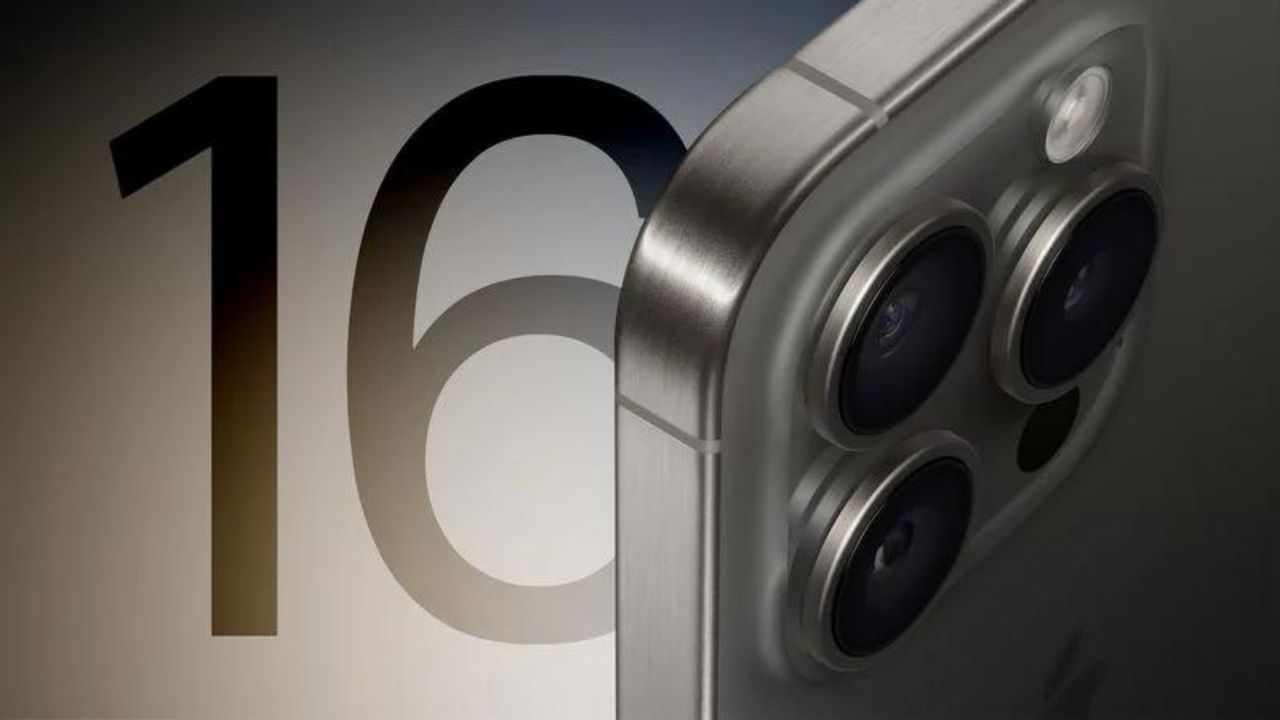
As we already know the iPhone 15 Pro Max’s tetraprism camera comes with 5x optical zoom. But now, Apple is planning to add it in both Pro models of iPhone 16 i.e. iPhone 16 Pro and iPhone 16 Pro Max.
This is a rumor that we have already heard from many big sources such as MacRumors, Taiwanese research firm Trendforce, and Apple analyst Ming-Chi Kuo. In today’s press release, Taiwanese research firm Trendforce has adverted regarding this.
Following the successful launch of the iPhone 15 Pro Max with its exclusive Tetraprism telephoto zoom lens, the industry is expected to see an increase in the adoption of periscopic lens modules. Apple plans to bring this advanced hardware upgrade to the iPhone 16 Pro, making it accessible to more users in the Pro series.
The design of the tetraprism camera system in the iPhone 15 Pro Max is folded due to which it can be easily fitted into the smartphone. This tetraprism camera system enables 5x optical zoom and 25x digital zoom. The Pro Max models of iPhones i.e. iPhone 15 Pro Max have a bigger display size i.e. 6.7 inches.
But, on the other hand, if we talk about the Pro models i.e. iPhone 15 Pro, then the display is 6.1 inches as like the iPhone 15 which is small if we compare it with Pro Max. So, as per rumors, Apple will increase the size of the iPhone 16 Pro from 6.1 inches to 6.3 inches to fit the tetraprism camera system in the Pro model of the iPhone 16.
What do you guys think whether we get 5x optical zoom in iPhone 16 Pro and 16 Pro Max? Do let us know in the comment box. Also, tell us whether you like this post or not.
Featured Image from MacRumors
For More Such Updates Follow Us On – Telegram, Twitter, Google News, WhatsApp and Facebook