
Nothing
Nothing OS 2.5.1 Closed Beta Update is out for Selected Phone (1) Users

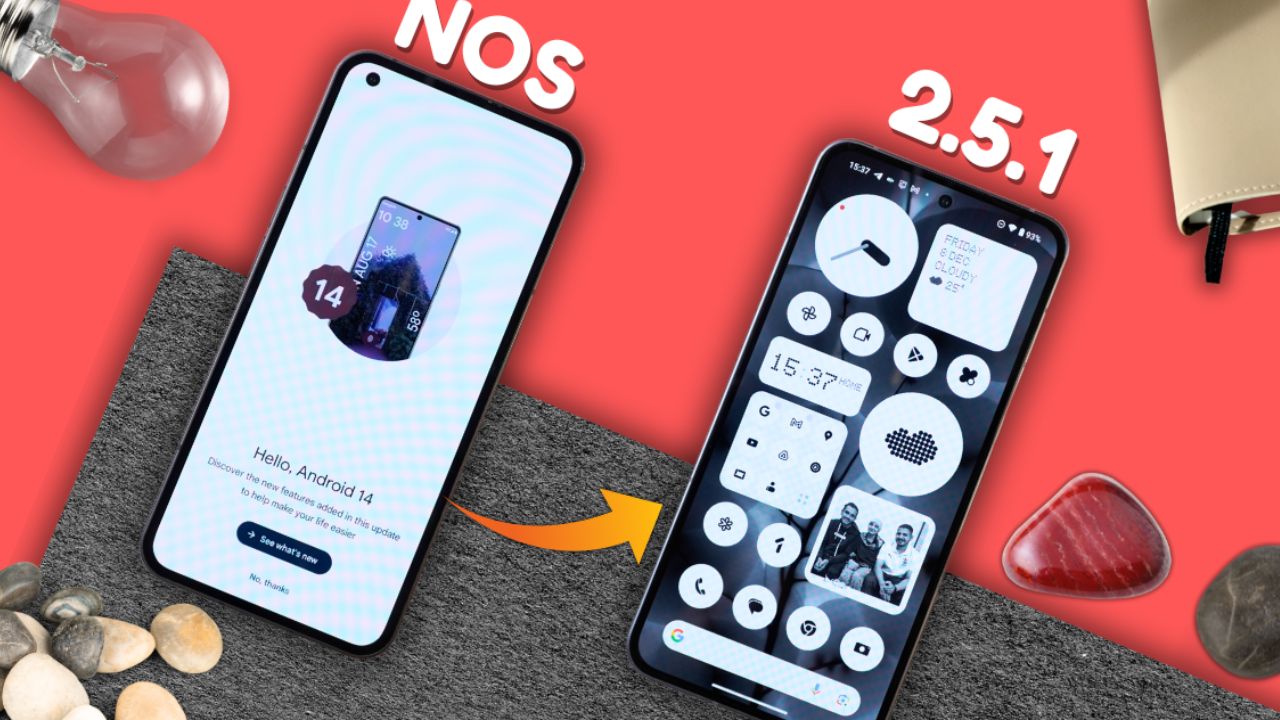
Nothing company has finally released the Nothing OS 2.5.1 closed beta update for selected Phone (1) users. These users can now experience the new update, which is based on Android 14. This update brings lots of new UI improvements, changes, and new features to the device.
Nothing Phone (1) Android 14 Beta Update
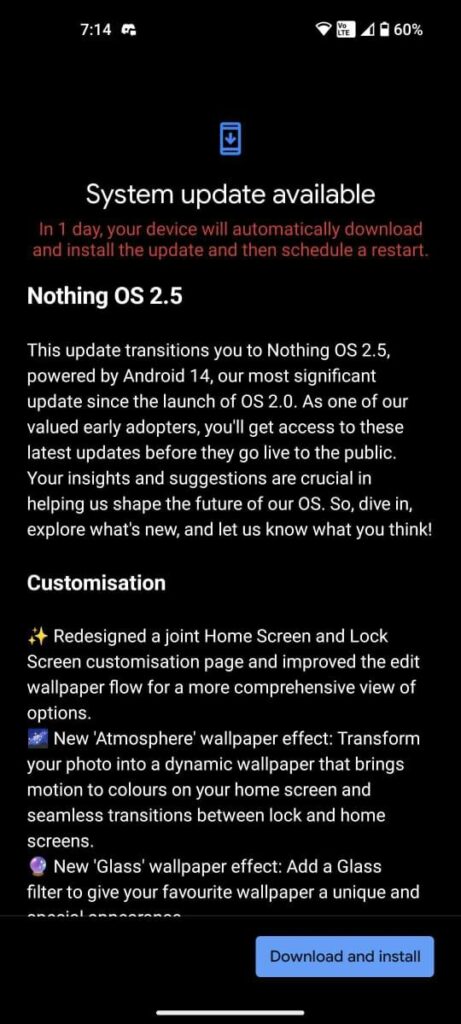
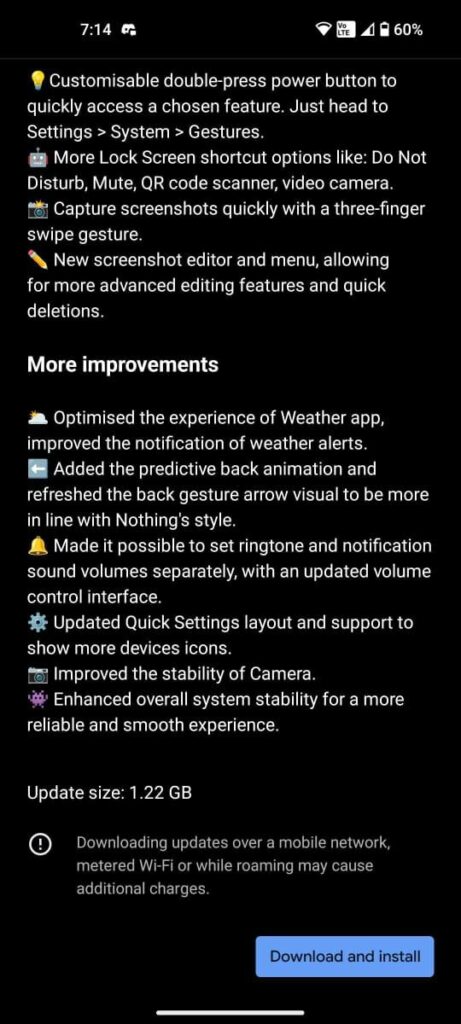
In the leaked screenshot, we could see the software update name as “Nothing OS 2.5.1 BETA1.” It’s the first closed beta of the Nothing OS 2.5 update for Nothing Phone (1). The update size is 1.22 GB which will take 10-15 minutes for the installation.
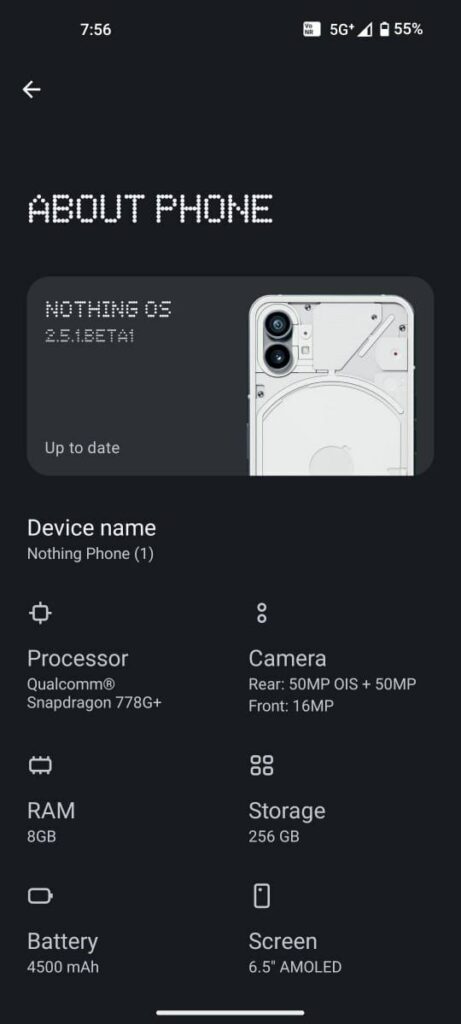
Firstly, the screenshots were leaked by some closed beta testers but even the file has been leaked for the update. It is an incremental update, so no data will be wiped. Though it is better to take precautions, you must backup your phone before installing such a file. Also, we don’t recommend installing any CBT files on your device.
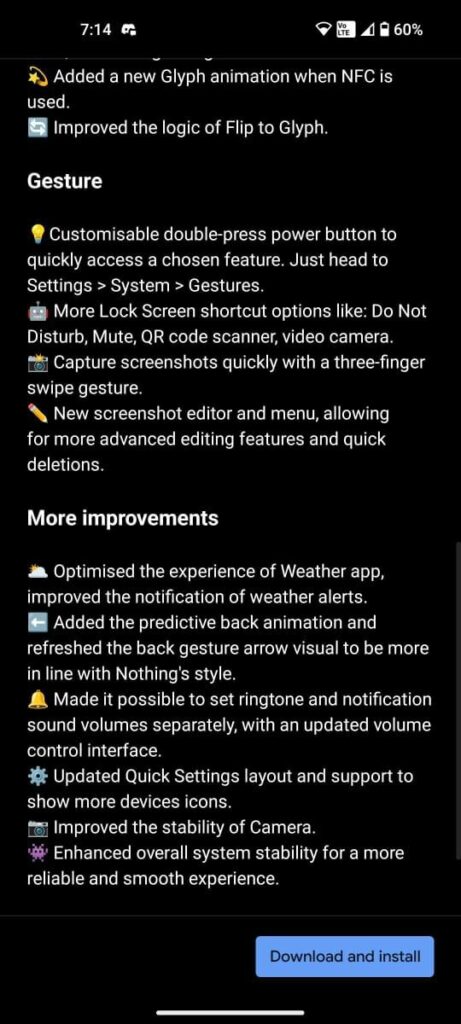
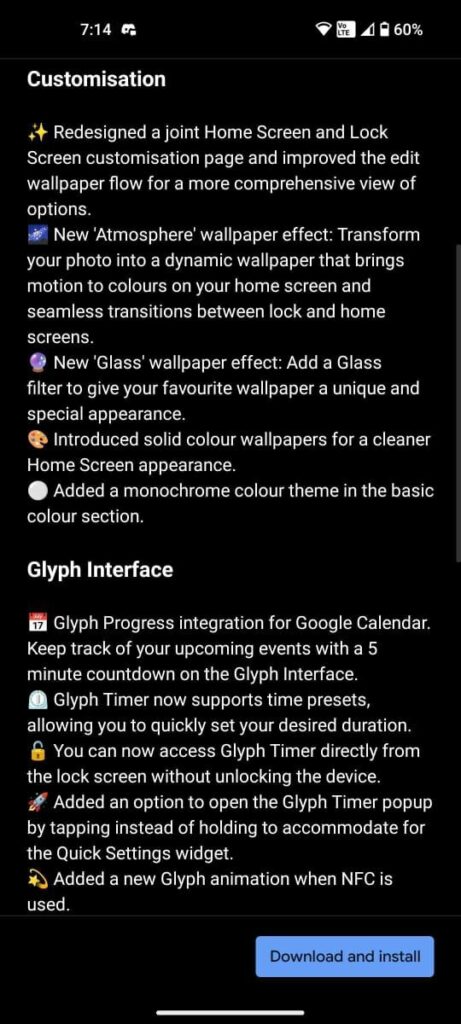
We can expect the Nothing OS 2.5 Open Beta update for Phone (1) end of this month, and a stable update might be coming next year in January or February, but there is no confirmation regarding this; we are just assuming the timeline for this update.
Nothing OS 2.5.1 Closed Beta Update Changelog for Phone (1)
Customization
- Redesigned joint Home Screen and Lock Screen customization page.
- Improved edit wallpaper flow for a comprehensive view of options.
- Introduced new “Atmosphere” wallpaper effect for dynamic, color-motion backgrounds.
- Added new “Glass” wallpaper effect with a unique and special appearance.
- Solid color wallpapers introduced for a cleaner Home Screen look.
- Added a monochrome color theme in the basic color section.
Glyph Interface
- Integrated Glyph Progress for Google Calendar with a 5-minute countdown.
- Glyph Timer now supports time presets for quick duration settings.
- Direct access to Glyph Timer from the lock screen without unlocking the device.
- Option to open Glyph Timer popup with a tap instead of holding.
- New Glyph animation when NFC is used.
- Improved logic of Flip to Glyph.
Gesture
- Customizable double-press power button for quick access to chosen features.
- Additional Lock Screen shortcut options, including Do Not Disturb, Mute, QR code scanner, and video camera.
- Three-finger swipe gesture for quick screenshot capture.
- New screenshot editor and menu for advanced editing features and quick deletions.
More Improvements
- Optimized Weather app experience with improved weather alert notifications.
- Predictive back animation and refreshed back gesture arrow visual in line with Nothing’s style.
- Separate settings for ringtone and notification sound volumes with an updated control interface.
- Updated Quick Settings layout with support for more device icons.
- Improved stability of the Camera.
- Enhanced overall system stability for a reliable and smooth experience.
According to these changelogs, we could see some features, improvements, and changes adapted from the Nothing OS 2.5 Open Beta 2 update for Phone (2). There are some changelogs mentioned about the Glyph progress feature which was made for the Phone (2).
But for sure, this feature won’t work on Phone (1) because it does not have progress bar hardware on the back of the phone apart from the charging indicator which shows the status of the battery percentage. There is a charging indicator LED light where this feature could be implemented, but for now but we have confirmation that this feature is missing in the settings from a user who has installed Nothing OS 2.5.1 CBT1 on his device.
If you want to know more about this update, you can watch this video on the Techibee channel.
For More Such Updates Follow Us On – Telegram, Twitter, Google News, WhatsApp and Facebook










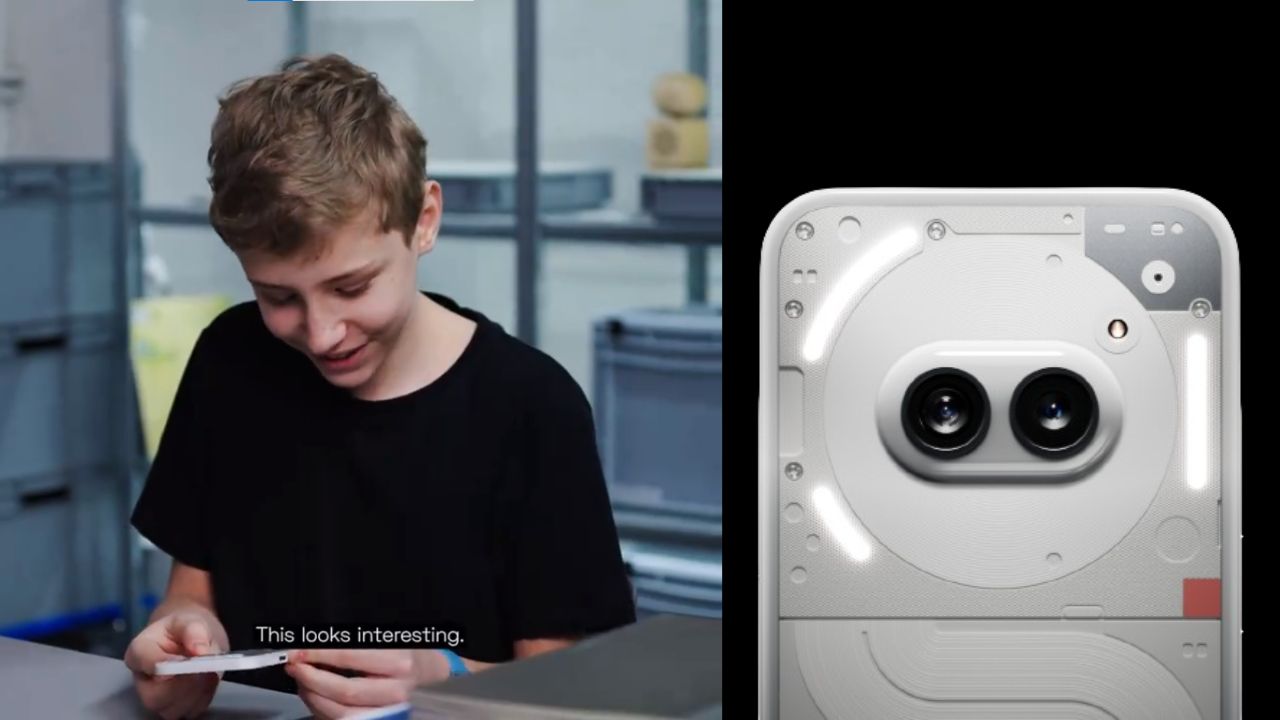
A few hours ago, Nothing which is a London-based smartphone tech manufacturing company, posted a thread on their X formerly Twitter account. In the thread, the company has mentioned “Get ready to unbox Phone (2a). Tomorrow, 10:00 GMT”. The length of the teaser video is 22 seconds.
Maximilian (Max), who is a superfan of Nothing was invited by the Nothing Team to their design studio. Max has unboxed and sees the upcoming Phone (2a). At the end of the teaser video, Max is holding the upcoming Phone (2a). Max has found the phone interesting.
If you want to see the full unboxing video of the Nothing Phone (2a), then it will be Live tomorrow i.e. 28 February at 10:00 GMT (Greenwich Mean Time) on the official YouTube channel of Nothing. If we convert 10:00 GMT (Greenwich Mean Time) to IST (Indian Standard Time), then it is “3:30 P.M.”
Personally, I am super excited about the video of Nothing Phone (2a), do you as well? Do let us know in the comment box. Also, tell us whether you like this post or not.
For More Such Updates Follow Us On – Telegram, Twitter, Google News, WhatsApp and Facebook
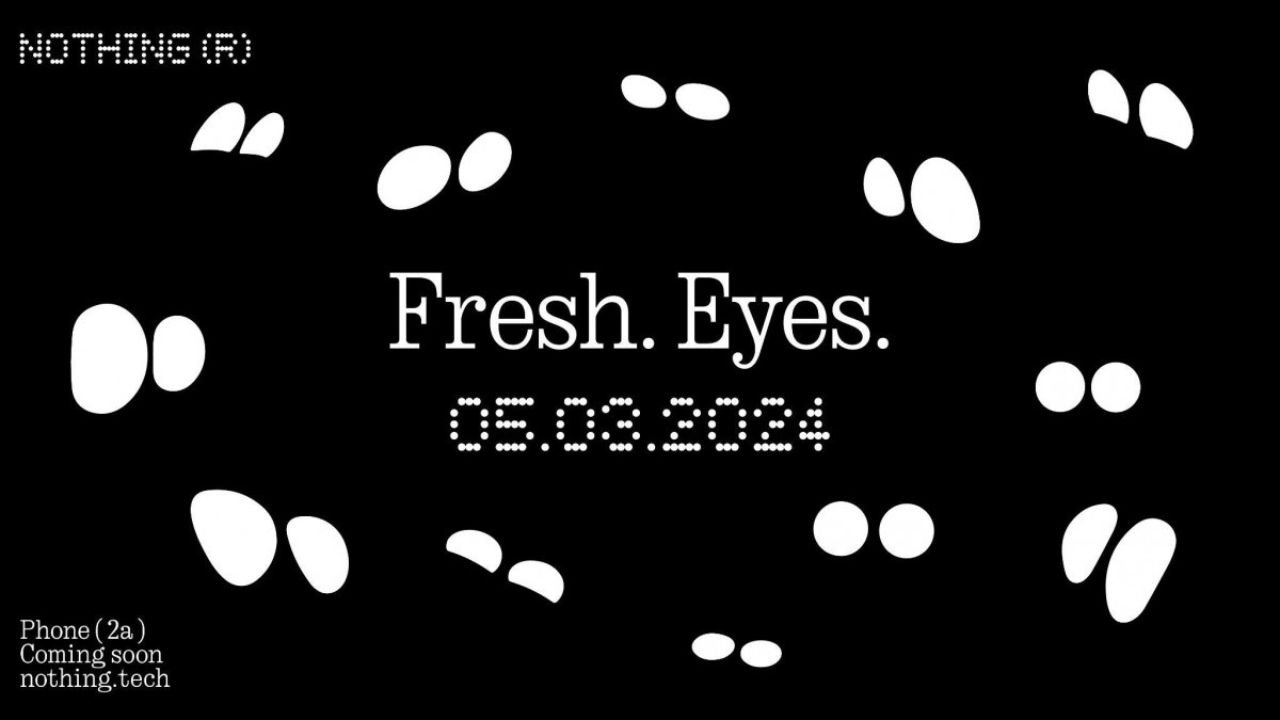
Nothing has recently confirmed the launch date of their upcoming Nothing Phone (2a) through a video on their YouTube channel. The upcoming Nothing Phone (2a) is going to launch on 5 March 2024.
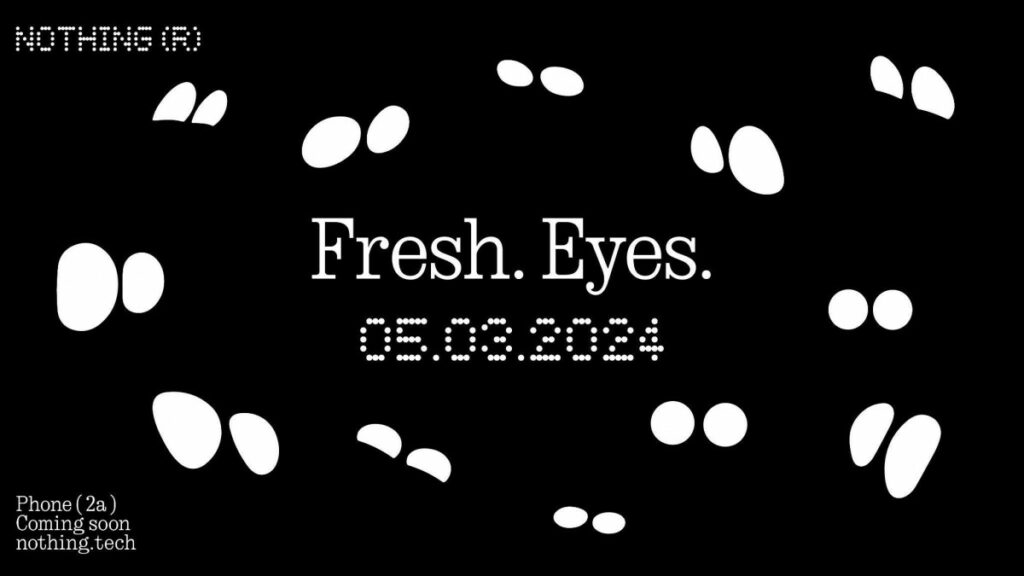
The title which is given to the launch event of Nothing Phone (2a) is Fresh Eyes. If we see the teaser image, then it shows the outline of the eyes. Moreover, the teaser image of the Phone (2a) gives us a hint that the rear camera has dual camera lenses which are aligned sideways and are closer to the center of the back.
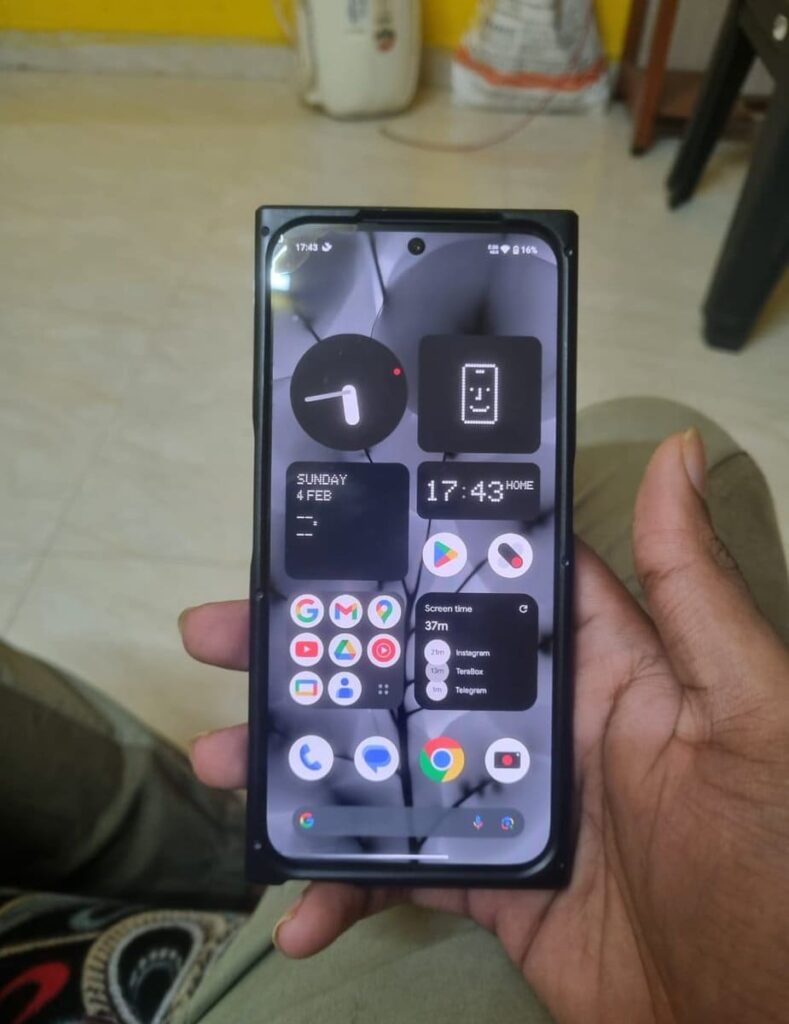
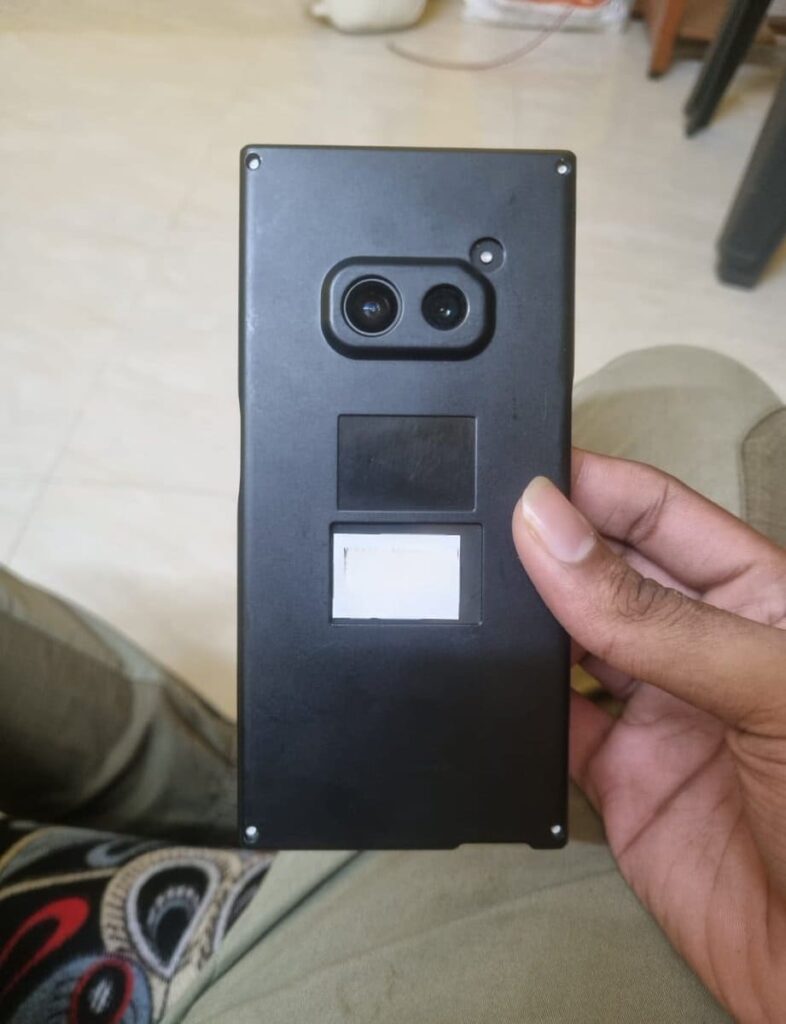
The codename of the Nothing Phone (2a) is Aerodactyl, which is going to be launched by next month. This is expected to be a budget-level smartphone from Nothing. Also, this is the first phone from Nothing that comes with a MediaTek Processor. Nothing claims that this phone pawns elements for Nothing Phone (2), which is an expensive phone from Nothing.
This Nothing Phone (2a) is a clear upgrade from Nothing Phone (1), which is the company’s first smartphone launched back in July 2022. If you want to know more about the specifications of Nothing Phone (2a), then consider this post. Furthermore, Nothing has recently launched the Glyph Developer Kit for developers which allows developers to implement the use of glyph interface in their apps.
Are you guys interested in the Nothing Phone (2a)? Do let us know in the comment box. Also, do let us know whether you like this post or not.
For More Such Updates Follow Us On – Telegram, Twitter, Google News, WhatsApp and Facebook
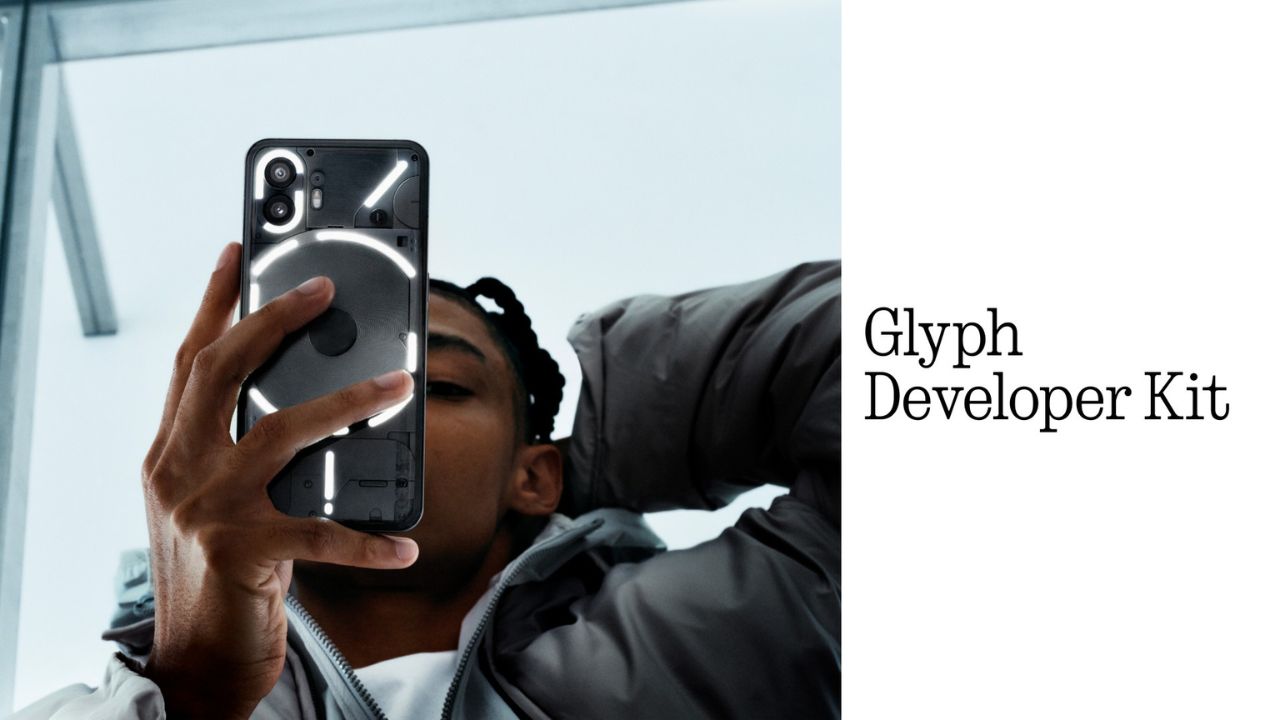
Nothing, a UK-based smartphone manufacturing company has recently released its Glyph Developer Kit which allows developers to take the benefit of the LED lights that are present on the back panel of the Nothing Phone (1) and Nothing Phone (2). With this Glyph Developer Kit, developers can integrate the Glyph functionality in their apps.
Currently, the Software Development Kit also known as SDK is live on GitHub for both Nothing Phone (1) and Nothing Phone (2). If we talk about the programmable LED lighting zones, then Nothing Phone (1) has 12 but on the other hand, Nothing Phone (2) has 33 programmable LED lighting zones which you can see in the images listed below:
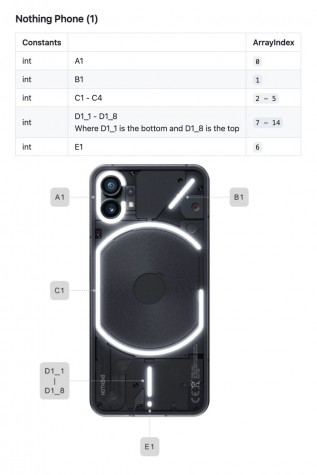
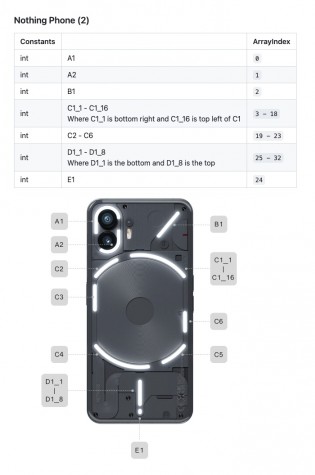
Developers can start Twiddle with the Glyph Developer Kit. Moreover, they can sign up, so that they will be notified whenever the registration of the API Key opens. As the Glyph Developer Kit is Live, so we can expect Glyph Interface functionality to be working in more apps.
What do you guys think regarding this, whether we got this Glyph Interface functionality to be working in more apps? Do let us know in the comment box. Also, tell us whether you like this post or not.
For More Such Updates Follow Us On – Telegram, Twitter, Google News, WhatsApp and Facebook