
OxygenOS
OnePlus Rolls Out OxygenOS June 2023 Security Updates For These Devices

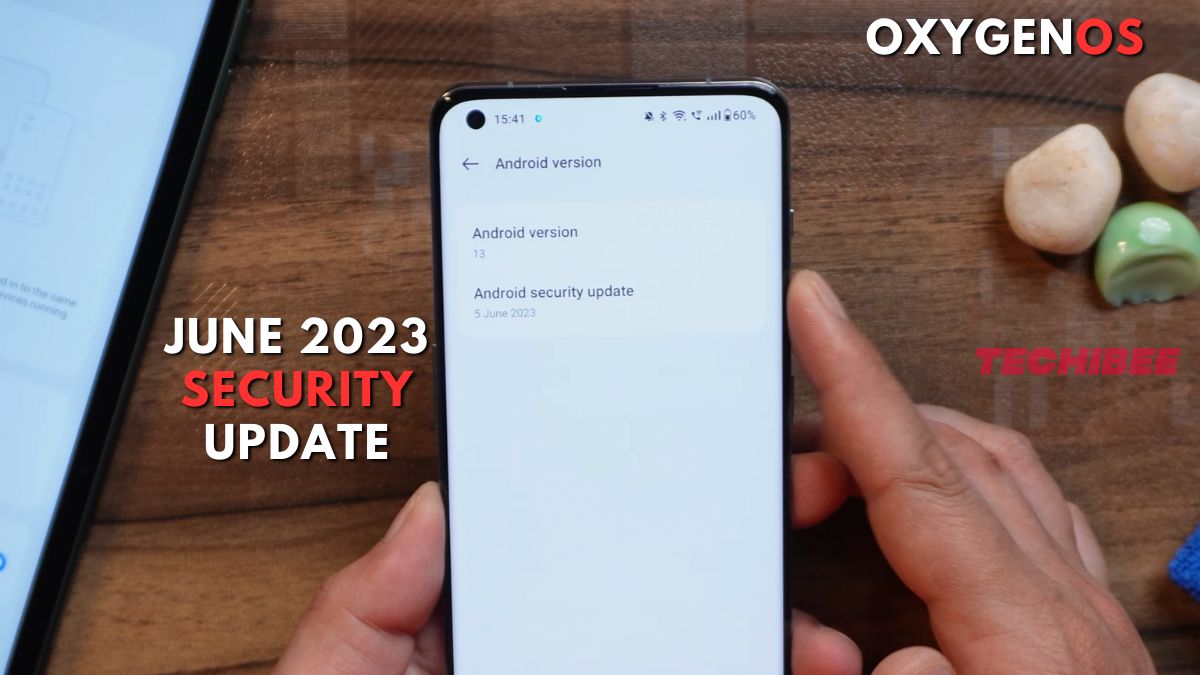
OnePlus, a renowned smartphone manufacturer, has commenced the release of new OxygenOS updates for its devices, aiming to bolster security measures and ensure stable performance for its users. As we enter the second week of June 2023, OnePlus has already delivered the May 2023 security patches for 12 smartphones, with the list of updates continuing to expand. Furthermore, the company has now unveiled the June 2023 security updates, which introduce a range of fixes and improvements. With more rollouts planned as the month progresses, OnePlus users can expect enhanced security and optimized functionality for their devices.
The latest security patch accompanying the OxygenOS update brings significant fixes to OnePlus handsets. By addressing various vulnerabilities that could potentially compromise user privacy and important data, the update ensures a safer digital environment for OnePlus smartphone owners. Moreover, it targets potential security loopholes that may lead to performance issues, system crashes, and data leaks.
Recognizing the importance of a seamless user experience, OnePlus is also making strides to improve the camera functionality and address other known bugs within its devices. As a result, it is highly recommended that users install the June 2023 security update as soon as it becomes available for their specific device. While the update has already reached a few devices, OnePlus plans to roll out the latest perks and improvements to more devices in the coming days.
OnePlus continues to prioritize the security and satisfaction of its customers, and the timely release of these updates reflects the company’s commitment to providing a reliable and secure smartphone experience. Users are encouraged to regularly check for available updates on their OnePlus devices and promptly install them to enjoy the enhanced security features and optimized performance offered by the latest OxygenOS update.
Below is the list of OnePlus smartphones that have received the OxygenOS June 2023 update.
- OnePlus 10T
- OnePlus 10R
- OnePlus 11
- OnePlus 10 Pro
- OnePlus 9RT
- OnePlus Nord CE 2 Lite
- OnePlus 9
- OnePlus 9 Pro
- OnePlus Pad
- OnePlus 9R
- OnePlus Nord CE
- OnePlus 8/8 Pro
- OnePlus 8T
- OnePlus Nord
- OnePlus Nord 2
Note: We will keep updating this list as the new OnePlus device receives OxygenOS June 2023 update.
OxygenOS June 2023 Security Update Tracker for OnePlus Devices
June 28, 2023:
OnePlus has now included four new devices in its June 2023 security updates: the OnePlus Nord CE, OnePlus 8, OnePlus 8 Pro, and OnePlus 8T. Check software versions for the devices down below:
OnePlus Nord CE
This device has received updates in both the Indian and European regions.
- IN: EB2101_11.F.49
- EU: EB2103_11.F.49
OnePlus 8
This device has received updates in both the Indian, European, and North American regions.
Software versions:
- IN (India): IN2011_13.1.0.580(EX01)
- EU (Europe): IN2013_13.1.0.580(EX01)
- NA (North America): IN2015_13.1.0.580(EX01)
OnePlus 8 Pro
This device has received updates in both the Indian, European, and North American regions.
Software versions:
- IN (India): IN2021_13.1.0.580(EX01)
- EU (Europe): IN2023_13.1.0.580(EX01)
- NA (North America): IN2025_13.1.0.580(EX01)
OnePlus 8T
This device has received updates in both the Indian, European, and North American regions.
Software versions:
- IN: KB2001_13.1.0.580(EX01)
- EU: KB2003_13.1.0.580(EX01)
- NA: KB2005_13.1.0.580(EX01)
June 26, 2023:
Now OnePlus starts pushing June 2023 security updates to devices OnePlus 9R & OnePlus 11R. The update expands the functionality of NFC for OnePlus 9R whereas for OnePlus 11R it extends battery life and improve camera performance. You can find the software version details down below:
OnePlus 9R
- Software version: LE2101_13.1.0.580(EX01)
OnePlus 11R
- Software version: CPH2487_13.1.0.580(EX01)
June 24, 2023:
OnePlus gives a second update to OnePlus Pad where many things have been added and fixed. The OxygenOS 13.1.0.592 update also integrated June 2023 Android security patch. You can give a look at the software version below:
OnePlus Pad
- Software version: OPD2203_13.1.0.592(EX01)
June 20, 2023:
OnePlus has started the distribution of June 2023 security updates to several of its smartphone models, including the OnePlus 9RT, OnePlus Nord CE 2 Lite, OnePlus 9, and OnePlus 9 Pro. While the OnePlus 9RT, OnePlus 9, and OnePlus 9 Pro have all received the OxygenOS 13.1 update, the Nord CE 2 Lite is equipped with OxygenOS 13 C.29.
OnePlus 9RT
- Software version: IN MT2111_13.1.0.580(EX01)
OnePlus Nord CE 2 Lite
- Software version: IN CPH2381_11.C.29
OnePlus 9
- Software version: IN LE2111_13.1.0.580(EX01)
OnePlus 9 Pro
- Software version: IN LE2121_13.1.0.580(EX01)
June 16, 2023:
OnePlus 10 Pro becomes the fourth device to receive the OxygenOS June 2023 security update with an Exclusive Hasselblad watermark.
OnePlus 10 Pro
- Software version: IN NE2211_13.1.0.580(EX01)
- Update size: 1.07 GB
June 15, 2023:
OnePlus is taking the lead this month by providing early updates to its smartphones. The OnePlus 10T and 10R have emerged as the first recipients of the OxygenOS 13.1 June 2023 security update, featuring notable improvements and bug fixes. Followed by OnePlus 11, which also received the update on the same day, OnePlus is swiftly ensuring that its latest devices are equipped with the latest security enhancements and optimizations.
OnePlus 10T
- Software version: IN CPH2413_13.1.0.580(EX01)
OnePlus 10R
- Software version: CPH2423_13.1.0.580(EX01)
OnePlus 11
- Software version: IN CPH2447_13.1.0.580(EX01)
- Update size: 899 MB
As OnePlus continues its commitment to delivering cutting-edge technology and ensuring user satisfaction, users can look forward to a secure and stable smartphone experience with the latest OxygenOS updates.
For More Such Updates Follow Us On – Telegram, Twitter, Google News, WhatsApp and Facebook














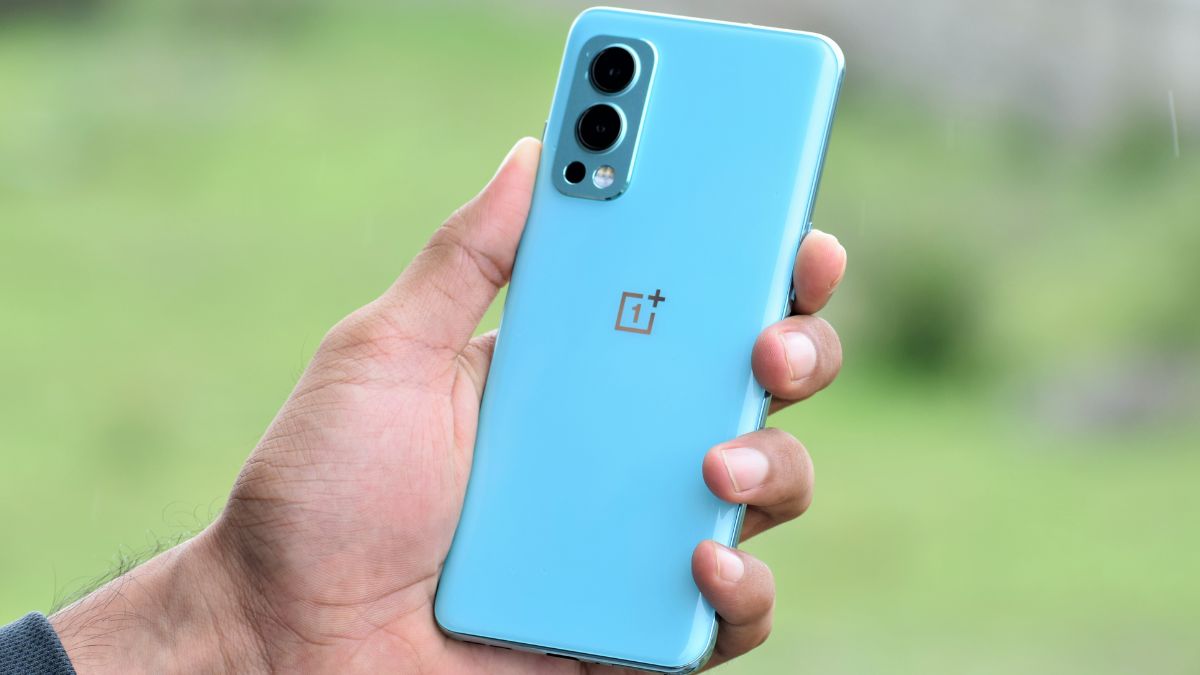
OnePlus, a Chinese Tech Giant has started rolling out the OxygenOS 13 F.50 update for the OnePlus Nord 2 5G in India. This update is based on the January 2024 security patch. As like the previous F.49 update, this new F.50 is also based on OxygenOS 13 which is based on Android 13.
If we talk about the build number. So, the build number of the update is identified as OxygenOS 13 DN2101_11_F.49. Also, the size of the update is 323.46 MB.
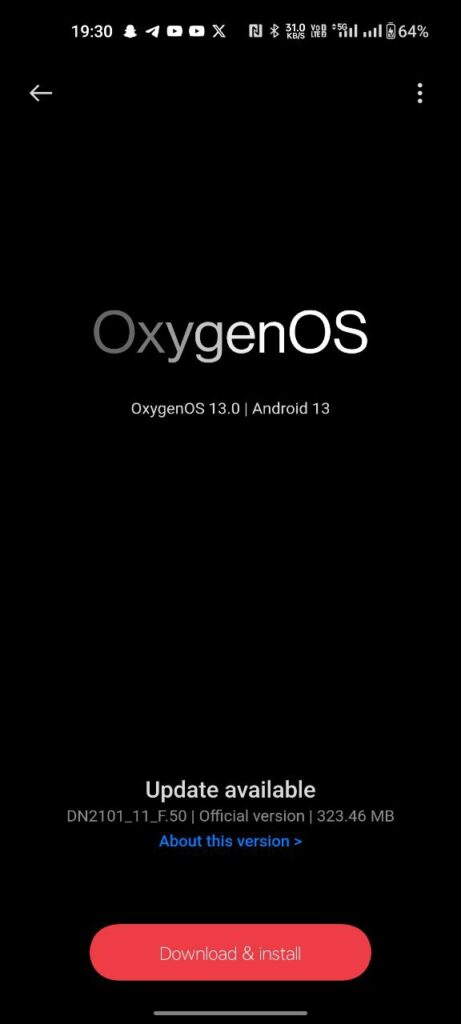
Also, the changelog for this update is listed below:
System
- Integrates the January 2024 Android security patch to enhance system security.
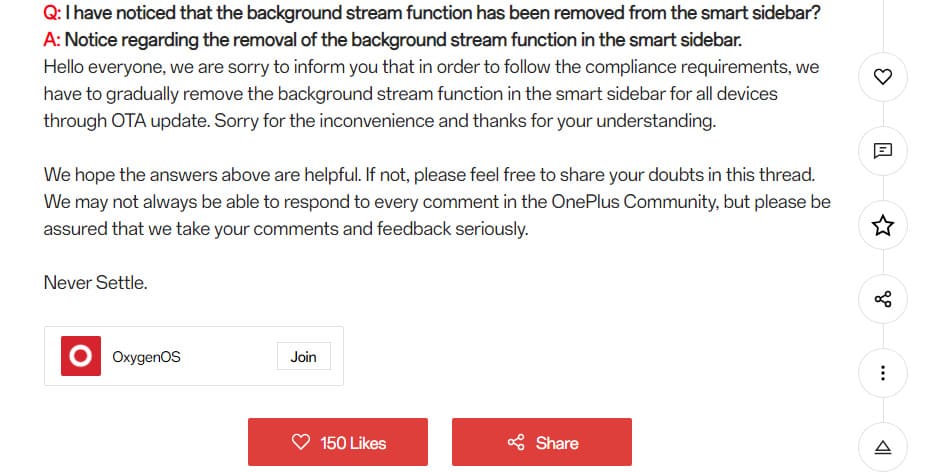
- The Background Stream feature in the Smart Sidebar has been removed.
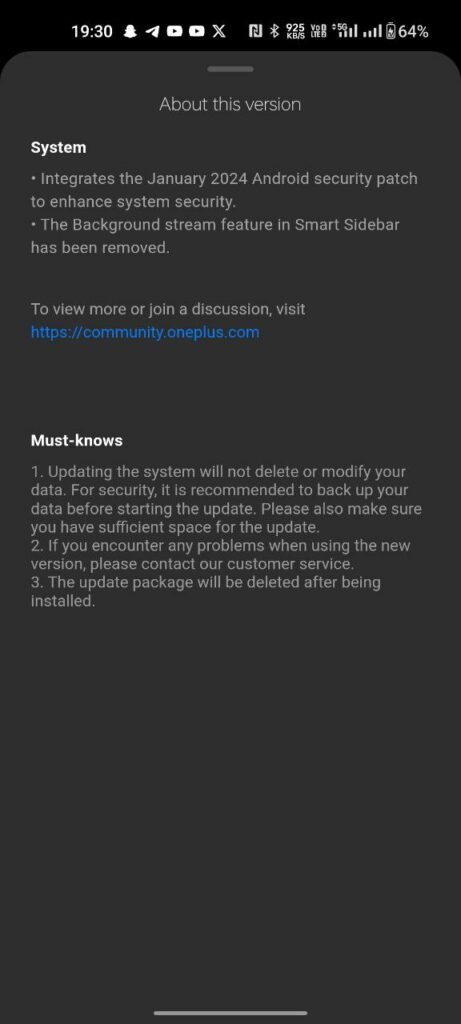
With this new F.50 update, OnePlus has removed the background stream feature from the Smart Sidebar. As you can see clearly in the above image the update size is 323.46 MB which is less. So, don’t expect many changes or add-ons. This update only improves the system stability and performance with the new January 2024 security patch.
Note: If you want to know why Background Stream was removed from the Smart Sidebar, then check out this.
How to Update?
To update your OnePlus Nord 2 5G to OxygenOS 13 F.49. Whenever you get the update notification, click on it. You can also check manually by going into Settings> About Device> Click on Blue Color OxygenOS Box. Click On Download and then, click on Install.
Note: You have to make sure that your device is sufficiently charged, i.e. 50% of its storage, before installing the update.
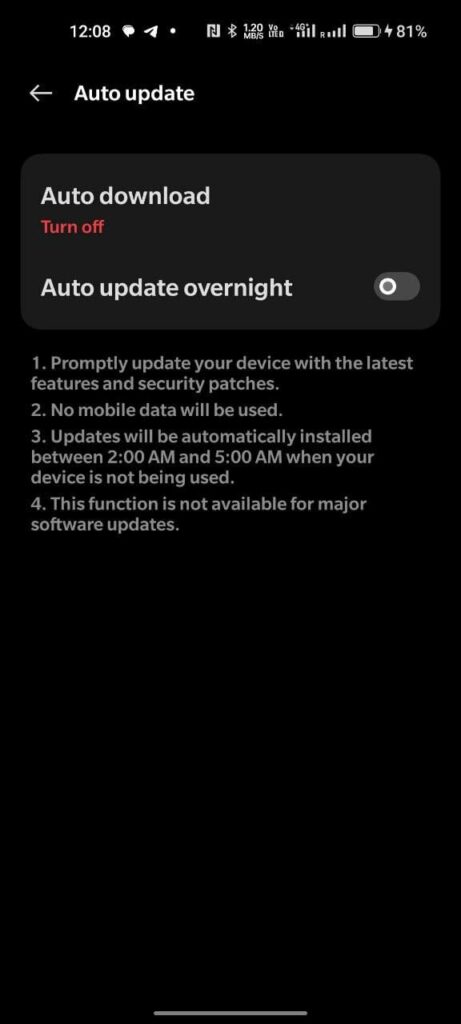
Also, if you don’t want to update your phone after downgrading. Then do keep in mind to change Auto Update to Turn Off and also toggle off the Overnight option.
For More Such Updates Follow Us On – Telegram, Twitter, Google News, WhatsApp and Facebook
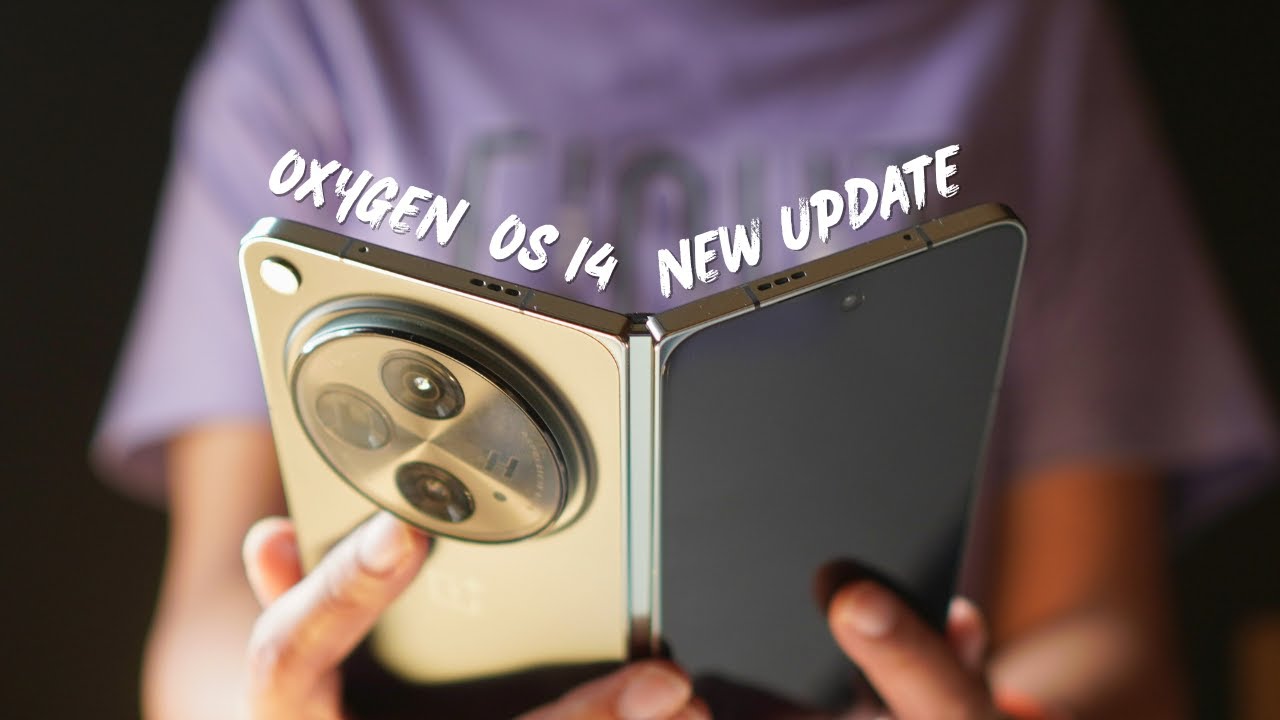
After beta builds, OnePlus has started rolling out stable OxygenOS 14 based on the Android 14 update for its foldable phone, i.e. OnePlus Open. The stable update is first given to those OnePlus Open owners who have participated in Open or Closed Beta versions, and after that, it will be available for all OnePlus Open users. If we talk about the changelog and
What are the changes and new add-ons to this update?
First, let’s talk about the build version. So, the build number of this update is identified as CPH2551_14.0.0.400(EX01). The changelog for this update is listed below:
Changelog:
- Adds Aqua Dynamics, a way of interaction with morphing forms that allows you to view up-to-date information at a glance.
Smart efficiency
- Adds File Dock, where you can drag and drop to transfer content between apps and devices.
- Adds Content Extraction, a feature that can recognize and extract text and images from the screen with one tap.
- Adds Smart Cutout, a feature that can separate multiple subjects in a photo from the background for copying or sharing.
Cross-device connectivity
- Improves Shelf by adding more widget recommendations.
Security and privacy
- Improves photo and video-related permission management for safer access by apps.
Performance optimization
- Improves system stability, the launch speed of apps, and the smoothness of animations.
Aquamorphic Design
- Upgrades Aquamorphic Design with a natural, gentle, and clearer color style for a more comfortable color experience.
- Adds Aquamorphic-themed ringtones and revamps the system notification sounds.
- Improves system animations by making them even smoother.
User Care
- Adds a carbon tracking AOD that visualizes the carbon emissions you avoid by walking instead of driving.
How to Update?
To update your OnePlus Open, first, you have to Open Settings > About Device > Click on Blue Colored OxygenOS Version Box > Click on Download.
If you have not received the OxygenOS 14 stable update on your OnePlus Open, and you want to update it instantly, then check that your phone is running on the CPH2551_13.2.0.301 version. If you are on this version, then Go to Settings > About device > tap up to date > tap icon on the top right > beta program > follow the steps to apply > check for updates.
Note: This will only work for the Indian (IN) users.
Have you got the OxygenOS 14 stable update on your OnePlus Open? Do let us know in the comment box. Also, tell us whether you like this post or not.
Note: Before updating your phone, do keep in mind that your phone must be charged above 30%. Also, do remember that at least 5GB of space must be available on your phone for this update.
How to Rollback OnePlus Open from OxygenOS 14 to OxygenOS 13?
If you want to roll back to OxygenOS 13, then first you have to download the rollback/downgrade file by clicking here.
After downloading the rollback/downgrade, you have to enable the developer option by going into Settings > About device > Version > Click Build number 7 times and enter the password; now you are in developer mode.
Then, to do a local update, Go back to Settings > About device > Up to date > Click the top right button > Local install > Click on the corresponding rollback package > Extract > Upgrade > System upgrade completed to 100%.
For More Such Updates Follow Us On – Telegram, Twitter, Google News, WhatsApp and Facebook
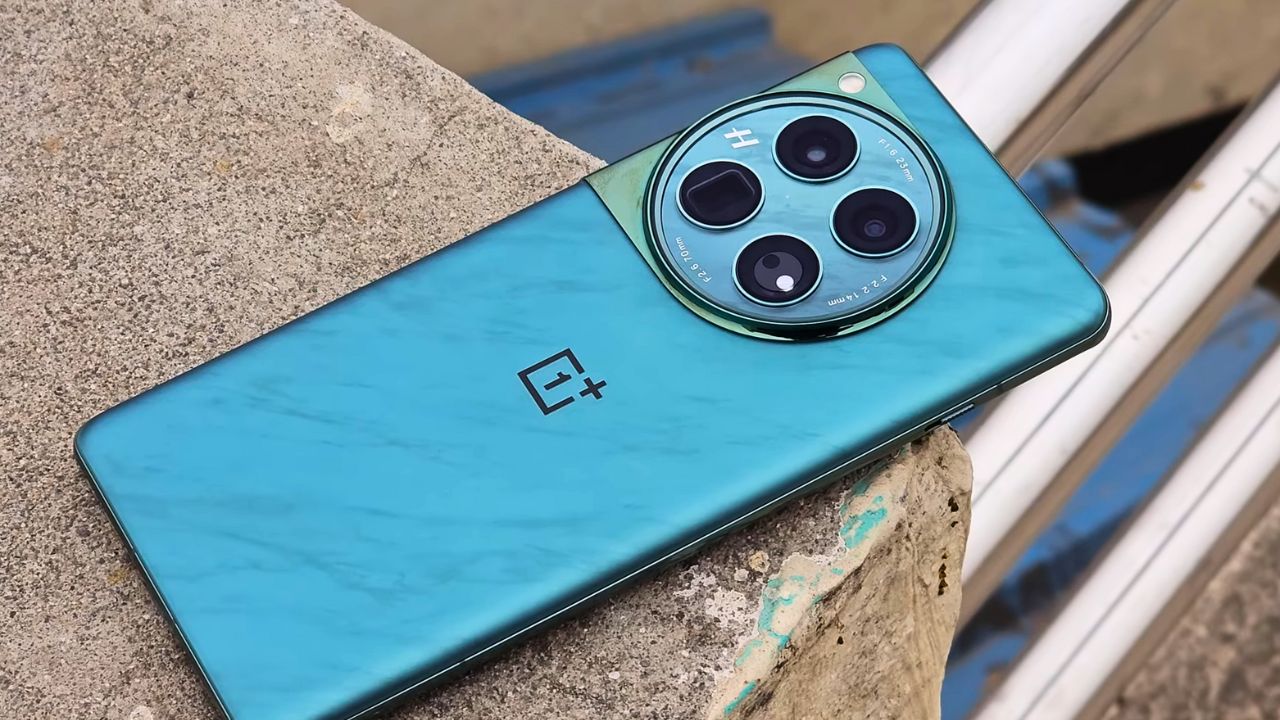
The OnePlus 12, the latest flagship smartphone from the OnePlus company has just received its first major update since launch. This update brings improvements and new features to enhance the overall user experience of the device. It also integrates the January 2024 Android security patch for better system security.
This update can be identified for the OnePlus 12 with its firmware version CPH2573_14.0.0.404(EX01) and its size is 1.40 GB. This update will be rolling out it in stages, so it will take some time to reach all the users.
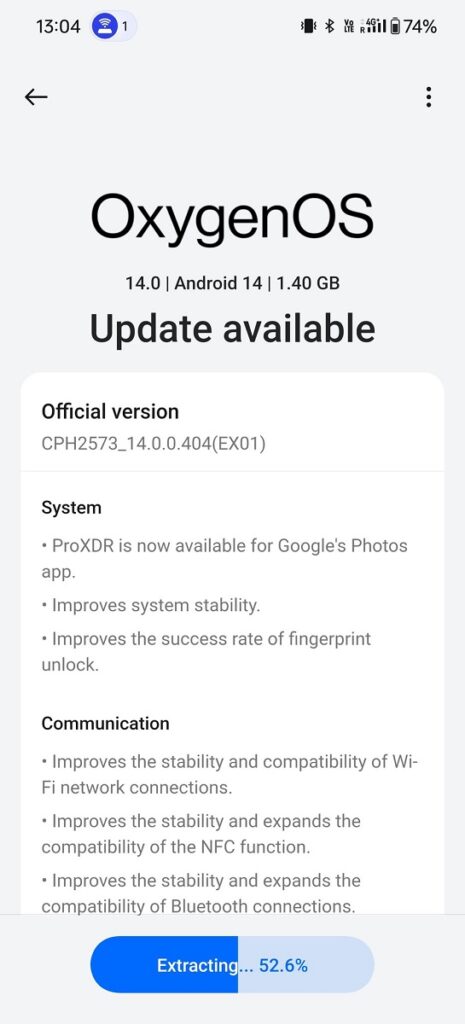
OxygenOS 14.0.0.404 for OnePlus 12
The OxygenOS 14.0.0.404 update for OnePlus 12 brings ProXDR compatibility to the Google Photos app, enhancing the viewing experience with more vivid and dynamic colors. There are improvements in the overall stability of the system, ensuring smoother performance. The success rate of the fingerprint unlock feature has been improved, offering a more reliable and faster unlocking experience.
This update also enhances the stability and compatibility of Wi-Fi connections, ensuring a more consistent and reliable internet experience. The NFC functionality has seen improvements in both stability and compatibility, expanding its range of use. The Bluetooth connectivity has been improved, offering a more stable and broader range of compatibility with devices.
A significant addition to the camera features is the Master mode, which now includes Hasselblad color tuning. This mode is designed to enhance photos with more natural and vibrant colors, bringing professional-grade color accuracy and quality to everyday photography.
Changelog:
System
- ProXDR is now available for Google’s Photos app.
- Improve system stability.
- Improves the success rate of fingerprint unlock.
Communication
- Improves the stability and compatibility of Wi-Fi network connections.
- Improves the stability and expands the compatibility of the NFC function.
- Improves the stability and expands the compatibility of Bluetooth connections.
Camera
- Adds Master mode that features Hasselblad color tuning to enhance your photos with more natural and vibrant colors.
For More Such Updates Follow Us On – Telegram, Twitter, Google News, WhatsApp and Facebook